Crypto Take Profit Order: How To Set It, Place It And Avoid Mistakes


A crypto take profit order is an instruction that closes part or all of a futures position once the price reaches a level you chose in advance. It turns a plan made while calm into an action that happens without you, which matters in a market that trades around the clock and can move several percent in minutes. In this article, Backcom.io explains how to set take profit in crypto futures: which order types you can use, where to place the target, how partial exits work, what the fee difference looks like and the mistakes that cost traders the most.
1. Take Profit Vs Stop Loss Crypto: What Is A Crypto Take Profit Order?

A take profit (TP) order closes a position at a favourable price so the gain is realised instead of staying on screen. On a long position the TP sits above your entry price, and on a short position it sits below. When the market reaches that price, the exchange sends an order to close the position, or the part of it you specified.
Three terms appear in almost every TP form:
- Trigger price: the price that activates the order. Many exchanges let you choose whether the trigger follows the last traded price or the mark price.
- Order price: the price at which the closing order is placed. A market TP has no fixed order price, while a limit TP has one.
- Quantity: how much of the position the order closes. It can be the whole position or only a share of it.
A take profit order is the opposite partner of a stop-loss. The stop limits what you can lose, and the TP locks in what you have gained. Our guide to crypto stop loss orders covers the loss side, and the overview of crypto order types shows where TP fits among limit, market and trigger orders.
One point is easy to miss. A TP does not guarantee a profit, and it does not protect you from liquidation. Coinbase states in its TP/SL help page that TP/SL "does not guarantee a profit, a maximum loss, or protection from liquidation".
2. Which Take Profit Order Types Can You Use On Futures?
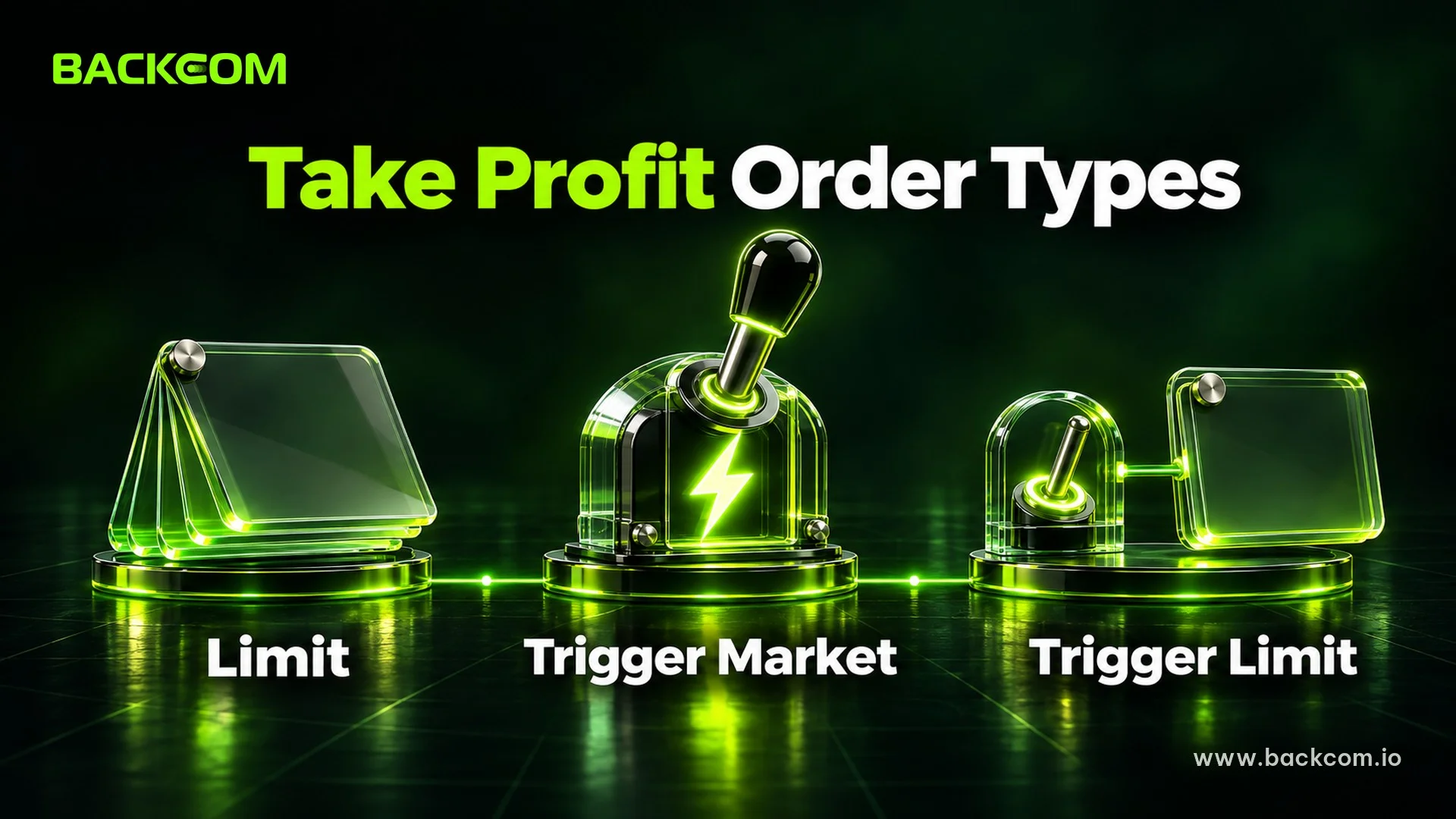
There are three common ways to set take profit in crypto futures, and they differ in how the exit is filled.
| Method | How it exits | Fill certainty | Typical fee side |
|---|---|---|---|
| Limit order resting in the book | Waits at your price as a normal limit order | Fills only if price trades through it | Maker |
| Take profit trigger with market order | Fires a market order when the trigger is hit | Almost always fills, price can slip | Taker |
| Take profit trigger with limit order | Fires a limit order when the trigger is hit | May not fill if price moves away | Depends on fill |
A plain limit order is the simplest TP. You place a sell order above your long entry, and it rests in the order book until buyers meet it. Because it adds liquidity, it is normally charged the lower maker fee. The risk is that price can touch your level and turn around before your order is fully filled.
A trigger TP with a market order is built for certainty. Once the trigger price is reached, a market order closes the position at the best available prices. It nearly always fills, but in a fast move you can lose some of the target to slippage, and you pay the taker fee.
A trigger TP with a limit order sits between the two. It activates at the trigger and then places a limit order at the price you set. Coinbase describes its take profit leg as working like a limit order that starts to fill when the contract price crosses the take profit price. The trade-off is the same as any limit: a better price, but no promise of a fill.
Many platforms also offer a bracket or OCO setup, which attaches a TP and a stop-loss to the same position. When one side executes, the other is cancelled. Kraken documents this kind of take profit and stop loss bracket for derivatives, and the same idea exists on most major futures venues under different names.
3. How To Set Take Profit Crypto Futures Positions Step By Step
The exact buttons differ by platform, but the process is the same almost everywhere. Use this sequence the first time and check it on a small position.
- Open the position and note the entry price. Use the average entry if you scaled in.
- Decide the stop-loss first. Your TP only makes sense relative to the risk you accept, so the stop comes first.
- Choose the order type. Limit if you want the maker fee and can accept a missed fill, or trigger with market if you want the exit to happen.
- Set the trigger price or limit price. For a long, enter a level above entry. For a short, enter a level below.
- Set the quantity. Enter the full position or a share of it, for example 50%.
- Check the trigger source. Last price reacts to every trade, while mark price is smoother and is the price used for liquidation on most platforms.
- Confirm and re-open the position panel. Make sure the order shows as active and linked to the position, not as a separate new order.
In step 7, look for a reduce-only label or setting. Bybit explains in its reduce-only order guide that the purpose is to make sure a take profit limit order is not unintentionally executed as a new position in the opposite direction. Coinbase says the same about its exit orders: they can reduce or close a position, but cannot increase it or open one in the opposite direction.
4. Where Should You Place A Take Profit Level?
There is no level that works every time, but there are sensible ways to choose one instead of guessing. The common methods are listed below, and none of them is a prediction.
- Risk to reward ratio. Pick a multiple of the distance to your stop. If the stop is 2% away, a 2R target is 4% away. This ties the exit to the risk you set. Our position size calculator guide shows how to size a trade from the same stop distance.
- Support and resistance. Place the TP just below a resistance zone for a long, because price often stalls there and your order can fill before the reversal.
- Recent swing highs and lows. The last high is a natural first target for a long. A level that price has already respected before is more believable than a round number picked at random.
- Volatility. A multiple of the average true range scales the target to current market conditions, so you do not use the same 3% in a quiet week and a wild one.
- Fixed percent of margin. Some traders exit at a set return on margin. With leverage this is dangerous, because a small price move already produces a large percentage on margin.
Leverage changes the picture. A 3% price move is a 30% gain on margin at 10x, but it also means an adverse move of roughly 10% or less can liquidate the position. If you are unsure how leverage affects exposure, see what leverage is in crypto trading.
5. How Does Partial Take Profit Work?

A partial take profit closes only a share of the position at each target. It is often called scaling out, and it reduces the pressure of choosing one perfect exit.
Kraken says you can "specify the exact quantity you wish to close" when you set up TP/SL orders. CoinEx documents that a position can hold up to 20 TP or SL orders.
A Worked Example
The numbers below are illustrative only, not a forecast and not a recommendation. Suppose you buy 0.1 BTC on a perpetual contract at 100,000 USDT, with a stop-loss at 98,000.
- Risk: 0.1 × (100,000 − 98,000) = 200 USDT.
- Single target: a TP for the whole position at 104,000 gives 0.1 × 4,000 = 400 USDT, a 2R result.
- Two-step exit: close 0.05 BTC at 103,000 and 0.05 BTC at 106,000.
| Exit | Size | Price | Gross result |
|---|---|---|---|
| TP 1 | 0.05 BTC | 103,000 | 0.05 × 3,000 = 150 USDT |
| TP 2 | 0.05 BTC | 106,000 | 0.05 × 6,000 = 300 USDT |
| Total | 0.1 BTC | – | 450 USDT |
The two-step plan makes more only if price keeps rising to 106,000. If price turns back after TP 1, you would have kept 150 USDT on half the position, while the single 104,000 target would not have been reached. Partial exits lock in part of the gain early. That helps when price turns back after TP 1, while a single target can win more when price runs straight to it.
Once TP 1 fills, many traders move the stop on the remaining half to the entry price, so the rest of the trade cannot become a loss before fees. That is a rule you choose, not something the exchange does for you.
6. Take Profit Fees Maker Taker: Why Does The Order Type Matter?
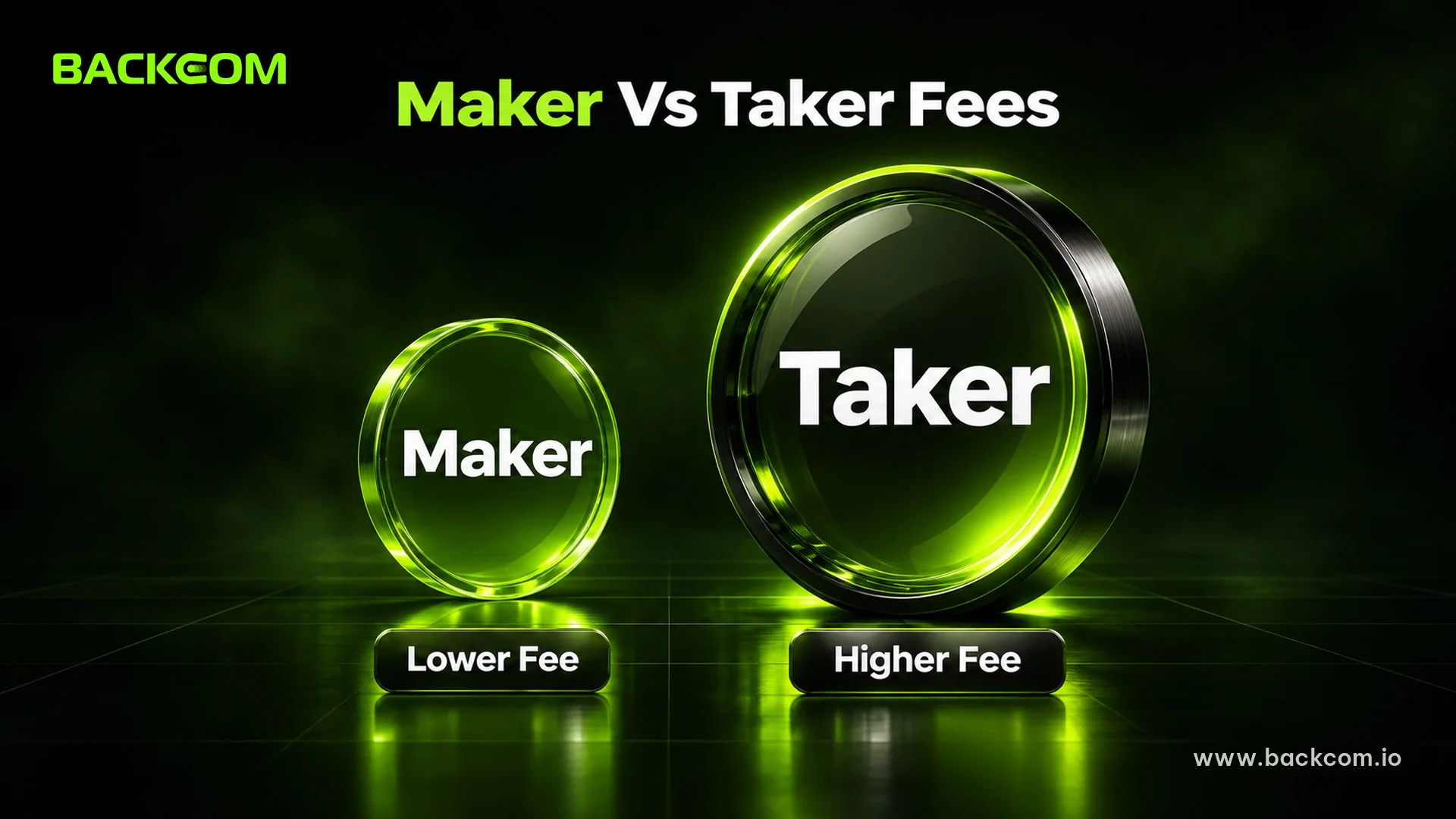
Your fee depends on whether the order adds or removes liquidity. A limit order that rests in the book is a maker order. A market order, including the one a trigger TP fires, is a taker order. Takers usually pay more. Our guide to maker vs taker fees in crypto explains the logic, and the guide to calculating crypto futures trading fees shows the full formula.
Here is an example with hypothetical rates: a taker fee of 0.05% and a maker fee of 0.02%. Closing 0.05 BTC at 103,000 is a notional of 5,150 USDT.
| Exit type | Rate | Fee on 5,150 USDT |
|---|---|---|
| Taker (market TP) | 0.05% | 2.575 USDT |
| Maker (limit TP) | 0.02% | 1.030 USDT |
| Difference | 0.03% | 1.545 USDT |
On one exit the difference is small. Repeated across many trades and larger sizes, it adds up. It also shows that the fee should not be the reason to choose a limit TP, because a missed fill on a big move costs far more than 1.5 USDT. Real rates differ by exchange and tier, so read your own fee schedule before counting on any saving.
7. What Are The Most Common Take Profit Mistakes?
Most take profit errors come from setting orders without thinking about how they interact with the position, the fees and the market. These are the ones to check first.
- No stop-loss next to the TP. A TP without a stop leaves half the plan missing. Set both.
- A target that ignores fees and slippage. If your TP is 0.2% away and round-trip fees plus slippage are 0.15%, the trade has almost no room.
- Reduce-only orders that exceed the position. If your reduce-only orders together are larger than the open position, the exchange may trim or cancel some. Bybit reduces the one furthest from the market first, and CoinEx adjusts or cancels lower-priority ones.
- Forgetting the order after the position changes. If you add to a position or close part of it manually, check that the TP quantity still matches.
- Using last price in thin markets. A brief wick can hit a last-price trigger, then price returns. Mark price triggers are less exposed to single trades.
- Moving the target further away when price approaches. Greed turns a plan into a hope. Change the plan only when your reasons change, not because the market is close.
- Leverage so high that liquidation comes before your stop. On a high-leverage trade, the liquidation price can sit closer to your entry than your stop-loss, so the position is closed by the exchange before your own exit plan matters. Check how to calculate liquidation price before you decide on the stop and the target.
Frequently Asked Questions (FAQ) About Crypto Take Profit Orders
What Is The Difference Between Take Profit And Stop Loss?
A take profit closes a position when the price moves in your favour, while a stop-loss closes it when the price moves against you. They protect different sides of the same trade. Many platforms let you attach both to one position so that when one executes, the other is cancelled.
Should I Use A Limit Or Market Take Profit?
A limit TP can earn the lower maker fee and a better price, but it may not fill if price only touches your level. A market TP fills almost every time but can slip and pays the taker fee. Pick based on whether certainty or price matters more for that trade.
Does Take Profit Protect Me From Liquidation?
No. A take profit only closes the position at a profit level. If price moves against you first, liquidation can happen before any TP triggers. A stop-loss placed well inside your liquidation price and sensible leverage are the tools for that risk.
How Many Take Profit Levels Should I Use?
There is no ideal number. Two or three levels are common because they balance simplicity and flexibility. Each extra level adds order management and fees. Platforms also cap how many TP orders a position can have, so check your venue's limit.
Conclusion: Plan The Exit Before You Enter
Setting take profit in crypto futures is less about the button and more about the plan. Decide the stop-loss, choose a target tied to your risk, pick a limit or market exit knowing the fee and fill trade-off, and use reduce-only so the order cannot open a new position. Partial take profits can soften the choice of one exit, but they do not make the trade safer. No target removes the risk of loss, so keep leverage modest and size every position so one stop-out is survivable. For the wider picture, start with the beginner guide to crypto and our guide to perpetual futures in crypto.
Disclaimer: This content is compiled by Backcom.io for information only and is not investment advice. Leveraged crypto trading carries a high risk of loss, including the loss of your whole margin. Figures in the examples are illustrative and not a forecast.
Was this article helpful?
Join The Backcom.io Community
Get the latest on trading rebates, trading tips, and broker deals — and connect with thousands of traders worldwide.

Backcom App
Track Your Rebates Every Day
Every rebate is visible by broker and by day. Manage your wallet and withdrawals in one place.
Open Backcom App