Crypto Order Types Explained: Limit, Market, Stop And Trigger Orders

The main crypto order types are market, limit, stop and trigger orders, and each one trades certainty of execution against certainty of price. Picking the wrong one is an expensive habit: it costs extra fees, bad fills and, on futures, positions that flip the wrong way. This guide explains what each order does, what it guarantees and what it does not, with worked numbers you can check yourself. In this article, Backcom.io keeps every example illustrative, because fees and rules differ by exchange.
What Are Crypto Order Types And Why Do They Matter?
An order type is the instruction that tells an exchange how and when to buy or sell. The same trade can be sent in several ways, and the way you choose decides three things: whether the trade is filled at all, at which price, and whether you pay the maker or the taker fee.
Every order type answers the same two questions:
- When should it act? Right now, or only when the market reaches a price you set.
- What may it accept? Any price (certain fill), or only your price or better (certain price).
You cannot have both a guaranteed fill and a guaranteed price in a fast market. Once you accept that, the menu below becomes easy to read. If you are new to the market itself, start with the beginner guide to how crypto works.
Exchanges name and group these orders differently, and spot and futures screens offer different sets. Treat the definitions here as the general logic, then confirm the labels on your own order form before you trade.
Limit Order Vs Market Order Crypto: The Core Trade-Off
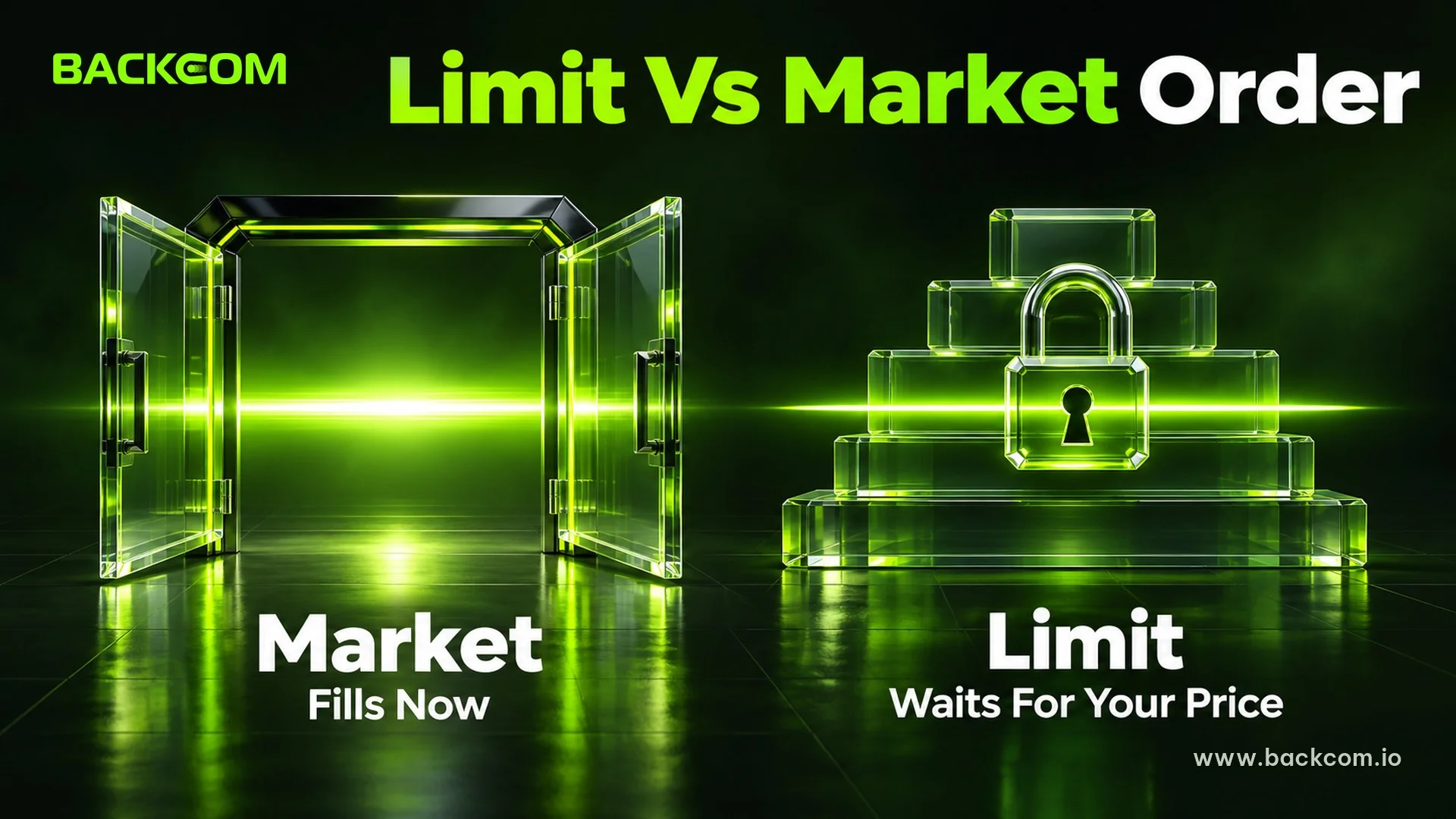
The limit order vs market order crypto choice is the one you make most often, so it deserves the most care.
Market Order: Certain Fill, Uncertain Price
A market order buys or sells immediately at the best available price. Binance describes it as an order placed "at the best current market price available" in its guide to spot order types. You get the trade, but you do not control the price. A large order can walk through several levels of the order book, so the average fill is worse than the price on screen. That gap is slippage, covered in detail in our guide to slippage in crypto trading.
On futures, the engine may add its own protection. The Bybit API documentation states that market orders are converted into IOC limit orders, and that if there are no order book entries within the slippage limit, the order will not be executed. So even a market order is not an absolute promise on every venue.
Limit Order: Certain Price, Uncertain Fill
A limit order rests on the order book at the price you choose and executes only at that price or better. Binance notes that it "will not be executed immediately like a market order". If the market never reaches your price, nothing happens. If your limit does not cross the spread, you usually become the maker, who adds liquidity and normally pays the lower fee. Our maker vs taker fees guide explains that split.
A Worked Example With Illustrative Numbers
You want to buy 0.5 BTC when BTC trades near 100,000 USDT. Assume a taker fee of 0.05% and a maker fee of 0.02%. These rates are assumptions for the example, not any exchange's schedule.
| Item | Market order | Limit order |
|---|---|---|
| Average fill price | 100,040 | 99,950 |
| Notional value | 50,020 | 49,975 |
| Fee rate | 0.05% (taker) | 0.02% (maker) |
| Fee paid | 25.01 | 10.00 |
| Slippage vs 100,000 | 20.00 | none |
| Filled for sure? | Yes | Only if price drops to 99,950 |
Figures are illustrative. Real fills, fees and slippage depend on the pair, the order book and your fee tier.
In this example the market order carries about 45 USDT of slippage and fees, against about 10 USDT of fee for the limit order. The limit order is cheaper, but if BTC runs up without touching 99,950 you hold no position and pay no fee. That missed trade is the true cost of a limit order. Neither choice is better in general. Use the market order when being in or out matters more than a few basis points, and the limit order when price matters more than speed.
Stop Limit Order Crypto: How Trigger Orders Work
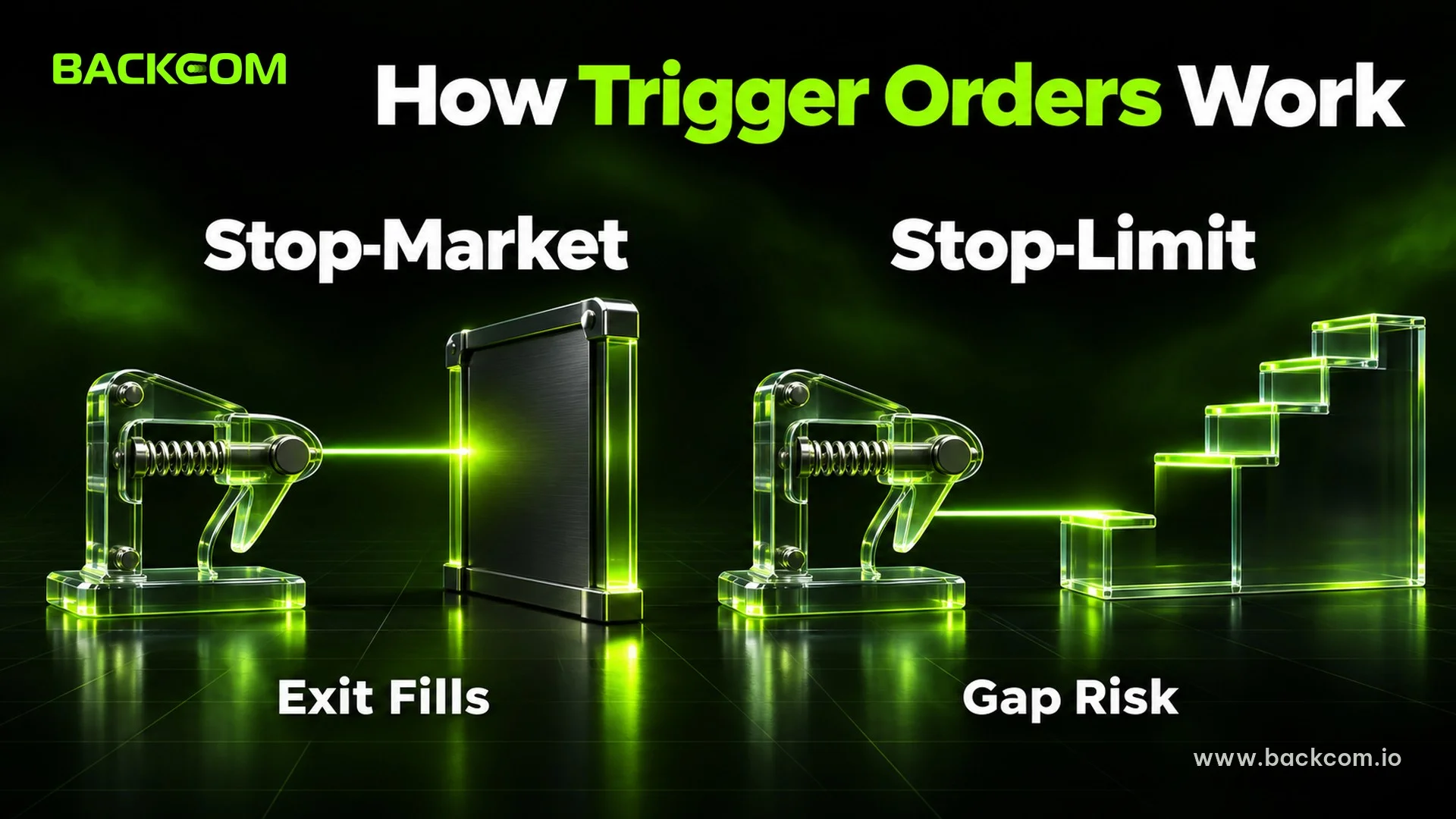
A stop order stays dormant until the market reaches a trigger price (also called a stop price). Then it releases a second order. The only difference between the two main stop types is what that second order is.
Stop-Market: Exit First, Price Second
A stop-market order turns into a market order at the trigger. Binance warns that the executed price "may be lower/higher than the last traded price", and that extreme market moves can cause this. You are almost sure to exit, and you accept the slippage.
Stop-Limit: Price First, Exit Second
On a crypto exchange, a stop limit order has two prices: the stop price that activates it and the limit price that caps the worst fill. When the stop price is reached, a limit order is placed automatically. The danger is a gap. If price jumps through your limit and keeps going, the limit order rests unfilled while the position keeps losing.
Suppose you hold 0.5 BTC long from 100,000 with a stop at 98,000:
- Stop-limit with a limit at 97,800: price gaps to 97,500, below your limit. The order does not fill, and the position stays open.
- Stop-market: the same gap fills at, say, 97,600. The loss is (100,000 − 97,600) × 0.5 = 1,200 USDT instead of the planned 1,000.
The stop-market loses more than planned but exits. The stop-limit may not exit at all. Our full guide to the crypto stop loss covers placement and trailing stops, and the position size guide shows how to size a trade from the stop distance.
Take Profit Stop Loss Order: Bracketing A Trade
A take profit stop loss order pair, often shortened to TP/SL, attaches an exit on each side of an open position. The take profit closes the trade at a target in your favour. The stop loss closes it at a level where your idea is wrong. Whichever is reached first closes the position.
Futures exchanges usually let you set TP/SL when you enter, or add it to a position later. Most also let you pick the reference price that triggers it: last traded price, mark price or index price. The Bybit documentation lists last price, index price and mark price as the trigger options for conditional orders on perpetual and dated futures. This matters because liquidation is generally decided by the mark price, so a stop that watches only the last price can behave differently from the liquidation engine. Our guide to calculating liquidation price shows where your danger line sits.
Two practical points apply to every TP/SL setup:
- Conditional orders are not guaranteed to be funded. The Bybit documentation says a conditional order does not occupy margin, and that if margin is insufficient once it triggers, the order is cancelled. Check that you keep enough free margin.
- Partial exits need care. If you close part of a position by hand, an old TP/SL sized for the full amount may no longer match. Check it after every change.
OCO And Trailing Orders: Linking Exits
Some orders are built from several parts so that one decision covers more than one outcome.
OCO: One Cancels The Other
An OCO order places two orders at once and cancels the other as soon as one is triggered. Binance describes it as a limit order combined with a stop-limit order. Only one of them can ever execute. It suits a trade you have already entered on spot, where you want a profit target and a protective stop without watching the screen.
Trailing Stop: A Stop That Follows Price
A trailing stop sets the trigger a fixed percentage from the market price and moves it in your favour as price advances. Binance stresses that it "does not move back in the other direction". If you hold long and price rises 5%, the stop rises with it. If price then falls by the set percentage, the stop triggers. It locks in part of a gain, but it also exits during a normal pullback. The mechanics, with a worked example, are in the stop loss guide.
Reduce Only Order, Post-Only And Time In Force
Futures screens add options that are not separate order types but change how any order behaves. These are the ones that protect you from your own mistakes.
Reduce Only Order
A reduce only order can only shrink or close a position, never open or enlarge one. The Bybit API documentation says that when the flag is set to true, your position can only reduce in size if the order is triggered, and that it must be set when you close or reduce a position.
Here is why it matters. You are long 0.5 BTC with a resting take-profit sell for 0.5 BTC. You then close 0.3 BTC by hand, leaving 0.2 BTC. If the take-profit fills later without the reduce-only flag and your account is in one-way mode, it can sell the 0.2 BTC you still hold and then open a new 0.3 BTC short. With the flag on, it can only reduce, so the surplus is not executed. Always set it on exits you leave resting.
Post-Only
A post-only order guarantees you are the maker. If it would fill immediately when submitted, it is cancelled instead. The Bybit documentation describes exactly this behaviour. You avoid the taker fee, and you accept that the order may be cancelled when the book moves.
Time In Force: GTC, IOC And FOK
Time in force says how long a limit order stays alive:
- GTC (Good Till Cancelled): stays until it fills or you cancel it. Bybit's documentation says GTC is used by default if nothing is set.
- IOC (Immediate Or Cancel): fills whatever it can at once and cancels the rest.
- FOK (Fill Or Kill): fills in full at once or cancels completely, with no partial fill.
IOC and FOK suit traders who would rather miss a trade than be left with a partial position. GTC suits patient limit orders.
Which Order Type Should You Use?
Match the order to the job instead of using one habit for everything:
| Goal | Common choice | Main risk |
|---|---|---|
| Enter now, no matter what | Market | Slippage and taker fee |
| Enter at a set price, lower fee | Limit | May never fill |
| Exit at a loss limit, must close | Stop-market | Worse fill than planned |
| Exit at a loss limit, control the price | Stop-limit | May not fill in a gap |
| Profit target and protective stop together | OCO or TP/SL | Unfunded or mismatched size |
| Close only, never flip | Reduce-only | None, if set correctly |
| Be the maker, never the taker | Post-only | Cancelled if it would match |
This table summarises general behaviour. Names and options differ by exchange and by product, so check your order form and the exchange's own documentation.
Spot and futures also differ. On spot you own the coin, so a missed exit costs you price. On leveraged futures a missed exit can also cost you the position through liquidation, so the exit order types deserve extra care. The spot vs futures guide and the explanation of perpetual futures cover that difference. If you also trade forex, the MT5 order types guide shows how pending orders work on that platform.
Common Mistakes With Crypto Order Types
Most losses from order types come from a short list of repeatable errors:
- Market orders on thin pairs: a large market order in a quiet book walks the price against you.
- Stop-limit as the only protection: a gap past the limit leaves the position open.
- No reduce-only on resting exits: an old order can open a position you never wanted.
- Forgetting that orders stay alive: a GTC order left from last week can fill at a price you no longer want.
- Trusting the label: the same word can mean different things between spot and futures screens, or between exchanges.
- Ignoring fees: the taker fee on frequent market orders adds up faster than most traders expect.
Test a new order type with a very small size first, and read the confirmation screen before you press the button.
Frequently Asked Questions (FAQ) About Crypto Order Types
What Is The Difference Between A Limit Order And A Market Order In Crypto?
A market order fills immediately at the best available price, so the fill is certain but the price is not. A limit order only fills at your price or better, so the price is certain but the fill is not. Limit orders usually pay the lower maker fee, while market orders pay the taker fee.
Is A Stop-Limit Order Safer Than A Stop-Market Order?
Not necessarily. A stop-limit controls the worst price, but it can stay unfilled if price gaps past the limit, leaving you in the trade. A stop-market almost always exits, though at a price that can be worse than your stop. Which is safer depends on whether you fear a bad fill or no fill more.
What Does A Reduce-Only Order Do?
It allows an order to shrink or close a position but never to open a new one or increase it. It is useful for take-profit and stop orders you leave resting, because it stops them from flipping your position if the size changes before they trigger.
Do I Need Different Order Types For Spot And Futures?
The basics are the same, but futures add options such as reduce-only, trigger price types and take profit and stop loss attached to a position. Availability and names vary by exchange, so check the order form for the product you are trading.
Conclusion: Choose The Order For The Job
The right crypto order type depends on what you need to be certain about. Use market orders when speed matters, limit orders when price matters, stop orders to cap a loss, and reduce-only and time-in-force options to stop old orders from acting in ways you did not intend. Learn each type on a very small size, and remember that a worked example uses illustrative numbers, not a promise about any fill.
Disclaimer: This content is compiled by Backcom.io for information only and is not investment advice. Crypto trading, especially with leverage, carries a high risk of loss. Examples use illustrative numbers, and order types, fees and rules differ by exchange, so check the rules of your platform before trading.
Was this article helpful?
Join The Backcom.io Community
Get the latest on trading rebates, trading tips, and broker deals — and connect with thousands of traders worldwide.

Backcom App
Track Your Rebates Every Day
Every rebate is visible by broker and by day. Manage your wallet and withdrawals in one place.
Open Backcom App