Forex Broker Platform Lagging Or Freezing? How To Tell Network, Device And Broker Problems Apart


A login page that spins forever, Buy and Sell buttons that react a few seconds late, or MT5 freezing just as price moves are the moments when traders click again and again and end up with duplicate orders. When a forex broker platform is lagging, the first question is not "is the broker broken?" but "where on the path from my screen to the broker's server is it slow?"
That path has three links: your network, your device and the broker's own systems. Each link leaves different clues, and a few simple tests will tell you which one is jammed, even when a broker app lagging only shows up at certain times of day.
In this article, Backcom.io will walk through three five-minute tests, how to read high ping in forex trading, why MT5 freezes when placing orders, and what to do so a frozen platform does not turn into a duplicate position.
1. Forex Broker Platform Lagging: What Are The Main Trading Platform Delay Causes?
The usual answer is one of three places: your network, your device or the broker. A forex broker platform lagging means the website or trading platform still opens but responds late: pages load slowly, prices update in jerks, and orders take several seconds to return a result. Lagging is not the same as being unable to connect. If the site will not open at all, read why a forex broker website will not load on a computer. If it is blocked in your country, see how to access broker sites with 1.1.1.1. This article only covers a platform that opens but drags.
The trading platform delay causes most traders run into fall into three groups:
- Your network: weak Wi-Fi, many devices sharing the line, patchy mobile data, or an internet provider that clogs at peak hours.
- Your device: an underpowered machine, too little RAM, too many charts and indicators, a browser full of extensions, or a phone in battery-saver mode.
- The broker side: maintenance, overload during major news, or a fault on the platform server.
The table below links each symptom to the place to suspect first.
| Symptom | Suspect first | Quick test |
|---|---|---|
| Every site and app is slow, not just the broker | Network | Open any news site and run a network speed test |
| Only the broker is slow while the device feels smooth | Broker side or the route to it | Try another connection (mobile data instead of Wi-Fi) |
| Slow after opening many charts, EAs or indicators | Device | Close charts and check CPU and RAM use |
2. Three 5-Minute Tests To Separate Network, Device And Broker Problems

The aim is to rule out one link at a time instead of reinstalling software or switching brokers before you know where the fault is. Work through these in order:
- Try another network. Turn off Wi-Fi and use mobile data (or the other way round), then open the broker again. If it speeds up, the network you were using is the problem.
- Try another device. Log in to the same account on a different computer or phone on the same network. If that feels smoother, the first device is the problem.
- Try another page of the same broker. If a marketing page loads fast but the price board or web terminal drags, the fault most likely sits in the trading system, not your connection.
If changing the network fixes it, go to section 3. If changing the device fixes it, see sections 4 and 5. If every network and device is slow only with this broker, go to section 6.
One extra test is a network measurement tool. Cloudflare's speed test measures download, upload, latency, jitter and packet loss. For trading, latency, jitter and packet loss matter more than download speed, because an order is a tiny packet that has to arrive steadily. The result only reflects the route to the tool's own server, so use it to compare two connections with each other.
3. High Ping Forex Trading: How To Read Latency And Fix The Network Side
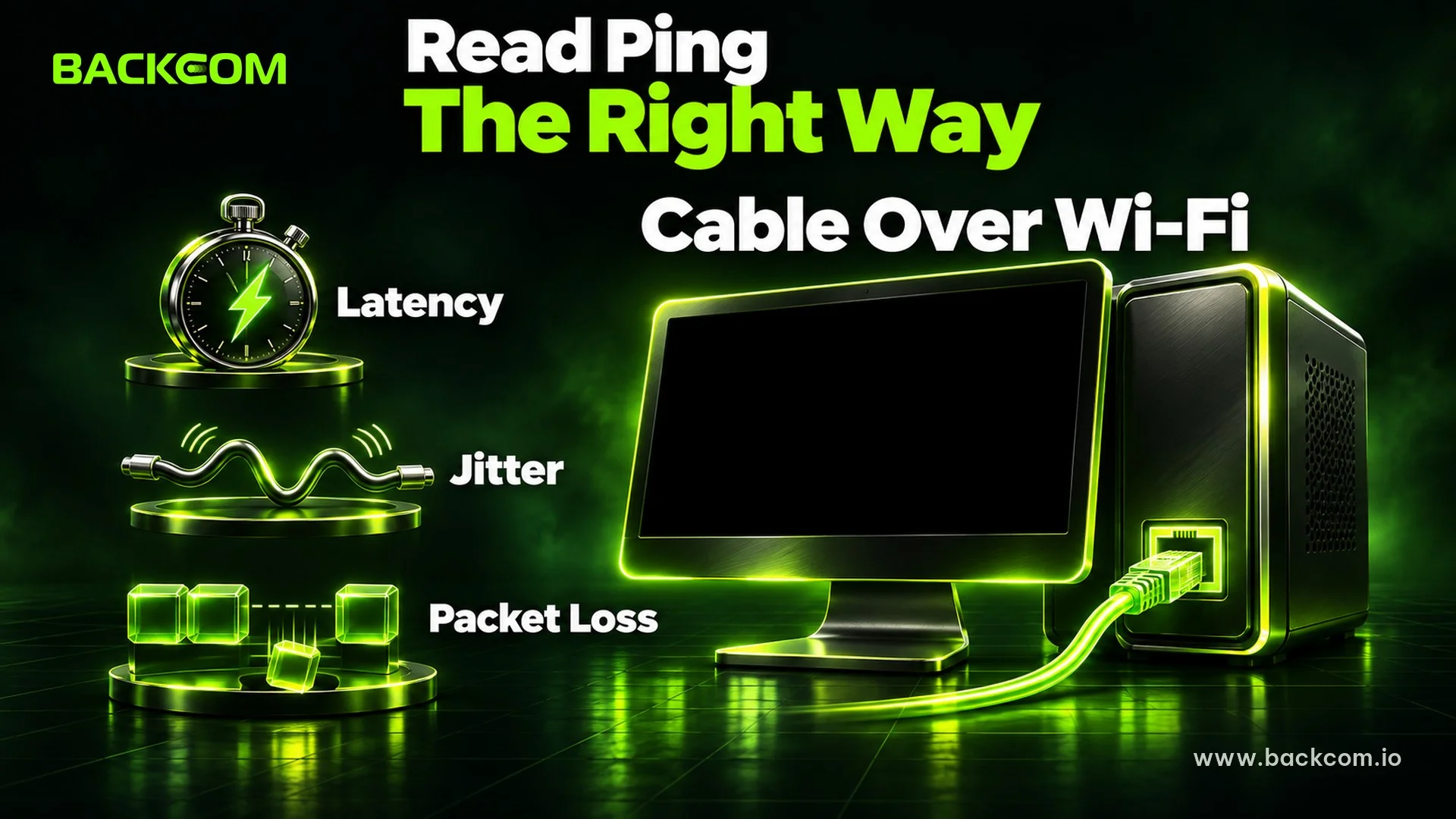
High ping in forex trading means a data packet takes longer than usual to travel from your device to the broker's server and back. Ping is normally counted in milliseconds. On MT5, the status bar at the bottom of the window carries the server connection indicator.
Stability matters more than any single number. A line with a moderate ping that jumps around often feels worse than one with a slightly higher but steady ping. Watch for three things:
- Whether ping spikes at fixed times, for example in the evening when the whole neighbourhood streams video.
- Whether the connection indicator turns red or drops now and then.
- Whether the lag appears only on Wi-Fi or also with a network cable.
Fixes on the network side, from easiest to hardest:
- Use a network cable instead of Wi-Fi on a computer, because Wi-Fi shares bandwidth and picks up interference.
- Pause heavy downloads and video streams, and move closer to the router.
- Restart the modem and router to refresh the connection.
- Contact your internet provider if high latency lasts for days at different hours.
Avoid changing server settings in MT5 without a reason. The official MetaTrader 5 documentation advises changing the server connection settings only when there is a special necessity.
4. Broker App Lagging On Your Phone: What To Check First
A broker app lagging on a phone usually comes from the device and its settings rather than the broker, especially when the same broker's website runs smoothly on another machine. A phone shares its resources with many background apps, so a trading app is easily throttled.
Check these points in order:
- Battery-saver mode: it can limit background activity and make prices update late. Turn it off and reopen the app.
- Free storage: a nearly full phone slows everything, so free up space and close background apps.
- App version: update through the official app store, and never install files from unknown sources.
- Accounts and charts open: keeping several open at once makes the app heavier.
If none of this helps, log out, restart the phone and log in again. When the app shows a login error instead of just lagging, forex broker app login problems and MT5 fixes covers that separate group of faults.
5. MT5 Freezing When Placing Orders: Too Many Charts, Indicators And EAs

MT5 freezing when placing orders typically happens on a computer of modest specification that has too much open at once. The official MetaTrader 5 documentation states that when many indicators and a large amount of data are used together, free CPU and RAM can run out very quickly. Once the machine is overloaded, buttons respond late even if the network is fine.
Common resource hogs include:
- Too many charts open at once, especially small timeframes with a lot of data.
- Several heavy indicators on the same chart.
- EAs running on many symbols that constantly calculate or write logs.
- A very high limit on the number of bars shown in a chart. MetaTrader 5 lets you set this in the Charts tab of the options window, and the documentation says the number of bars shown is limited by the computer's resources and that the platform must be restarted for a change to apply.
- A very long symbol list in Market Watch, since every symbol needs price updates.
To lighten the load, work through this list:
- Close charts you are not using and keep only the one you trade.
- Remove indicators you rarely read, especially those that draw many objects.
- Lower the maximum bars in charts, then restart MT5.
- Hide unused symbols in Market Watch.
- Open Task Manager on Windows and check how much CPU and RAM MT5 takes. If it sits near the ceiling, the machine needs an upgrade or the EAs need another machine.
If you run several EAs, how much RAM and CPU a forex VPS needs for EAs shows how to estimate resources by the number of terminals and the weight of each EA.
6. Broker Website Slow To Load: Maintenance, News Spikes And Overload
A broker website slow to load while your network and device are both fine points toward the broker side. If many traders report the same problem at the same moment, the cause is unlikely to be your own machine.
Three broker-side situations are common:
- Planned maintenance: brokers usually announce it by email, on the website or through official channels. Read the notice before holding trades through that window.
- Overload during major news: releases such as the US jobs report or interest-rate decisions push order and price-request volume up sharply for a few minutes. The platform can respond later than usual, and the fill price can differ from the price you saw. Slippage in forex and how to reduce it explains that gap.
- System faults: the platform server hits a temporary error.
What to do when you suspect the broker:
- Check official channels such as notices inside the client area, a status page or email. Ignore messages that say "the broker is down, click this link to fix it".
- Compare the time with the economic calendar to see whether it falls on a major release.
- Pause new orders while the platform responds abnormally, instead of rushing to catch the price.
- Contact official support through the channel inside your logged-in account, with the time of the problem and a screenshot.
7. Platform Frozen Right When You Click: How To Avoid Duplicate Orders
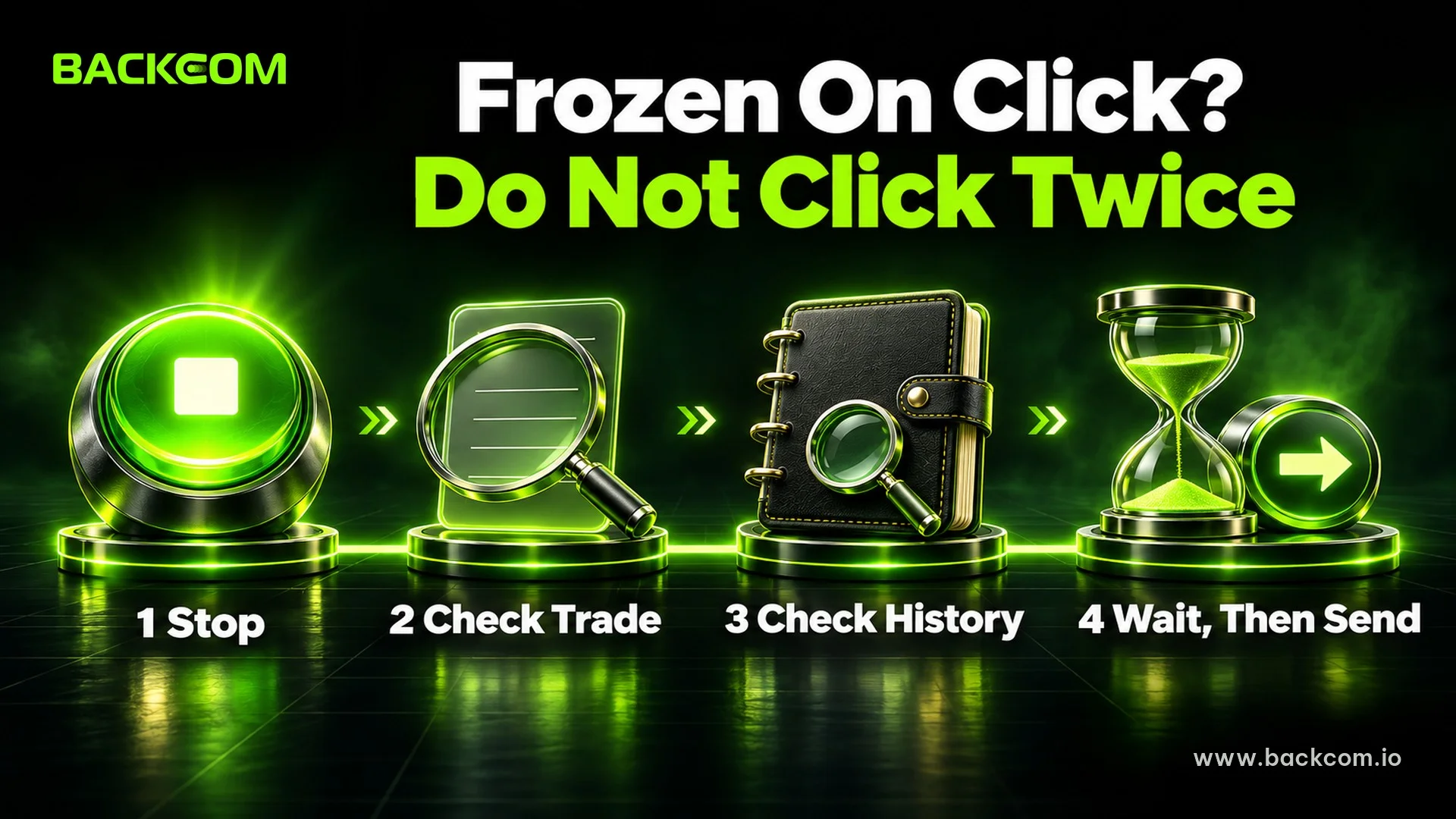
The biggest risk of a slow platform is not a few lost seconds. It is clicking the order button several times because the order looks unsent. Each click can become a separate order, and when the platform recovers several may fill together.
When the screen freezes after you press the button, follow these steps:
- Stop and do not click again. Wait for the platform to respond before deciding anything.
- Check the Trade tab (open positions) and the History tab (order history). The MetaTrader 5 trading guide says order states can be viewed in the History tab, with states such as Placed, Filled, Canceled, Rejected or Expired.
- Check the Journal or Experts tab if you need to know whether an order was rejected or timed out.
- Open the phone app as a second channel to compare real positions.
- Resend the order only once you are sure the earlier one did not go through.
The Events section of the MT5 options window lets you switch on alerts for a lost connection and for a trade operation that exceeds the allowed time, in which case the operation is not carried out. Traders who see freezes should turn these alerts on.
To reduce risk, set a Stop Loss as soon as you open the trade and avoid opening positions while the platform is slow. Sensible position sizing also keeps one duplicate order from damaging the account, as forex money management and lot size explains.
8. When Should You Consider A VPS, And When Not?
Consider a VPS when you need EAs to run nonstop or your home connection is unstable, but it cannot fix a fault on the broker side. A VPS is a virtual server that runs continuously, usually in a data centre with a steady connection. Many traders use one to keep MT5 and EAs running around the clock without depending on a personal computer or home internet. What a forex VPS is and how to run EAs on it covers this in detail.
A VPS suits you when:
- You run EAs or hold trades overnight and do not want to leave a computer on all day.
- Your home internet drops, power cuts happen, or your own machine cannot handle many charts.
- You want a separate environment for EAs.
A VPS does not fix the problem when:
- The fault is on the broker side, because a slow broker server stays slow through a VPS.
- You trade manually and only need a smoother machine, since closing charts or upgrading is cheaper.
- You control it through remote desktop, because that adds one more link of delay.
Frequently Asked Questions (FAQ) About Forex Broker Platform Lagging
Does A Lagging Forex Broker Platform Mean The Broker Is Delaying Orders On Purpose?
Nothing justifies that conclusion from a feeling of slowness alone. Lag usually comes from the network, the device or temporary overload around big news. Run the three tests in section 2, and note the time, the order and a screenshot so you can ask official support if something looks abnormal.
What Ping Is Good Enough For Forex Trading?
There is no single number for every strategy, because a swing trader on higher timeframes needs far less than a scalper. What you should track is stability and the gap from normal on your own connection. Scalpers are more sensitive to latency, so a network cable or a VPS may be worth considering.
Should I Click Again If MT5 Freezes When I Place An Order?
No, not straight away. Wait for the platform to respond, then check the Trade and History tabs to see whether the order went through before you resend. Clicking repeatedly while the first order is still waiting can create duplicate orders and raise your exposure beyond what you intended.
Should I Change Brokers Because The Platform Often Lags?
Not on the strength of one slow session. Rule out your network and device first, then log how often and at what times the lag happens over a few weeks. If only one broker lags again and again across several devices and networks, that is a fact worth weighing, together with a broker page such as the Exness broker page and how to compare forex broker costs.
Backcom.io is an independent introducing broker (IB/affiliate) of the brokers it lists; rebates are paid from the commission the broker pays Backcom.io, see the risk disclaimer.
Conclusion: Separate Each Link Before You Fix Anything
A forex broker platform lagging rarely has a single cause. Traders need to look at three links together: the network, the device and the broker side, then use the tests of changing network, changing device and comparing pages to find which one is jammed, instead of reinstalling software or switching brokers on instinct.
The immediate to-do list is to close charts and indicators you do not use, check the Trade and History tabs before resending an order when the platform freezes, and turn on the lost-connection alert in MT5. If MT5 loses the connection completely instead of just lagging, MT5 no connection and invalid account: 6 checks shows what to do.
Disclaimer: This content is compiled by Backcom.io for information only and is not investment advice, a trading recommendation or technical advice. Trading forex and CFDs carries a high level of risk and you can lose all of your capital. The MetaTrader 5 documentation and the Cloudflare speed test were cited as at 26 November 2026 and may change, so check them against your own platform and broker.
Was this article helpful?
Join The Backcom.io Community
Get the latest on trading rebates, trading tips, and broker deals — and connect with thousands of traders worldwide.

Backcom App
Track Your Rebates Every Day
Every rebate is visible by broker and by day. Manage your wallet and withdrawals in one place.
Open Backcom App