Lost Access To Forex Broker Email: 6 Steps To Recover Your Account Through Official Support

Many traders only think about their registration email once they have lost access to forex broker email: a work address was closed, an old Gmail was locked, or they simply cannot remember which address they used. By then the password reset links and verification codes are all going to an inbox you cannot open.
The good news is that this situation has a way out. It just runs through the broker's official support, not through the usual reset-password button.
In this article, Backcom.io walks through the common ways people lose the email, the order to work in, how to prepare proof that the account is yours, and the "account recovery" scams to avoid.
1. Lost Access To Forex Broker Email: Which Situations Does It Cover?
Lost access to forex broker email means the address tied to your trading account no longer opens, or you no longer know which address it is. That email is usually your login name and also the place where reset links and verification codes arrive, so losing it removes both the front door and the recovery door.
There are four common situations, and each is handled differently:
- You forgot which address you used: you still have inboxes, but you cannot tell which one the broker has.
- The inbox exists but you cannot sign in: a forgotten email password or a lost authenticator.
- The inbox was locked or taken over: the provider suspended it, or a stranger got in and changed the recovery details.
- The inbox no longer exists: a work, school or custom-domain address has expired.
Only the fourth case needs the broker to change the email straight away. If you suspect the inbox was taken over (the third case), also alert the broker at once, as section 4 explains. Otherwise try sections 2 and 3 first.
2. What Should You Do First To Find Out Whether The Old Email Can Be Saved?
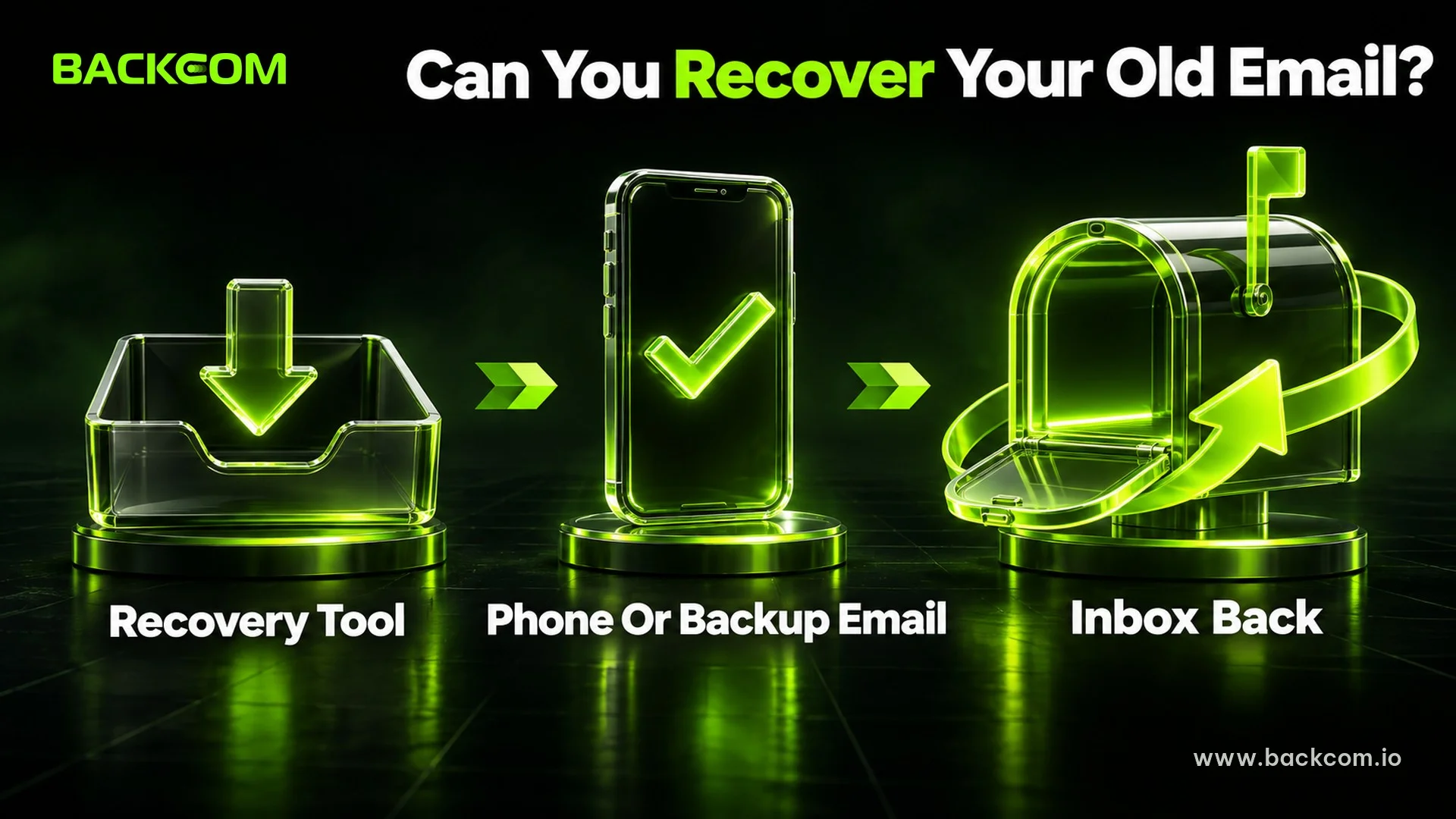
Start by trying to recover the inbox itself with your email provider's recovery tool. This is the fastest way to get both the email and the broker account back, and providers usually only need a phone number or recovery email you set up earlier.
Google's official help page shows how this typically works. If you forgot the sign-in address, you need "a phone number or the recovery email address for the account" and the full name on the account, and if you forgot the password you are asked a few questions to confirm the account is yours. Google also notes that changes to recovery info can take up to 7 days to take effect, and that you cannot call Google for help signing in.
Work in this order:
- Open the provider's recovery page from a bookmark or by typing the address, never from a link in an unexpected message.
- Try a device and network you used before, since the inbox recognises them.
- Enter recovery details as accurately as you can: display name, when the account was created, recent emails sent.
- Write down what you tried, because the broker may ask whether you attempted to recover the inbox.
If the inbox opens again, change its password, turn on two-step verification and log in to the broker as usual. If codes still do not arrive, read what to do when the forex broker verification code does not arrive.
Reference: Google's account recovery help.
3. What If You Forgot The Email Used For Your Trading Account?
If you forgot email used for trading account registration, the address is almost always sitting in an old message. Search for it in three places:
- Each inbox you use, searching the broker's name or "MetaTrader" and looking at the welcome email, account confirmation and monthly statements.
- Your password manager or browser, where the saved entry for the broker's site often shows the username.
- Account-opening records: confirmation emails, screenshots or an electronic agreement, if you kept them.
Once you find an address, return to section 2 to see whether that inbox still opens. If you cannot find it, write down the addresses you suspect so the broker can check them against its records.
If you registered through an introducing partner, you can message that partner's support on WhatsApp or Telegram to be pointed to the right broker department. That channel has no access to your trading account and never asks for your password or codes.
4. What If Your Forex Broker Email Was Locked Or Taken Over?
A locked or hijacked broker email is more dangerous than a forgotten address, because someone else could click "forgot password" at the broker and read the reset email. You need to act on two fronts at once: the inbox and the broker account.
The US Federal Trade Commission advises that when an email account is taken over, you should first make sure your computer's security software is up to date and run a scan, then follow the provider's recovery steps. After you regain control, the FTC says to change the password, sign out of all devices, turn on two-factor authentication, and confirm that the recovery email addresses and phone numbers are ones you entered and still have access to.
For the broker account, add three actions:
- Tell the broker early, through an official channel, that the registered email may be compromised.
- Check your money and trade history: if there is a withdrawal request or a contact-detail change you did not make, report it at once and take screenshots before doing anything else.
- Change your MT4/MT5 password once the inbox is safe again.
Reference: FTC guidance on recovering a hacked email or social media account.
5. Which Broker Support Account Recovery Documents Prove You Own The Account?
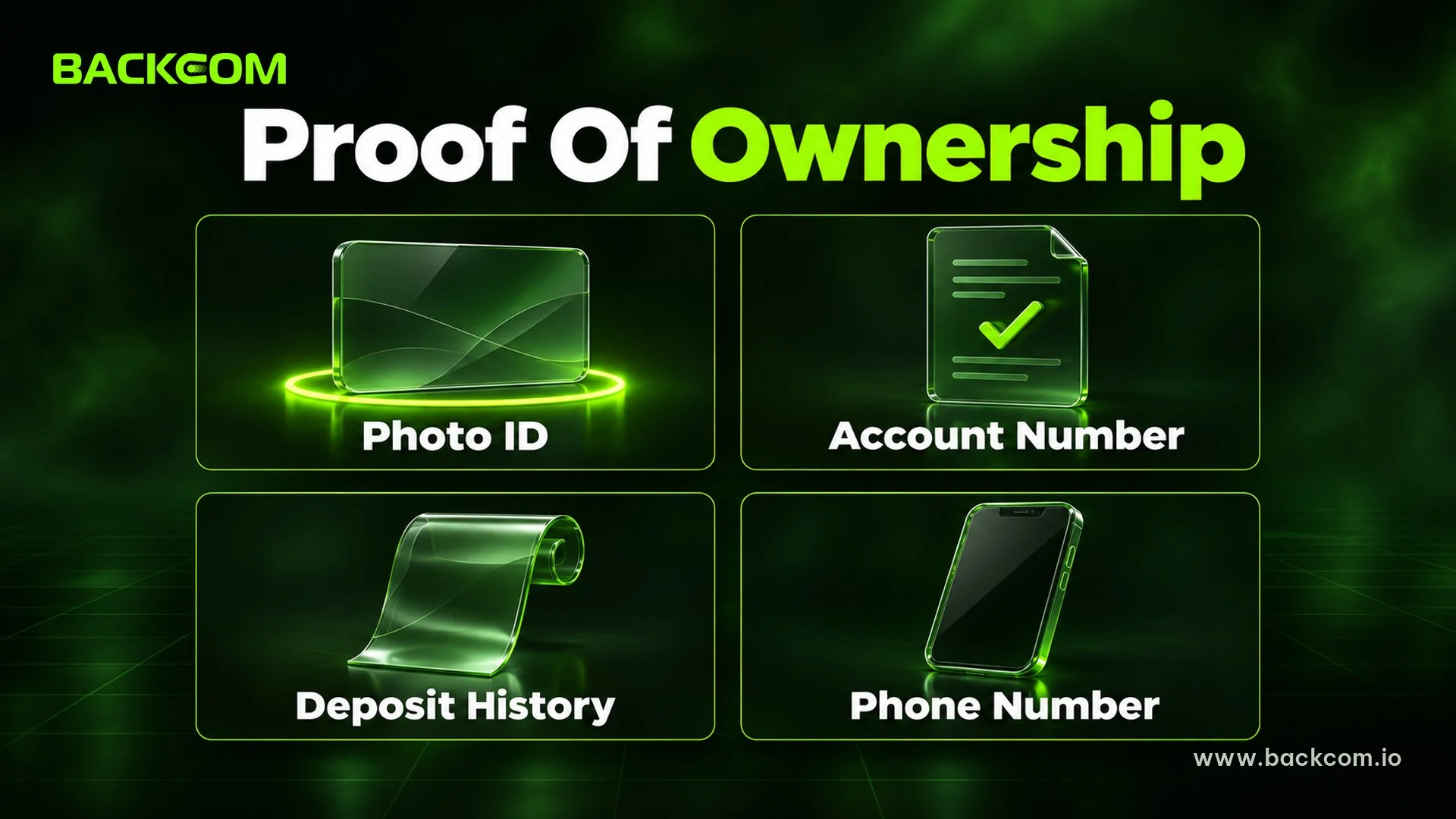
The documents a broker support team may want are evidence that you are the person who opened the account, because a broker will not change an email on the strength of a message alone. The exact list is set by each broker, so treat the table below as the kinds of information that usually help:
| Type Of Information | Examples | Purpose |
|---|---|---|
| Account identifiers | Trading account number, registered email if you remember it, approximate opening date | Helps the broker find the right file |
| Identity document | The same type of document used for verification | Matched against the broker's KYC record |
| Transaction history | Dates and amounts of recent deposits or withdrawals, account type | Shows you know how the account was used |
| Contact details | Phone number on file, the new email you want to use | Lets the broker confirm through a channel you control |
Reference as at 26 November 2026. Document requirements and procedures differ by broker and may change, so check the broker's official support channel before sending anything.
The key rule is to send documents only through the broker's own system or a channel the broker names, never to someone in a chat group.
6. How Do You Change Email On Forex Broker Account When The Old One Is Gone?
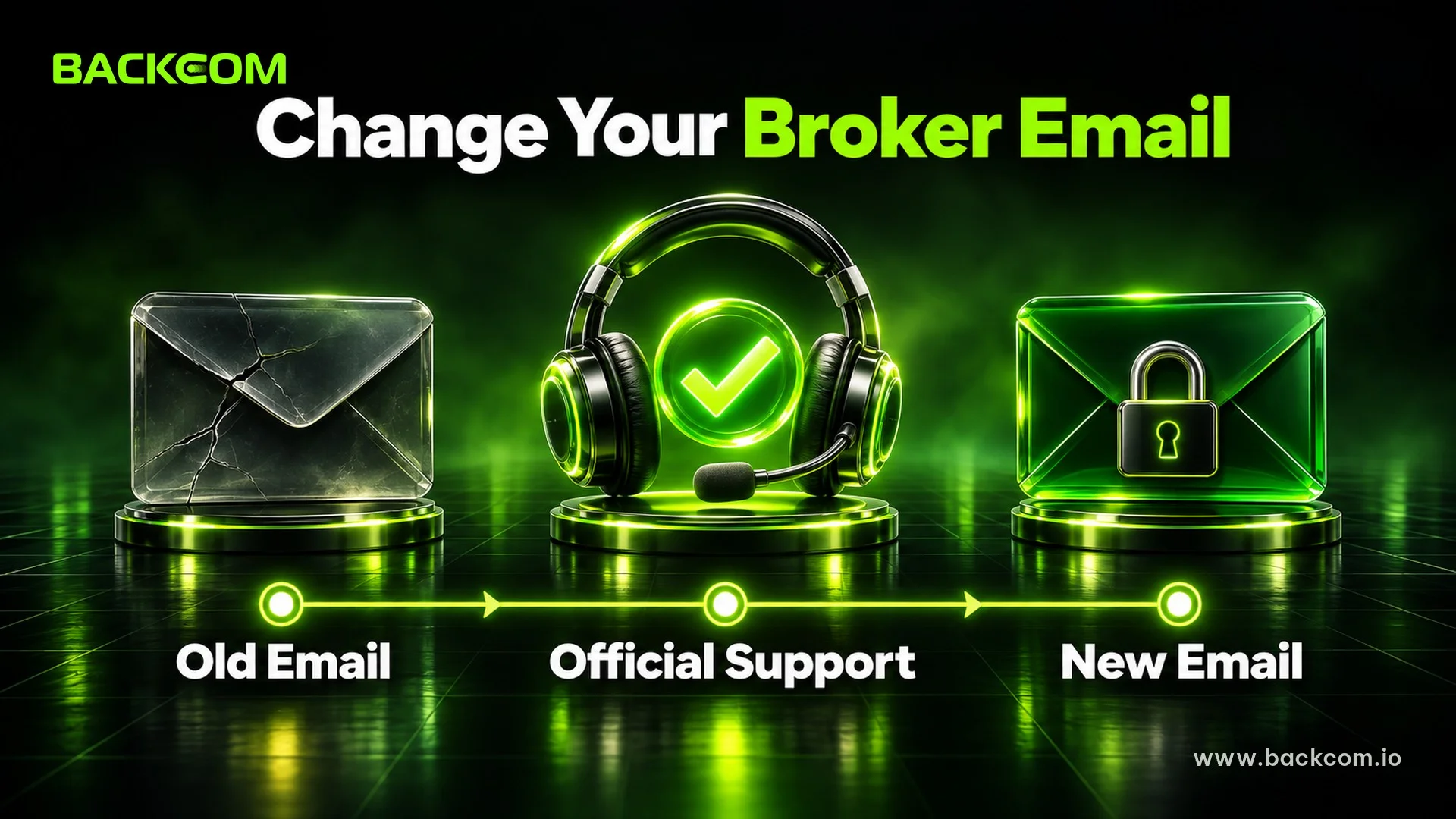
To change email on forex broker account while you can still log in, you normally use the profile section of the client area. For example, the help page of XTB, a regulated broker, says to log in to the Client Office, open My Profile and then Profile data, and that an SMS verification code completes the change. The page shows an update date of 3 February 2026.
When the old email no longer exists and you cannot log in, that same page does not offer a self-service route and points you to customer service. So a lost email usually needs a person at the broker to confirm, because the change replaces the key to an account that holds money.
To send a clean, safe request:
- Open support from the broker's official site (a saved bookmark or the official app), not from a link in a message from a stranger.
- State one clear request: "I lost access to my registered email and want to change it to a new one", with your account number if you have it.
- Use a new email you control, with two-step verification on, never someone else's address.
- Send everything in one go following section 5, and avoid duplicate tickets that clutter the file.
- Wait for the broker's confirmation, then try logging in with the new email, and keep the ticket number.
A broker may add extra verification before changing the email. That is a normal protection for an account with a balance, and it is not a reason to look for shortcuts through anyone outside the official channel.
If the login problem might be something else, see forex broker app login problems and MT5 fixes. If the broker site is blocked where you are, see how to access broker sites with the 1.1.1.1 app.
Reference: XTB help page on changing your email address.
7. When Is Someone Offering To "Recover Your Account" A Scam?
Almost every service that contacts you first offering to recover a forex account is a scam. People who lose an email often panic and ask in groups, and impersonators tend to show up in the comments or your direct messages faster than any real support agent.
Stop immediately if you notice any of these:
- They message you first: a "broker support" or "technician" account contacts you after you posted a question.
- They ask for your password or a verification code: a real broker does not need either to fix an issue.
- They want a fee up front for "unlocking", "verification" or "account insurance": money paid to a stranger is lost, not a route to recovery.
- They send unfamiliar links or ask you to install remote-control software: this is how devices and inboxes get taken over.
- They promise recovery within hours: nobody except the broker can decide to change an account's email.
If you have already sent a code or a password, change the password from a clean device, tell the broker and keep the messages as evidence. For more warning signs, read how to recognise a forex broker scam.
8. What Should You Tighten After Changing The Email So It Doesn't Happen Again?
Once the email is changed, tighten both the inbox and the broker account. Recovery details must be ones you entered and can still access, as the FTC advises, so check them first.
Good settings to apply:
- A dedicated email for financial accounts: do not share it with social media or a work address that can be closed.
- Working recovery email and phone: review them regularly, especially after changing numbers or jobs.
- Authenticator-app two-factor authentication on both email and broker, with backup codes stored away from your phone.
- A written record of your account number, registered email and opening date, kept safely: this is the evidence in section 5.
Finish by logging in from a second device to make sure everything works. For an example of a normal login flow, see how to log in to Exness on MT4/MT5.
9. What Are The 6 Steps To Recover Broker Account Without Email?
To recover broker account without email, work through these 6 steps in order:
| Step | What To Do | Why |
|---|---|---|
| 1 | Try to recover the inbox through the email provider | Fastest route, no broker needed |
| 2 | Find the registered address in old emails, your browser or records | Know exactly what to recover |
| 3 | If you suspect takeover: scan the device, tell the broker, check withdrawals | Limit damage first |
| 4 | Prepare identifiers, documents and transaction history | Prove the account is yours |
| 5 | Send one email-change request through official broker support | Let the broker confirm and change it |
| 6 | Secure the new email, 2FA and recovery details | Avoid losing access again |
Reference to Google, FTC and XTB guidance as at 26 November 2026. Procedures and document requirements differ by broker and may change, so check before applying.
If you suspect takeover, run step 3 in parallel with step 1. If the broker asks for something different from this article, follow the broker's request through the official channel.
Frequently Asked Questions (FAQ) About Lost Access To Forex Broker Email
Can I Get My Forex Account Back If I Lost The Registered Email?
Usually yes, if you can prove you own the account through the broker's official support. The process and timing are set by each broker. Try to recover the inbox first, then prepare your account number, the identity document used for verification and your transaction history before sending a request.
Can I Change My Broker Login Email In The App?
Only if you can still log in. Some brokers let you change the email in your profile and send a verification code to your phone. When the old email is gone and you cannot log in, you need to contact the broker's support through an official channel so they can confirm before changing it.
Someone In A Group Offers To Recover My Account Cheaply. Should I Try?
No. A real broker never needs your password or verification code, and nobody outside the broker can decide to change the email. A person who messages first, asks for a fee or wants a code is almost certainly impersonating support to take your account or your money.
Do I Need To Change My MT5 Password After Changing The Email?
If your inbox was ever taken over, yes. A new email blocks the stranger's reset route, but the MT5 trading password is a separate layer. If you suspect it leaked, change the MT5 password once the inbox and broker account are safe.
Conclusion: Save The Inbox First, Prove Ownership Second
When you have lost access to forex broker email, the right order is to try to recover the inbox, find the address you used, prepare evidence of ownership and then send one email-change request through official support. Each step is cheaper and safer than asking a stranger to "recover" the account.
Even if you have not lost anything, check your recovery details today and note your account number somewhere safe. If you are choosing a broker again after an incident, read the 7 criteria for a reputable forex broker and see current trading conditions and rebates on the Exness broker page. Backcom.io is an independent introducing broker (IB/affiliate) of Exness; rebates are paid from the commission the broker pays Backcom.io, as explained in the risk disclaimer.
Disclaimer: This content is compiled by Backcom.io for information only and is not investment, legal or cybersecurity advice. Trading forex and CFDs carries a high level of risk and you can lose all of your capital. The Google, FTC and XTB guidance is cited as at 26 November 2026 and may change; check the procedures of your own broker before applying them.
Was this article helpful?
Join The Backcom.io Community
Get the latest on trading rebates, trading tips, and broker deals — and connect with thousands of traders worldwide.

Backcom App
Track Your Rebates Every Day
Every rebate is visible by broker and by day. Manage your wallet and withdrawals in one place.
Open Backcom App