Forex Broker Verification Code Not Received: 6 Steps To Check And Fix


You open your broker's login page while the market is moving, type the right password, request the code and then stare at an empty inbox. Most of the time a forex broker verification code not received problem has nothing to do with a locked account. It comes down to one familiar bottleneck: the spam folder, weak signal, a phone clock that has drifted, or verification details that are out of date.
This guide follows the order in which traders should check things, and it applies to any broker that uses email, SMS or an authenticator app. In this article, Backcom.io will help you:
- Understand which channels send verification codes and where each one tends to fail.
- Work through six checks in order, from a forex broker login code email that never arrives to an app code that is rejected.
- Handle a forgotten password or a phone number you no longer have.
- Recognise when an unexpected verification code is a sign of fraud.
1. Forex Broker Verification Code Not Received: Three Channels, Three Bottlenecks
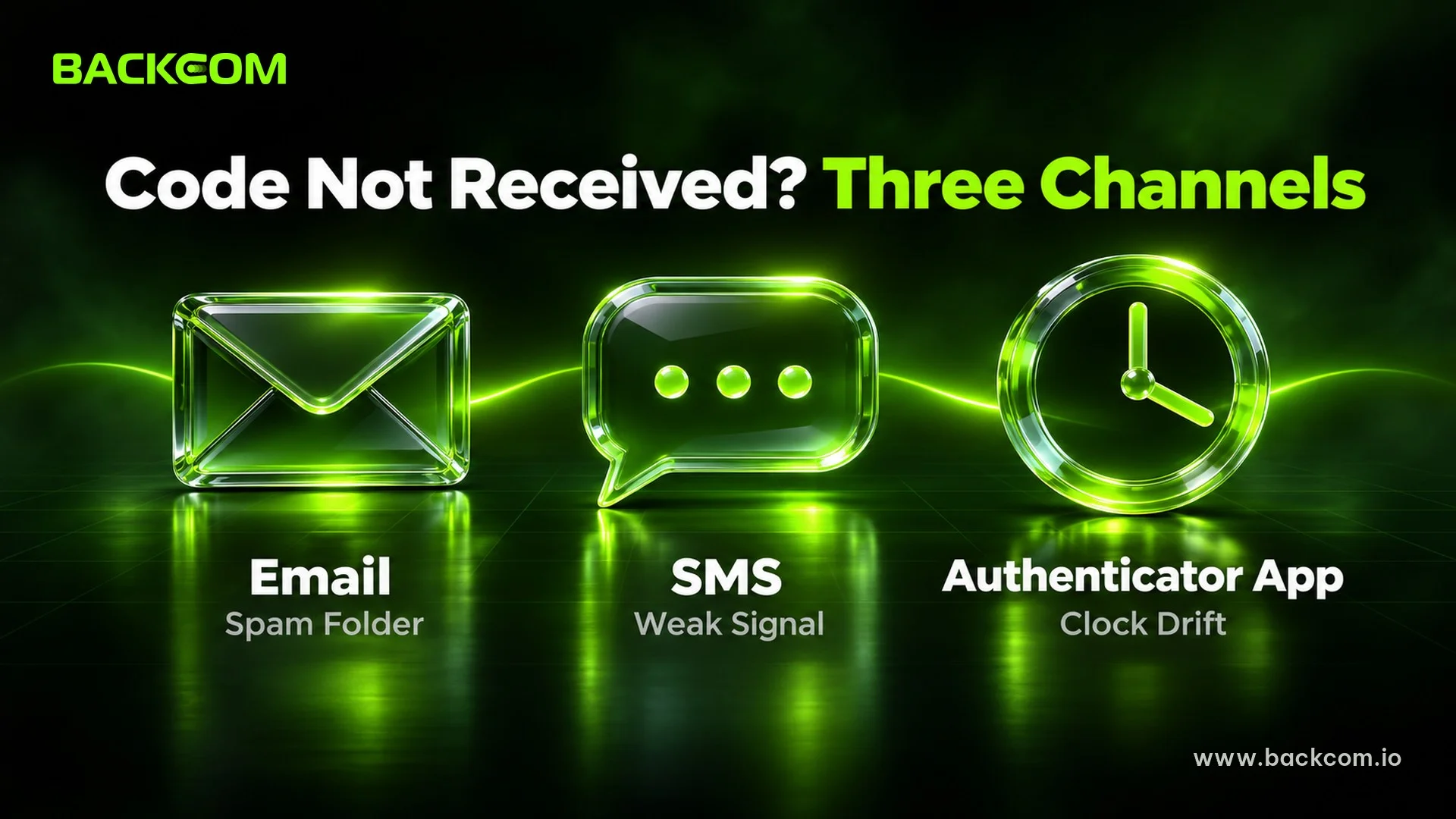
A verification code is a one-time number the broker sends to confirm that the person entering the password is the account owner. Brokers usually let you choose one of three channels: email, an SMS text message, or an authenticator app that generates codes on your own phone.
Each channel fails in its own way, so the first job is to know which one your account uses. The table below lets you match the symptom before you try any fix.
| Channel | Common bottleneck | See section |
|---|---|---|
| Message in spam, wrong address, full inbox, slow delivery | 2 | |
| SMS | Weak signal, old phone number, blocked automated texts, carrier delay | 3 |
| Authenticator app | Phone clock drift, code expired while typing, wrong entry in the app | 4 |
| All three | Email or phone number changed, forgotten password, suspected fraud | 5, 6 |
This table is a general guide as at 18 November 2026. Each broker names channels and lays out screens differently, so check the security section of your own client area.
One rule applies everywhere: a code is valid for a short time only. Google's official help page on rejected codes also tells users to check whether the code had expired when it was entered. Each time you request a new code, use the latest one instead of trying older codes one by one.
Verification Code Not Received: What To Do Before Anything Else
Before you look at each channel in detail, do three cheap things:
- Wait a few minutes before requesting another code, because repeated requests can leave old and new codes overlapping.
- Read the screen to see where the broker says the code was sent, such as a partly hidden email address or the last digits of a phone number.
- Note the time you requested the code, so a support agent has a clear reference point if you need to write in.
Only if these steps do not solve it do you need to move on to the channel checks below.
2. Forex Broker Login Code Email Not Arriving: What To Check In Order
An email code that does not arrive is the most common case, and it can usually be fixed within minutes. Exness publishes an official troubleshooting sequence for it, and you can read the original in its guide for a verification code not received by email.
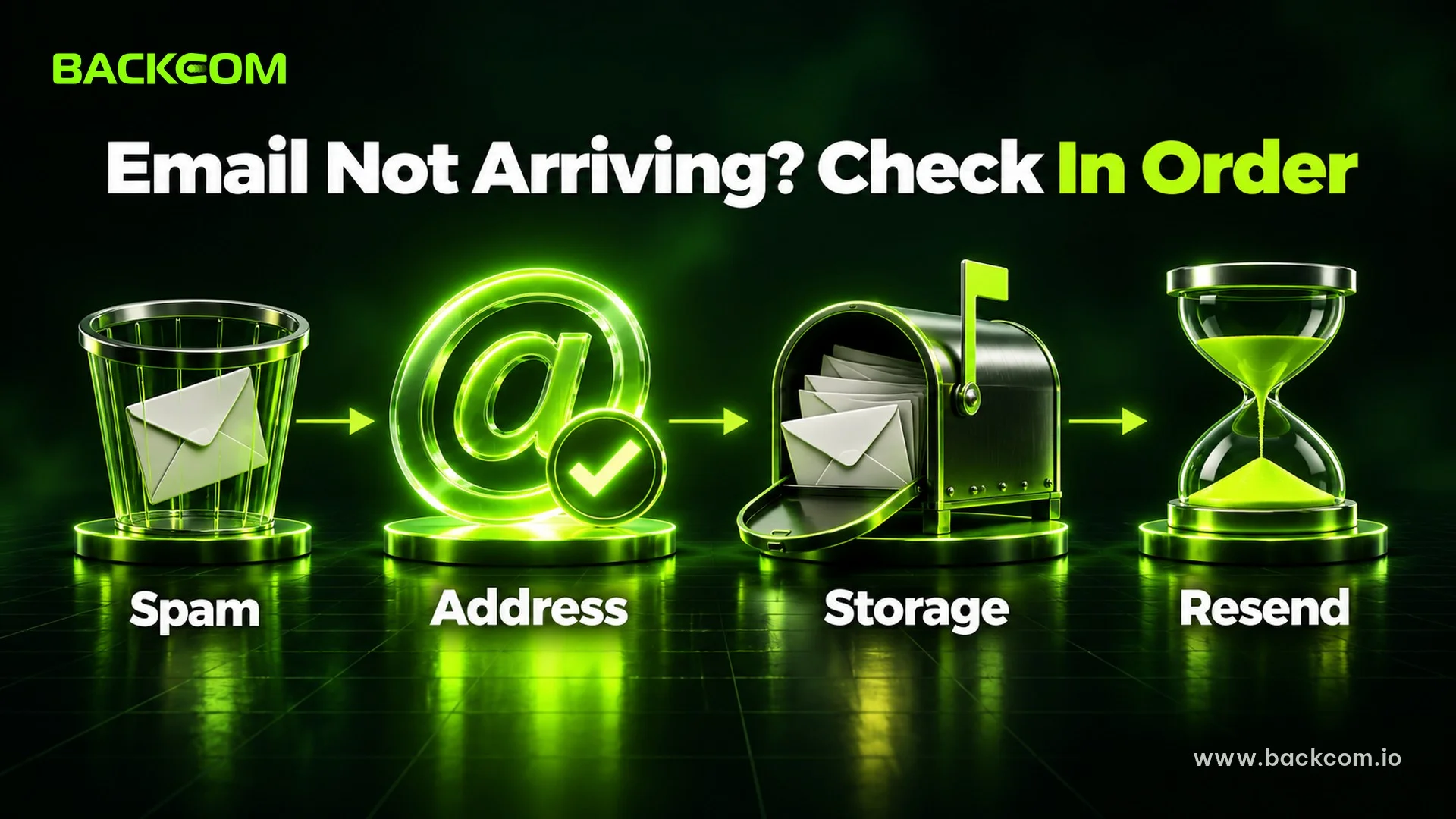
Check in this order:
- Confirm that Email is the active security type and that the address shown matches the inbox you are opening.
- Search spam, promotions and trash, because automated verification mail is often filtered there.
- Request the code once more, then wait.
- Clear your browser cache and cookies, then try again.
- Wait about an hour if the code still has not come, and only then retry.
- Switch browser or device, and turn off any tool that reroutes your connection, since it can delay mail.
According to the same guide, if email is regularly slow you can change the security type to push notifications in the broker's app. That reduces your dependence on the inbox, but you can only change it once you are able to log in.
A quick test is to search your inbox for the broker's name. If older broker emails are there but the new one is not, the code is probably blocked or delayed on the sending side. When every step has failed, open a support ticket from the client area with the time of the request and a screenshot of the message on screen.
3. SMS Codes Missing: Is It Your Number, Signal Or Carrier?
An SMS code depends on three links in a row: the phone number the broker has on file, your carrier's delivery, and the phone that receives the text. If any one of them fails, no message appears.
Check them in this order:
- Signal and data: switch between Wi-Fi and mobile data, then toggle airplane mode.
- Do Not Disturb: some phones silence notifications, so the text arrives but stays hidden.
- Unknown sender filters: the phone's junk or promotions folder can hold the verification text.
- Full message storage: older phones sometimes stop receiving new messages.
- The number on file: compare the last digits shown on screen with the number you actually use.
Exness describes how an account is tied to a phone number in its SMS security type guide. Read the version from your own broker, because the steps differ between brokers.
Two situations cause most of the confusion: travelling abroad without roaming, and swapping a SIM while the account still holds the old number. The steadiest fix is to move to another channel before you need to trade in a hurry. Changing the number is covered in section 5.
4. Broker 2FA Code Not Working: Is Your Phone Clock Off?
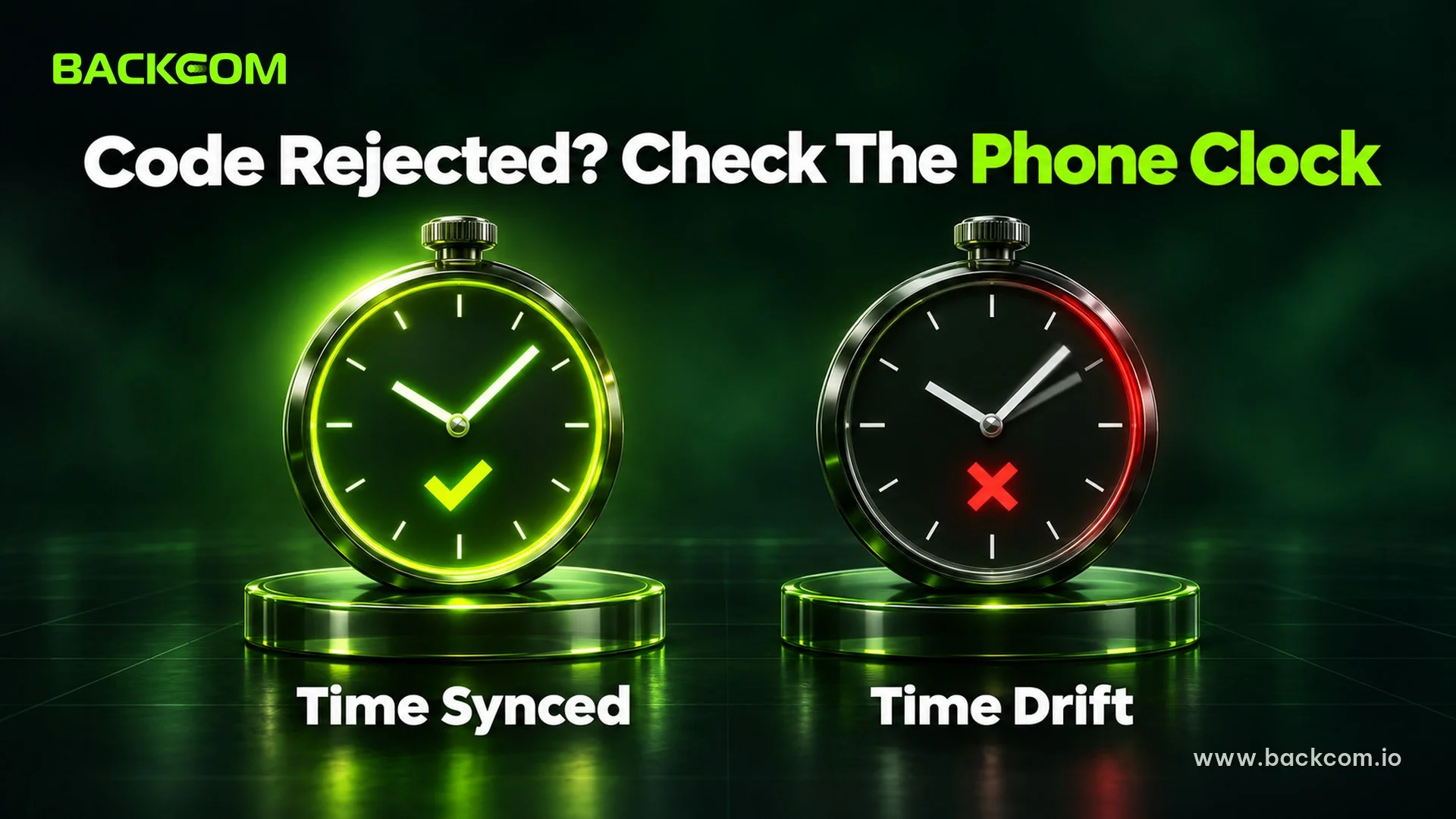
An authenticator app generates codes from the current time, so no text message is involved. That means a rejected code usually points to the phone's clock, not the network.
Google's help page on rejected authenticator codes lists what to check: enter the code before it expires, use the code for the right service, use the right account, and make sure the device clock matches your time zone. Google also says version 7.0 of its app uses the operating system time, so a clock problem has to be fixed in the phone's date and time settings.
Here is what you should do:
- Turn on automatic date, time and time zone in the phone settings.
- Close and reopen the authenticator app so it reads the time again.
- Pick the correct entry, since one app often holds codes for many services.
- Enter the code early, instead of waiting for the last second of its cycle.
The Code Is Still Wrong With A Correct Clock
If the time is right and the code is still refused, there are two usual explanations. The entry in the app may be old because you linked the account again with a different key. Or you moved to a new phone and never transferred the entry.
Do not delete the old entry yet. Keep it until you are sure you have another way in, then open a support ticket so the broker can reset your authentication. The next section covers that process.
5. Forgot Forex Broker Password Or Lost Your Old Number: How To Change Forex Broker Phone Number
A forgotten forex broker password and a lost phone number often show up together, because people change phones and only then notice the codes stopped. Both need the broker to confirm your identity again, so they cannot be fully solved from the login screen.
A safe sequence looks like this:
- Use the password reset on the broker's own login page, but only if the registered email still works.
- If you can still log in, change the phone number or security type in the security section before you give up the old number.
- If you cannot log in, open a support ticket from the login page or write from the email registered with the broker.
- Prepare your documents, such as the ID you verified when opening the account, because brokers usually check it against their records.
- Wait for confirmation before trying again, and avoid sending several duplicate tickets.
A broker may ask for extra checks when security details change. That is a protection you want, especially on an account with funds, so do not look for shortcuts through people who claim to offer support outside official channels.
What To Send Support, And What Never To Send
A good ticket gives the broker enough to look you up, but it never needs a password or a code. You should send:
- The registered email and your account number, if you remember it.
- A short description of which channel failed and since what time.
- A screenshot of the message you see.
- The old and new phone numbers if you want to change the number.
Never send your login password, trading password or any verification code to anyone. If you registered through an introducing partner, you can ask the partner's Telegram support channel which broker department to contact. That channel has no access to your trading account and will never ask for your code.
6. When Is A Missing Verification Code A Sign Of Fraud?
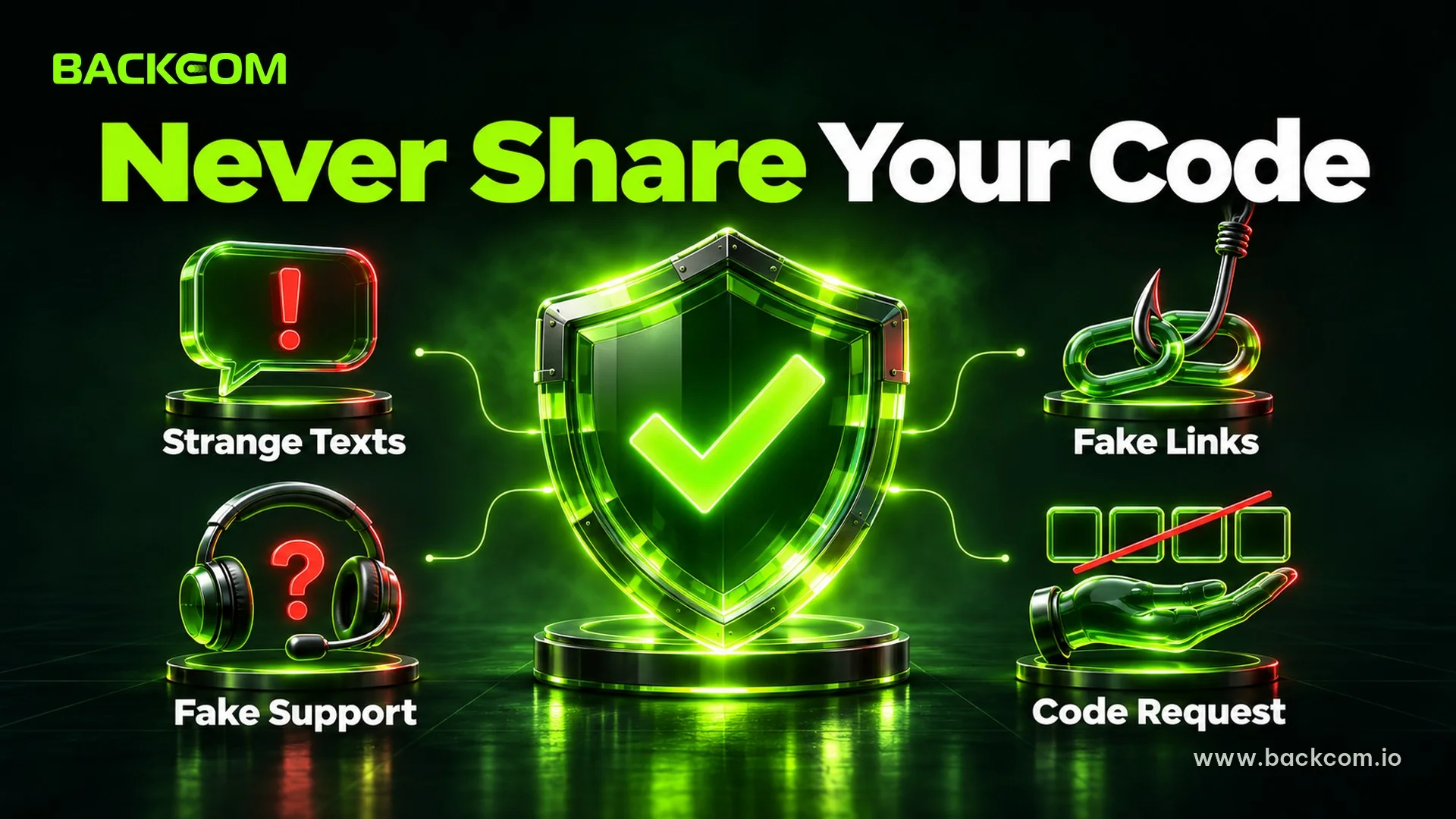
Two opposite situations deserve attention. In one, you wait and no code comes. In the other, you receive a code you never requested, or someone calls or messages and asks you to read it out.
A genuine broker never asks for your verification code. Exness has a dedicated page on one-time password and verification code scams that treats the code as something only the account owner should know. The principle holds for every broker, not just Exness.
Stop and check if you see any of these signs:
- A code arrives when you did not log in, which suggests someone is trying your password.
- A stranger asks for the code by phone, Telegram or WhatsApp and claims to be broker staff.
- A strange link in a message leads to a login page with a web address close to the real one.
- Pressure to act now, such as a warning that the account will be closed unless you send the code.
If you notice one of these, change your password from the official site, review the devices that are signed in and report it to the broker. For wider background on impersonation, read signs of a forex broker scam and how to avoid it and how to check a forex broker license.
Keep Your Way In Stable Before A Problem Happens
Prevention costs less than recovery, so while you can still log in:
- Update your email and phone number whenever either one changes.
- Keep at least two ways to get a code, for example an authenticator app plus email.
- Store the backup codes your broker issues somewhere safe, not as a screenshot in a shared cloud folder.
- Open the broker from its official link or the confirmation email, not from a link in a text message.
If your real problem is signing in to MT4 or MT5 rather than receiving a code, the guide on how to log in to Exness on MT4 and MT5 is a better fit. If the broker website itself will not open, see how to access broker sites with the 1.1.1.1 app.
Frequently Asked Questions (FAQ) About A Forex Broker Verification Code Not Received
How Long Should I Wait Before Requesting The Code Again?
Wait a few minutes, then request a new code once, because repeated requests can make codes overlap. If it still has not arrived, check spam and your signal, and use only the newest code. For email, Exness's guide also suggests waiting about an hour before trying again.
Do Verification Codes Expire?
Yes. A code is valid for a short time, and the exact period differs by broker. Enter it as soon as you receive it and use only the latest one. If a correctly typed code is rejected, request a new code instead of retrying the old one several times.
Should I Give My Verification Code To Support Staff?
No. A genuine broker does not need your code to check an account, so anyone who asks for it is suspicious. Contact support only through the client area or the official website, and never share a code by phone, message or social media.
Can I Recover My Account If I Lost My Old Phone Number?
Usually yes, but only after identity verification with the broker. Open a support ticket from the registered email, describe the situation and prepare the documents you used to open the account. Processing time varies by broker, so do not wait until you need to trade urgently.
Conclusion: Fix A Forex Broker Verification Code Not Received In The Right Order
To solve a forex broker verification code not received problem, start with the cheapest checks: identify the channel, look in spam or check your signal, fix the phone clock, and only then change details or contact the broker. You need to look at three things together: whether the channel is still correct, whether the code is still valid, and whether the person asking for it is really the broker.
If you are comparing brokers with clear support channels, see the list of brokers and rebate conditions, for example the Exness account conditions, or the seven criteria for choosing a reputable forex broker. Backcom.io is an independent introducing broker (IB/affiliate) of the brokers it lists; rebates are paid from the commission the broker pays Backcom.io, as explained in the risk disclaimer.
Disclaimer: This content is compiled by Backcom.io for information only and is not investment advice, a trading recommendation or legal advice. Forex trading carries a high level of risk and you can lose all of your capital. Screens and verification rules change by broker, so check them against the official information of the broker you use.
Was this article helpful?
Join The Backcom.io Community
Get the latest on trading rebates, trading tips, and broker deals — and connect with thousands of traders worldwide.

Backcom App
Track Your Rebates Every Day
Every rebate is visible by broker and by day. Manage your wallet and withdrawals in one place.
Open Backcom App