Open A Forex Account When A Broker Site Is Blocked: 5 Checks Before You Register

Your broker's registration page will not load, search results are full of "quick sign-up" links, and every chat group has someone sharing a new address. This is exactly the moment when traders type personal details into a page whose owner they have never checked.
That is why you should open a forex account when a broker site is blocked by verifying the page first, not by finding a way in at any cost. In this article, Backcom.io walks through five checks: the official address, the licence, the legal entity, the support channel and a small live test.
This guide does not cover DNS changes, VPNs or other workarounds. If you are curious about those tools, our article on accessing broker sites with the 1.1.1.1 app explains them and states the risks.
1. How To Open A Forex Account When A Broker Site Is Blocked: Where To Start
To open a forex account when a broker site is blocked, start by confirming that the registration page really belongs to the broker, using the five checks in sections 2 to 6. This means registering a new account while the broker's site cannot be reached from your network, with no confirmation email, saved address or login history to compare against.
That missing reference point is what makes newcomers easy to redirect. Three risks matter most when you register on an unchecked page:
- Leaked identity documents: verification files contain ID photos and your address, and they are hard to recall once sent to the wrong place.
- Deposits to an unlicensed entity: the name looks the same, but the company behind it is a different one, so withdrawals are not guaranteed.
- Stolen credentials: a fake page can collect the exact login details you type in.
Treat the five checks below as a required routine. Each takes a few minutes and blocks most of the dangerous cases.
| Step | What to check | Stop if |
|---|---|---|
| 1. Official address | The registration page matches the address the broker publishes | The address only came from a stranger |
| 2. Licence | The entity appears on the regulator's register | It cannot be found or has been revoked |
| 3. Legal entity | Name and number on the page match the register | The name matches but the number differs |
| 4. Support and link | Contact details match the register and the link has a clear owner | Only unknown numbers or personal chats |
| 5. Small test | MT5 login works on the right server, a small withdrawal is processed | Unknown server, unexplained delays |
This table is a general routine as at 17 November 2026 and does not replace each broker's own instructions. Read the terms of the specific broker before you register.
2. Register Forex Account Official Link: How To Find The Right Address
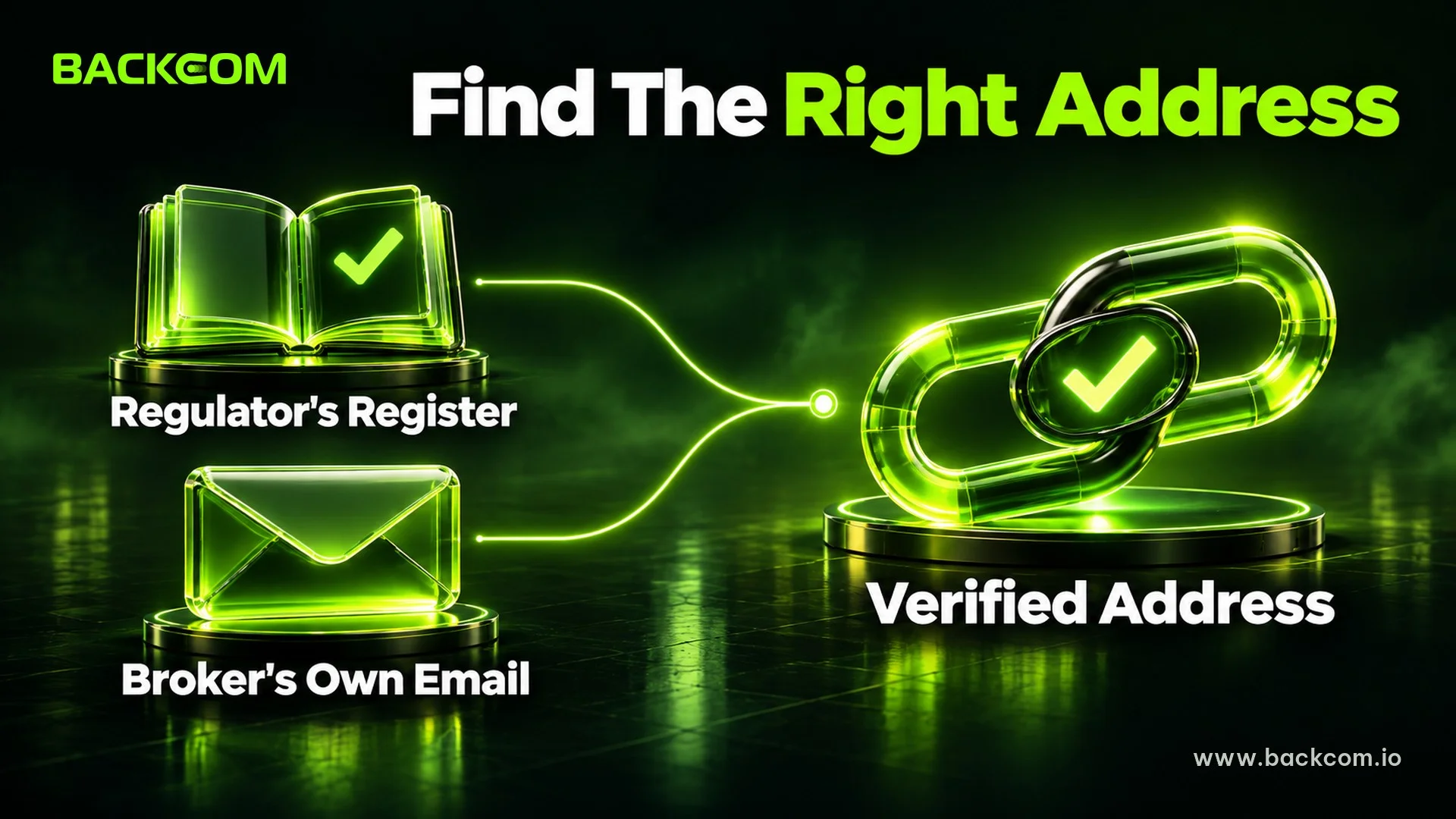
The official address is the web address the broker itself publishes to clients, not the one that appears first in a search engine or a message. When a site is blocked, this is the first thing to confirm because every later check depends on it.
Two sources are more reliable than a random link:
- The regulator's register: many regulators list contact details for licensed firms, which helps you compare the page you are about to open.
- Emails and records from the broker: if you have received mail from the broker before, the address in it is a better reference than a search result.
Once you have an address, read it character by character. Typical fakes add or drop one letter, change the domain ending or insert a word such as "official" into the name.
The Australian regulator ASIC describes the signs of fake sites on its page about its website takedown capability. According to ASIC, it has coordinated the removal of tens of thousands of investment scam and phishing sites since July 2023, and one of the signs ASIC lists is an address that does not match the content.
Note: do not open links that arrive through private messages, even if the sender claims to be broker support. Following FCA advice, contact the broker yourself through the register instead of trusting whoever writes first.
3. How To Verify Official Forex Broker Website By Checking The Licence
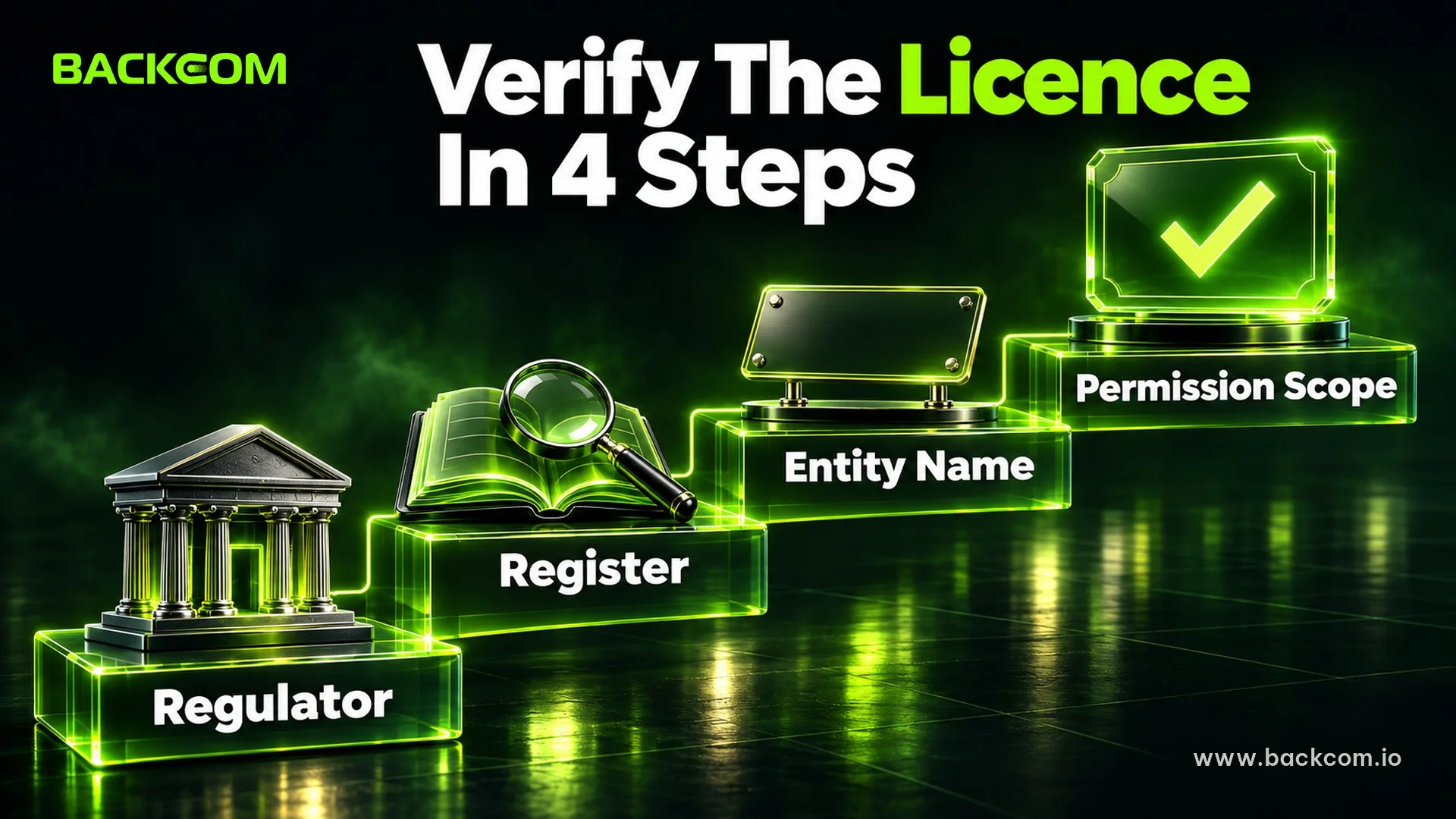
A licence shows that a legal entity is allowed by a national regulator to provide financial services. Check it directly on the regulator's register, not by trusting a logo or the words "fully regulated" on the broker's own page.
The routine has four parts:
- Identify the regulator: read the footer to see which authority the broker says licenses it, for example the FCA in the UK or ASIC in Australia.
- Open the official register: type the regulator's name yourself and use its search tool, without clicking links from the broker's page.
- Search by legal entity name: use the exact company name in the footer, plus the licence or reference number.
- Read the scope of permission: confirm the entity may provide the kind of service you plan to use.
For the UK, the FCA tells consumers to search the firm's name on its Firm Checker and Financial Services Register and to confirm the firm has permission for the product in question, as set out on the FCA clone firms page.
For Australia, Moneysmart advises using the ASIC Professional Registers and matching both the name and the number. Moneysmart stresses that registering a company does not mean it holds a licence to provide financial services. If the broker is based abroad, ask the regulator in that country, and IOSCO lists the regulators of most countries.
One point is easy to miss: many large brokers operate several legal entities in different countries. The same brand can serve you through a different entity from the one named on its global homepage. So check the entity named in the terms on the registration page, not only the brand.
Our guide on how to check a forex broker's licence goes deeper into each register.
4. Match The Legal Entity On The Registration Page To The Register
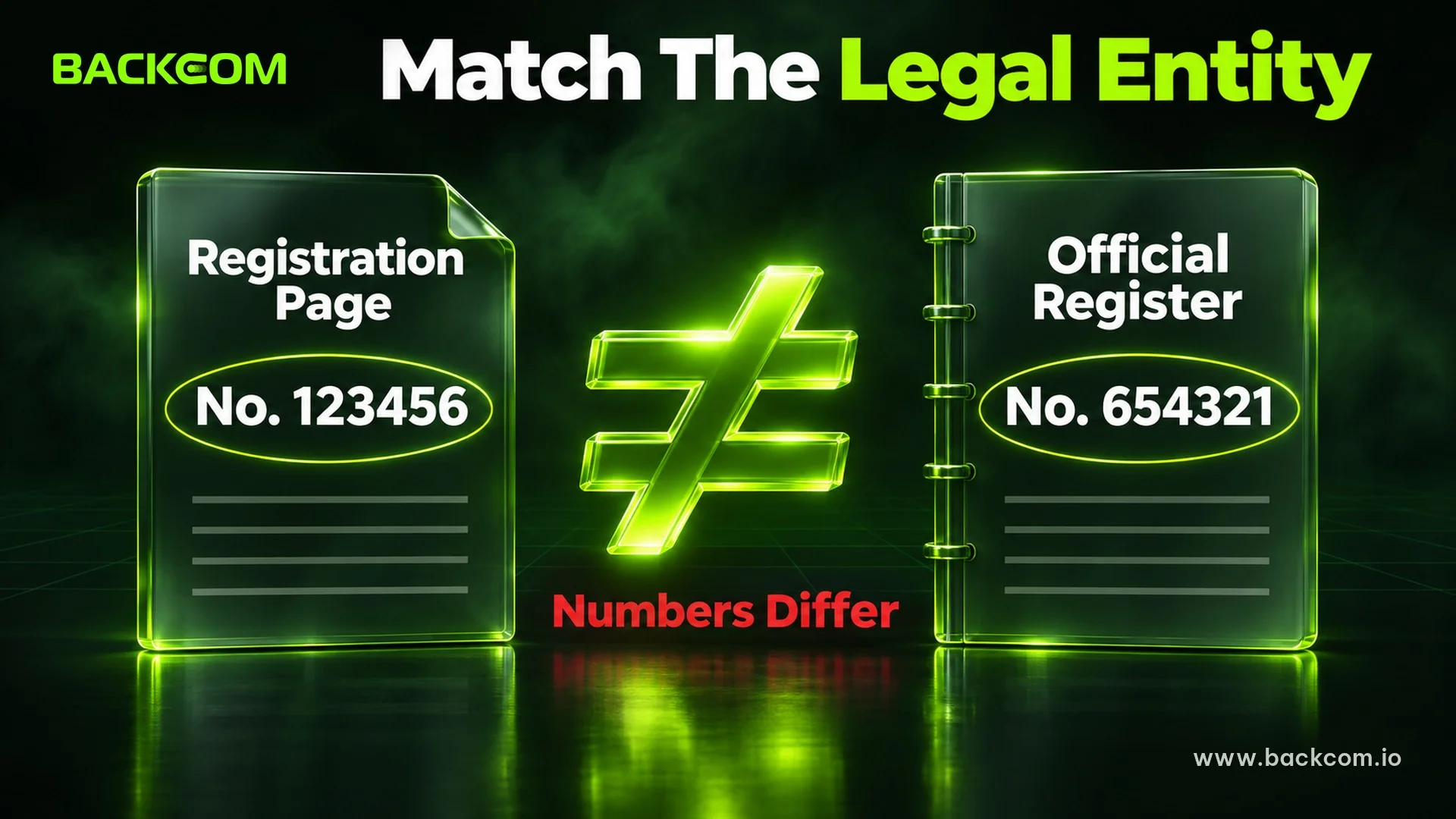
Matching the legal entity means comparing the company name and registration number on the registration page with the regulator's record. This step stops the most sophisticated fake, a page that borrows a real broker's name and licence.
The FCA warns that clone firms can use a genuine firm's name and even its reference number, so matching the name alone is not enough. Compare four details:
- Full legal name: including suffixes such as "Ltd" or "Limited", because one different character can mean a different company.
- Registration or licence number: it must match exactly, not just look similar.
- Registered address: it should match the register.
- Contact details: the phone number and email on the register are your reference, not numbers given by a stranger.
For example, a page says "XYZ Markets Ltd, licence 123456", but the register shows "XYZ Markets Ltd" under number 654321. Two different numbers mean the page is borrowing a name, and you should stop.
If the register shows the right name and number but the status is revoked, the FCA advises avoiding that firm.
One rule worth keeping: until the entity matches, do not send documents and do not deposit.
5. Forex Broker Registration Page Not Opening: Check Support Channels And Referral Links
A support channel is where you go with errors or to confirm information, and it is also where scammers most like to impersonate. Check it before you register, not when something goes wrong.
Follow three rules:
- Take contact details from official sources: the phone number or email on the regulator's register, or in the broker's terms.
- Contact them yourself instead of waiting to be contacted: the FCA advises that if someone calls unexpectedly, you should call back using the number on the register.
- Never give passwords or one-time codes to anyone: real broker staff do not ask for them.
Registration links come in two kinds. One is the broker's own link. The other is an introducing broker (IB or affiliate) link, which takes you to the broker's registration page with a tracking code so the partner can credit the client.
A partner link is not wrong, but it must lead to the official page you verified in the earlier steps. Before you fill anything in, look at the address bar and the footer once more.
Backcom.io is an independent introducing broker (IB/affiliate) of the brokers in its reviewed broker list. Rebates are paid from the commission the broker pays its partner, as explained in the risk disclaimer, and you should read it before registering through any partner.
6. Test With A Small Amount Before Funding Fully
A small test checks the broker by behaviour instead of reading: log in, deposit a small amount, then try a withdrawal. It is the last and cheapest layer of protection.
Prepare three things before you register:
- Matching personal documents: the name on your ID, your registration and your payment method should be identical, since mismatches often get files rejected.
- A dedicated email address: it helps separate real messages from fake ones.
- A unique password and two-factor authentication: never reuse your email or wallet password.
After approval, work in this order:
- Save the client area address in a note so you do not have to search again.
- Read the confirmation email, which usually contains your account number and trading server name.
- Log in to MT5 with the server in that email, typing each detail by hand.
- Deposit a small amount, only what you are willing to test with.
- Request a small withdrawal and check it is processed as the terms describe.
Entering MT5 details is where new traders slip most often. Our article on MT4 vs MT5 helps you choose the right account type.
A small test does not prove a broker is safe, because scammers can also pay small amounts to win trust before blocking a large one. It adds to the licence and entity checks and never replaces them.
7. Forex Broker Website Blocked: When Should You Stop And Choose A Different Broker?
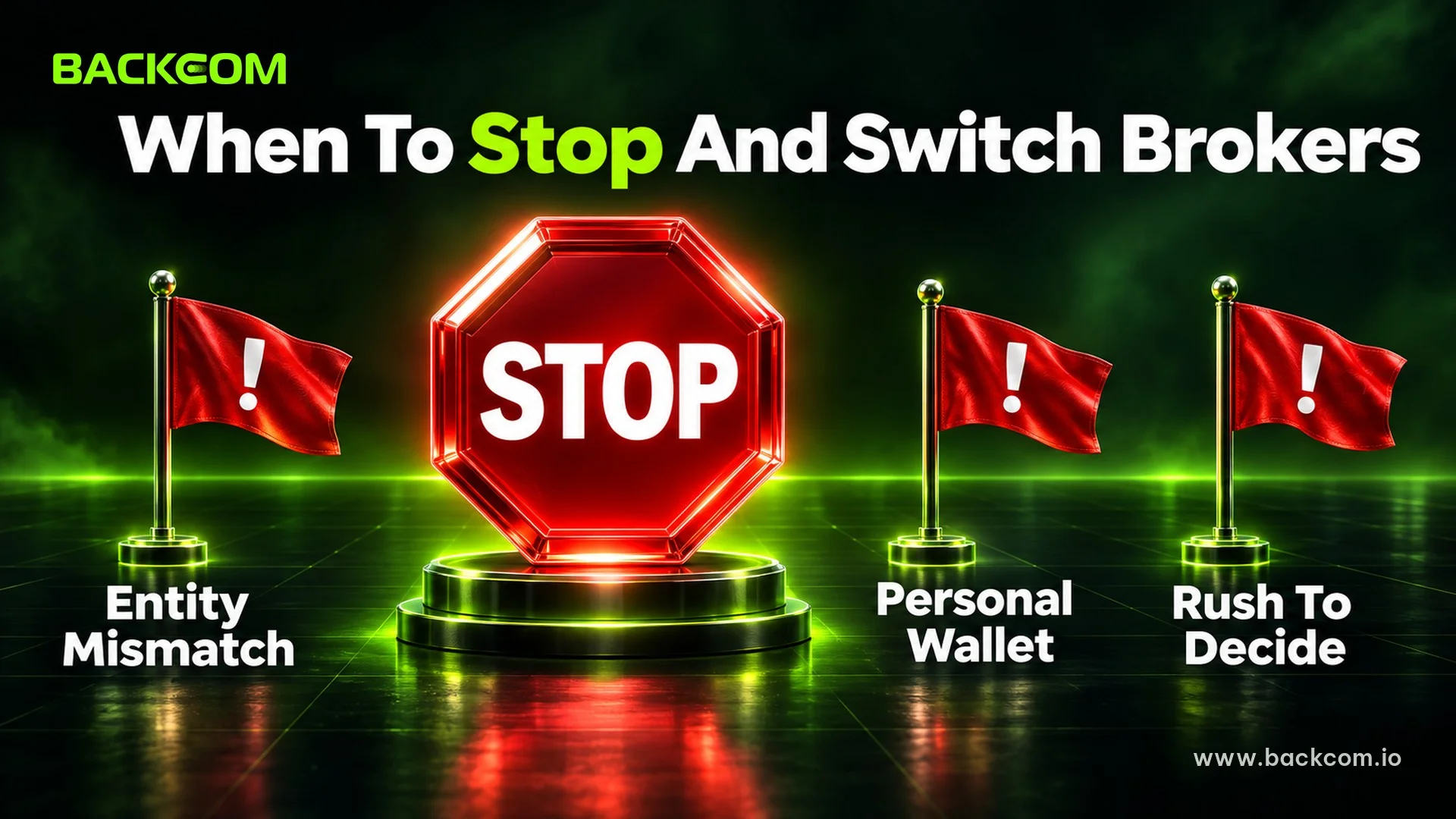
Stopping is the right decision when a check fails and you cannot explain the difference with an official source. Abandoning a page costs minutes, while lost documents or money are very hard to recover.
Stop immediately if you see:
- An entity missing from the register: searching by both name and number returns nothing.
- A matching name with a different number: the page borrows a real company's name.
- A request to pay in digital assets: ASIC lists this as a sign of a fake site.
- Pressure to decide fast: "offer ends today" is a familiar tactic.
- Promises of profit or "no risk": forex trading carries high risk and you can lose all your capital.
When you see these signs, stop sending information and compare the page against our guides on signs of a forex broker scam and 7 criteria for a reputable broker.
If you have already typed a password or sent documents to a suspicious page, change that password everywhere you reused it and tell your bank or wallet provider if money has moved.
Frequently Asked Questions (FAQ) About Opening A Forex Account When A Broker Site Is Blocked
Can I Open A New Forex Account If The Broker Site Is Blocked?
There is no single answer for every broker, because service by region is set by each broker and legal entity. Read the terms and ask official support whether the broker accepts clients from your country before you register. This guide covers checks only and does not guarantee that an account can be opened.
Can I Trust A Registration Link From A Chat Group?
Not at first. A link in a chat group may be placed by a stranger to collect information, even if the group is large. Check the address, search the entity and only then enter details, and ignore any link that asks for a deposit right away.
Where Is The Most Reliable Place To Check A Broker's Licence?
The most reliable place is the official register of the regulator that issued the licence, such as the FCA Financial Services Register or ASIC Professional Registers. Type the regulator's name yourself rather than clicking a link from the broker or a stranger, and compare both name and number.
Is Registering Through An Introducing Broker Different From Registering Directly?
The account is still opened directly with the broker. The partner only adds a tracking code to credit the client and may share part of its commission as a rebate. Make sure the link leads to the official page and read each broker's rebate terms before deciding.
Conclusion: Opening A Forex Account When A Broker Site Is Blocked Starts With Checking
To open a forex account when a broker site is blocked, work in order: confirm the official address, check the licence, match the legal entity, verify the support channel and referral link, then run a small test. Keep three things in view together: whether the registration page is real, whether the entity is licensed and whether withdrawals work as described.
Once you have chosen a broker that passes, you can follow the step-by-step guides on how to open an Exness account or how to open a Vantage account. Existing Exness clients who cannot log in can read the Exness blocked access guide and the Exness broker page.
Disclaimer: This content is compiled by Backcom.io for information only and is not investment advice, a trading recommendation or legal advice. Forex trading carries a high level of risk and you may lose all of your capital. Rules on access to foreign financial services may change, and you are responsible for checking them and for your own decisions.
Was this article helpful?
Join The Backcom.io Community
Get the latest on trading rebates, trading tips, and broker deals — and connect with thousands of traders worldwide.

Backcom App
Track Your Rebates Every Day
Every rebate is visible by broker and by day. Manage your wallet and withdrawals in one place.
Open Backcom App