OKX Wallet Extension: A Convenient Web3 Browser Wallet Or A Security Risk?

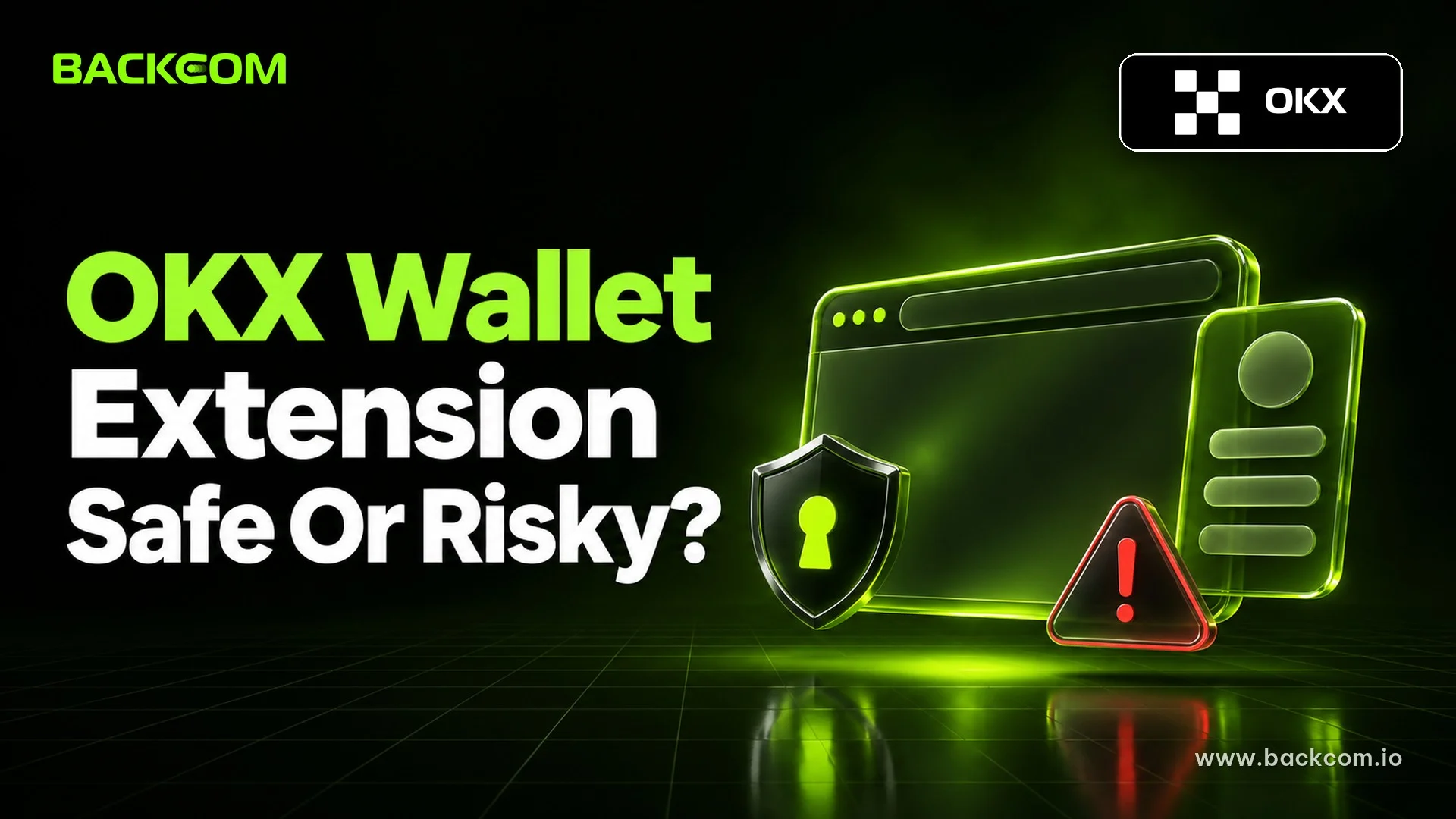
Browser wallets have become close to essential for anyone using DeFi, NFTs or multi-chain apps. A Web3 wallet is no longer just storage: it is the gateway between you and the blockchain apps you use. The OKX Wallet extension, the browser wallet developed by OKX, draws attention for its deep links to DeFi, NFTs and many networks.
Convenience always comes with questions about security, control of your assets and hidden risks. Is the OKX Wallet extension really safe? Does it suit every Web3 user, or only those with some experience? In this article, Backcom.io looks at it neutrally, from how it works and what it offers to the risks to weigh before you use it, using OKX's help pages and the Chrome Web Store listing as at 20 November 2026.
What Is The OKX Wallet Extension?
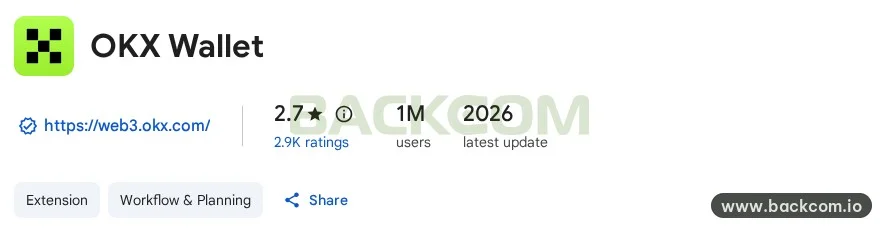
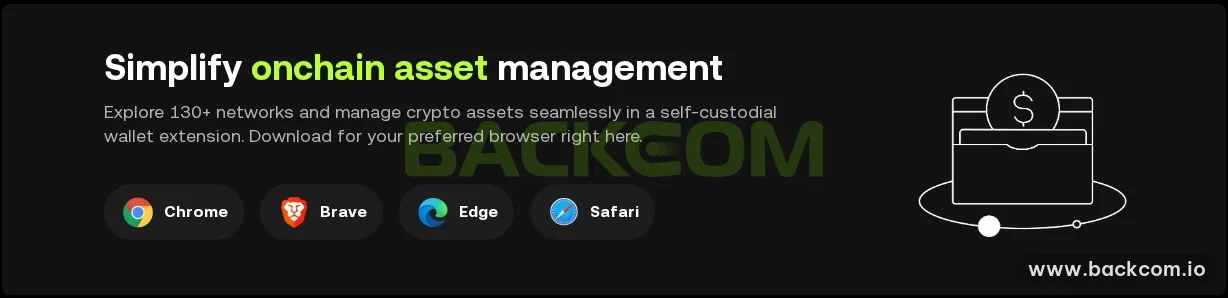
The OKX Wallet extension is a self-custody, multi-chain wallet that runs as a browser extension on Chrome, Brave, Edge and Safari (the browsers listed on the OKX Wallet download page). It lets you store and manage crypto and connect directly to decentralised apps (DApps). OKX's wallet help page, updated on 16 November 2026, calls it "a non-custodial and decentralized multi-chain wallet", separate from your account on the OKX exchange.
| Item | What the official sources showed on 20 November 2026 |
|---|---|
| Name and publisher | OKX Wallet, listed by the owner of web3.okx.com |
| Browsers | Chrome and other Chromium browsers |
| Networks | "140+ networks" according to the store listing |
| Custody | Non-custodial: seed phrase or hardware wallet |
| Store listing | Version 4.24.0, updated 13 November 2026, about 1,000,000 users, rated 2.7 out of 5 from 2.9K ratings |
Store figures as listed on 20 November 2026 change with every release, so check the official Chrome Web Store listing before installing.
At its core, the extension acts as a Web3 gateway that helps you:
- manage your seed phrase or private key directly in the browser
- connect quickly to DeFi apps, NFT marketplaces, GameFi and DEXs
- trade and interact on-chain without logging in to an exchange
If wallets and blockchains are new to you, start with our beginner guide to crypto.
Because it is self-custody, it is a different product from a custodial exchange account; the comparison of centralized vs decentralized exchanges shows where a wallet like this fits.
How Does The OKX Wallet Work In Your Browser?
The OKX Wallet works as a signing layer between your browser and the blockchains you use. It lets you approve transactions and interact with DApps directly, without a centralised exchange or other intermediary in the middle.
The flow follows a few logical steps:
- Install the extension: once added to your browser, it runs in the background and responds when you visit a DApp.
- Create or import a wallet: the help page lists creating a wallet with a seed phrase or a hardware wallet, and also sign-in with Google, Apple or email, which creates a wallet without a manual seed phrase backup.
- Connect to a DApp: when a DEX, NFT marketplace or DeFi site asks to connect, the extension shows a request and you approve or reject it site by site.
- Sign the transaction: swaps, staking and NFT mints all ask you to check the network, fee and smart contract, then confirm with your password.
- Broadcast it: the signed transaction goes straight to the relevant network, such as Ethereum, BNB Chain or Solana.
Key point: the extension does not execute transactions on its own and cannot move your assets without your signature. That is the core of its security model, and also its weak spot, because a signature approved by mistake is just as valid as one you meant.
The help page also warns that a wallet cannot be restored without a backup. If you choose the Google, Apple or email sign-in, read how recovery works for that option before you fund the wallet.
Key Features Of The OKX Wallet Extension
The extension is designed as an all-in-one Web3 wallet rather than a simple key store. These are the features that change day-to-day use.
Multi-Chain Asset Management
One wallet covers EVM networks such as Ethereum, BNB Chain, Arbitrum and Polygon as well as Solana and other chains. You can track balances across networks without switching wallets, although choosing the right network before you send is still your responsibility.
Tokens, NFTs And On-Chain History
Tokens are grouped by chain, NFTs sit alongside them and your on-chain transaction history is in the same view, so routine checks rarely need a block explorer.
Built-In DApp Connections
The extension detects connection requests and keeps a list of connected sites, so you can see which DApps have access and remove the ones you no longer use.
Swap And Bridge Inside The Wallet
The store listing describes connecting to DApps, swapping, bridging and exploring DeFi from inside the wallet. That saves steps, but every swap or bridge still costs network gas plus any route fee, which our guide to crypto withdrawal and network fees breaks down.
Several Wallets In One Extension
You can create several wallets and accounts and switch between them quickly, which makes it easy to keep a trading wallet, a storage wallet and a test wallet apart.
Security Settings
The wallet unlocks with its own password, permissions are managed per website, and the store listing mentions phishing detection and suspicious-site warnings. OKX's security tutorial also points to an authorization management tool for cleaning up old contract permissions.
Benefits Of The OKX Wallet Extension For Web3 Users
Features describe what the wallet can do. The benefits are about what problems it solves for people who use Web3 apps regularly.
Less Friction On-Chain
The biggest barrier in Web3 is not a lack of tools but too many steps. Connecting, switching network and signing happen in one place, which cuts repeated clicks and the errors that come with them.
Faster Reactions When Conditions Change
Gas prices move quickly, so fewer steps between connecting and signing means fewer failed or mispriced transactions.
More Control, And More Responsibility
With a self-custody wallet you depend on no third party for on-chain actions. Every decision is yours, which is the right mindset for Web3 but a real shift for anyone used to exchange support.
A Base For Long-Term Web3 Use
For years of DeFi, NFT or DAO use, a browser wallet builds a stable routine and reduces dependence on any single platform.
Separating Risk By Purpose
Multiple wallets let you keep your main holdings away from experiments, so connecting an unfamiliar DApp from a wallet that holds little becomes one of the simplest risk controls available.
What Are The Security Risks Of The OKX Wallet Extension?
Most of the risks of a browser wallet come from how it is used rather than from the code itself. These are the points to understand before you fund the extension.
Seed Phrase Theft
Whoever holds your seed phrase or private key controls the wallet. OKX's on-chain security tutorial says to keep this information offline and never enter it on any website or give it to anyone claiming to be "customer service".
Fake Extensions And Phishing Sites
Copies of popular wallets appear in add-on stores under lookalike names, and phishing ads imitate official domains, such as "web3.0kx.com" instead of "web3.okx.com" in OKX's own example. Install only from the official listing and type addresses yourself. The red flags in how to avoid crypto exchange scams apply here too.
Malicious Approvals And Signatures
A signature can give a smart contract permission to move your tokens later. Three habits reduce that risk:
- read what each signature request actually asks for
- prefer limited approvals where a DApp allows them
- revoke permissions you no longer need with the authorization management tool
A Compromised Computer
A browser wallet is only as safe as the device it runs on. Malware, unknown add-ons and shared computers all raise the risk, which is why larger balances are usually kept on a hardware wallet connected to the extension.
OKX Wallet Extension Vs Other Web3 Browser Wallets
To judge where the extension stands, it helps to compare it with other Web3 browser wallets by intended use rather than by feature lists.
Compared With MetaMask
MetaMask grew up on Ethereum and EVM networks and suits users who like manual control, such as custom network and RPC settings. The OKX extension aims at multi-chain use from the start, with less configuration.
Compared With Trust Wallet
Trust Wallet is strongest on mobile, and its extension mainly covers everyday needs. The OKX extension is built around the browser and frequent DApp use on desktop.
Compared With Phantom
Phantom started on Solana and is still strongest there. The OKX extension is not tuned to one ecosystem but is more flexible across many chains.
Compared With Coinbase's Self-Custody Wallet
Coinbase's self-custody wallet emphasises compliance and ties into the Coinbase ecosystem. The OKX extension is more independent of its exchange and focused on on-chain use.
Taken together, the OKX extension does not replace every browser wallet. It sits in the middle:
- easier to approach than highly technical wallets
- more flexible than wallets built around a single chain
- best suited to multi-chain users who are active in the browser
Frequently Asked Questions (FAQ) About The OKX Wallet Extension
Is The OKX Wallet Extension Safe To Use?
The extension is an official OKX product with phishing warnings and per-site permissions, but safety depends mostly on you. Install it only from the official listing, keep the seed phrase offline, read every signature request and keep larger balances on a hardware wallet. No browser wallet protects funds from a seed phrase that has been shared.
Is The OKX Wallet The Same As An OKX Exchange Account?
No. The exchange account, described in how to sign up for OKX, is custodial: OKX holds the assets and you log in with a password. The wallet extension is self-custody: you hold the keys, and OKX describes it as non-custodial. You can use the wallet without trading on the exchange, and moving funds between the two is an on-chain transfer.
Can OKX Recover My Wallet If I Lose The Seed Phrase?
OKX's help page warns that you cannot restore the wallet without a backup. If you created the wallet with a seed phrase and lose it, nobody can rebuild access for you. If you used the Google, Apple or email sign-in, check how that recovery option works before you rely on it.
Does The OKX Wallet Extension Charge Fees?
Every on-chain action costs a network fee paid to the blockchain, and swaps or bridges can include route or protocol fees shown in the quote. Check the full cost on the confirmation screen before you sign, especially on networks where gas rises sharply at busy times.
Conclusion: Should You Use The OKX Wallet Extension?
The OKX Wallet extension is a sensible choice for Web3 users who regularly use DeFi, NFTs and DApps in the browser and want a lightweight multi-chain wallet they control. For people who already understand how on-chain activity works, it streamlines day-to-day use. If you mainly buy and sell crypto, or are not ready to manage a seed phrase and the security risks that come with it, a browser wallet may be unnecessary and can add risk you do not need.
Disclaimer: This content is compiled by Backcom.io for information only and is not investment or security advice. Self-custody means you alone are responsible for your keys, and product features can change at any time.
Was this article helpful?
Join The Backcom.io Community
Get the latest on trading rebates, trading tips, and broker deals — and connect with thousands of traders worldwide.

Backcom App
Track Your Rebates Every Day
Every rebate is visible by broker and by day. Manage your wallet and withdrawals in one place.
Open Backcom App