Crypto Withdrawal Fees Explained: Network Fees, Exchange Fees And How To Lower Them


Crypto withdrawal fees are the charges you pay when you move coins from an exchange account to an outside wallet or another platform. They look small on the confirmation screen, but they repeat every time you transfer, and they depend on the coin, the network and the amount more than most beginners expect. In this article, Backcom.io explains what you are really paying for, how a network fee differs from the fee the exchange shows, why minimums exist, and how to compare networks before you confirm. All amounts below are illustrative unless a source is named.
What Are Crypto Withdrawal Fees?
Crypto withdrawal fees are the cost of sending an asset out of an exchange onto a blockchain. Unlike a trading fee, which depends on your order, a withdrawal fee depends on the network the coin travels over and how busy that network is at the moment.
Most exchanges charge nothing to deposit. Binance, for example, states on its fee page that it does not charge deposit fees, while each withdrawal carries a flat fee that covers the cost of moving the asset off the platform. The same page says the rate is set by the blockchain network and can fluctuate without notice.
Three things decide what you pay:
- The coin and its network: the same token can exist on several chains, each with its own cost.
- Network demand: fees rise when many people transact at once and fall when activity is quiet.
- The exchange's own rules: each platform sets minimum amounts and decides how it passes the cost on.
If you are new to the market itself, our beginner guide to crypto covers the basics first.
Network Fee Vs Withdrawal Fee: What Is The Difference?
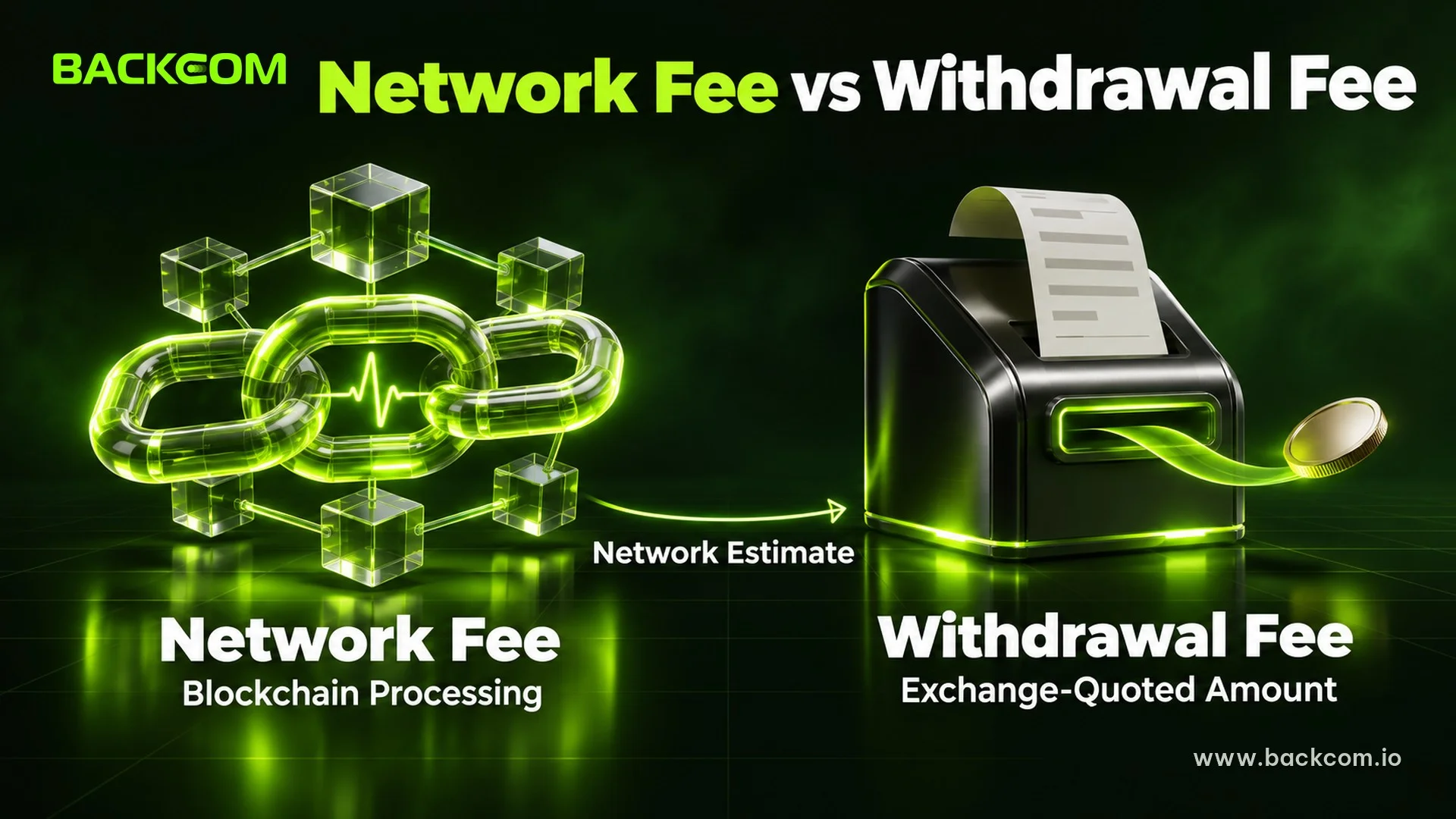
A network fee (also called a gas fee) is what the blockchain charges to process a transaction, while the withdrawal fee is the amount the exchange shows and deducts for sending your coins. In practice the withdrawal fee is the exchange's estimate of the network fee, quoted as one number.
Binance's support article on crypto withdrawal fees says the fee is not paid to Binance but to miners or validators, and that it is based on an estimate of network transaction fees. Its guide to network fees adds that none of the network fee goes to the exchange and that the amount is dynamic. Other platforms may structure the charge differently, so read the breakdown on your own withdrawal screen.
Here is why the network side moves so much:
- Ethereum and other EVM chains: according to ethereum.org, the fee equals units of gas used multiplied by the base fee plus the priority fee. A plain ETH transfer needs 21,000 units of gas, so a 10 gwei base fee plus a 2 gwei tip costs 21,000 × 12 = 252,000 gwei, or 0.000252 ETH. When demand is high, users offer larger tips to be included first.
- TRON: Binance explains that TRON uses a resource model of bandwidth and energy rather than bidding. If your account lacks bandwidth or energy, the transfer burns TRX instead. Binance notes that one token transfer may cost 0.5 TRX and another 25 TRX, depending on whether the token's contract creator covers part of the energy cost.
- Bitcoin: according to the Bitcoin developer guide, transactions pay fees based on the total byte size of the signed transaction, so the amount you send does not set the fee by itself, and fees per byte rise as demand for block space increases.
Withdrawal fee ≈ Network cost estimated by the exchange
Read that line as a rule of thumb: the label on the screen is the exchange's price for the trip, and the trip itself is priced by the chain.
Exchange Withdrawal Fee: What You Actually Pay
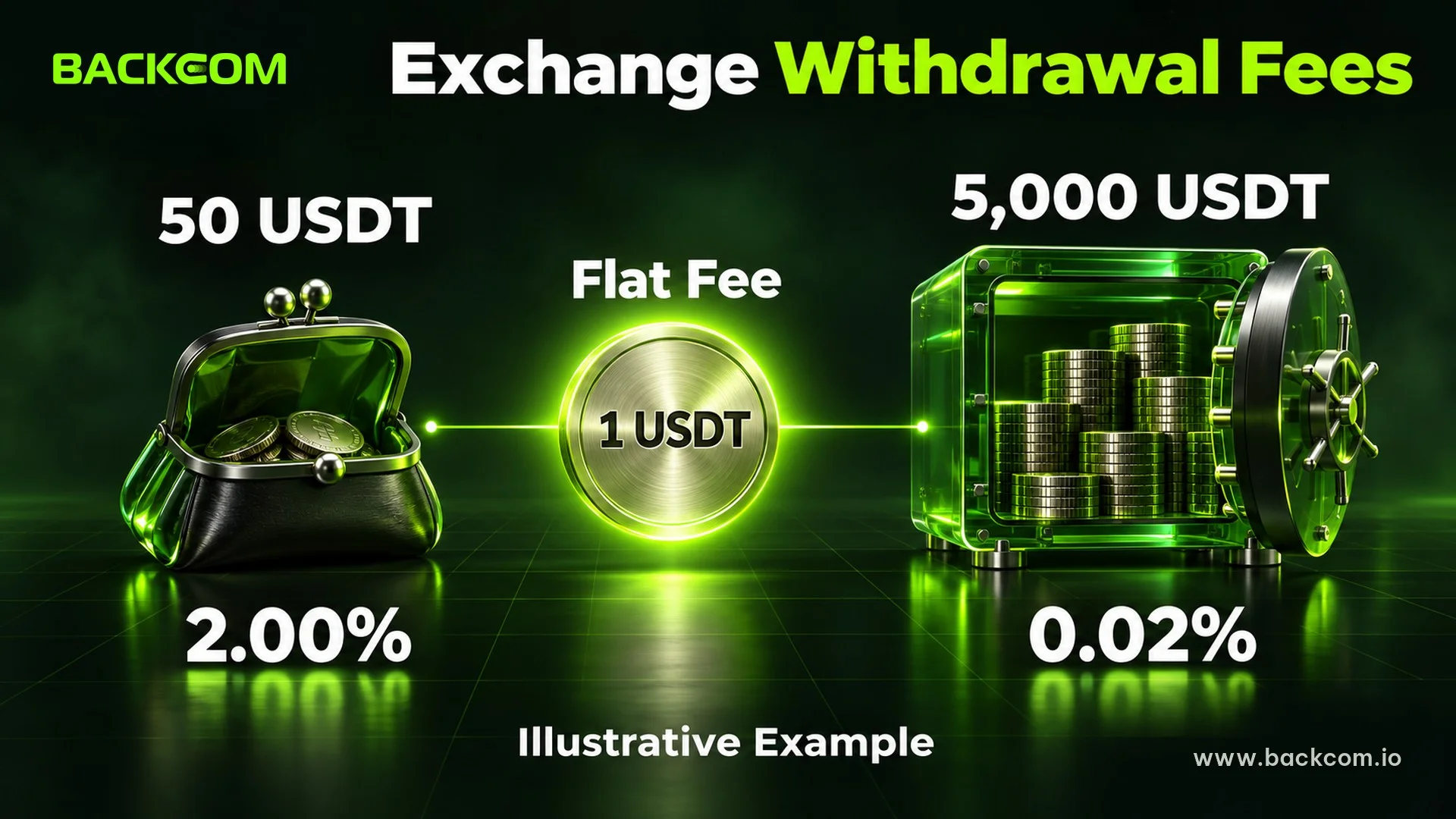
An exchange withdrawal fee is usually a fixed amount per request, shown in the coin you are sending, not a percentage of the amount. That has one important effect: a flat fee hurts small transfers far more than large ones.
Because the figure changes with network conditions, any fixed number printed in an article goes stale quickly. Binance's fee page directs users to the withdrawal page of each asset for the latest data. Treat the number on that screen, on the day you send, as the only reliable one.
A Worked Example With Illustrative Numbers
Assume a flat fee of 1 USDT per withdrawal. The numbers are invented to show the effect, not to quote any exchange.
| Amount sent | Flat fee | Fee as a share of the transfer | You receive |
|---|---|---|---|
| 50 USDT | 1 USDT | 2.00% | 49 USDT |
| 500 USDT | 1 USDT | 0.20% | 499 USDT |
| 5,000 USDT | 1 USDT | 0.02% | 4,999 USDT |
This table uses simplified assumptions for teaching. Whether the fee is deducted from the amount or added on top depends on the exchange, so check the preview before confirming.
The same flat fee takes 2% of a small transfer and 0.02% of a large one. Splitting a larger sum into several withdrawals multiplies the cost: three withdrawals of 500 USDT pay 3 USDT in total, while one withdrawal of 1,500 USDT pays 1 USDT.
If you also trade on the platform, withdrawal costs sit next to trading costs, so it helps to understand maker and taker fees as well. Withdrawal fees are charged on transfers, never on trades.
Minimum Withdrawal Crypto Exchanges Set, And Why
The minimum withdrawal is the smallest amount an exchange lets you request for a given coin and network. Binance's support article states that each coin has a minimum and that if the amount is too little you will not be able to request a withdrawal.
Minimums exist because moving a tiny amount would cost more than it is worth. The fee is roughly fixed, so a transfer smaller than the fee would leave you with nothing or less. Three practical points follow:
- Minimums differ by coin and by network. The figure for one chain does not carry over to another chain for the same token.
- Small leftovers can become stuck. If a remaining balance is below the minimum, you may not be able to withdraw it until you add more or trade it into another asset.
- A fee plus a minimum can eat a small balance. Check both numbers before you convert to a coin you plan to move.
Look up the minimum on the withdrawal page for the exact asset and chain you intend to use, because the page shows current values.
Cheapest Network To Withdraw USDT: How To Compare
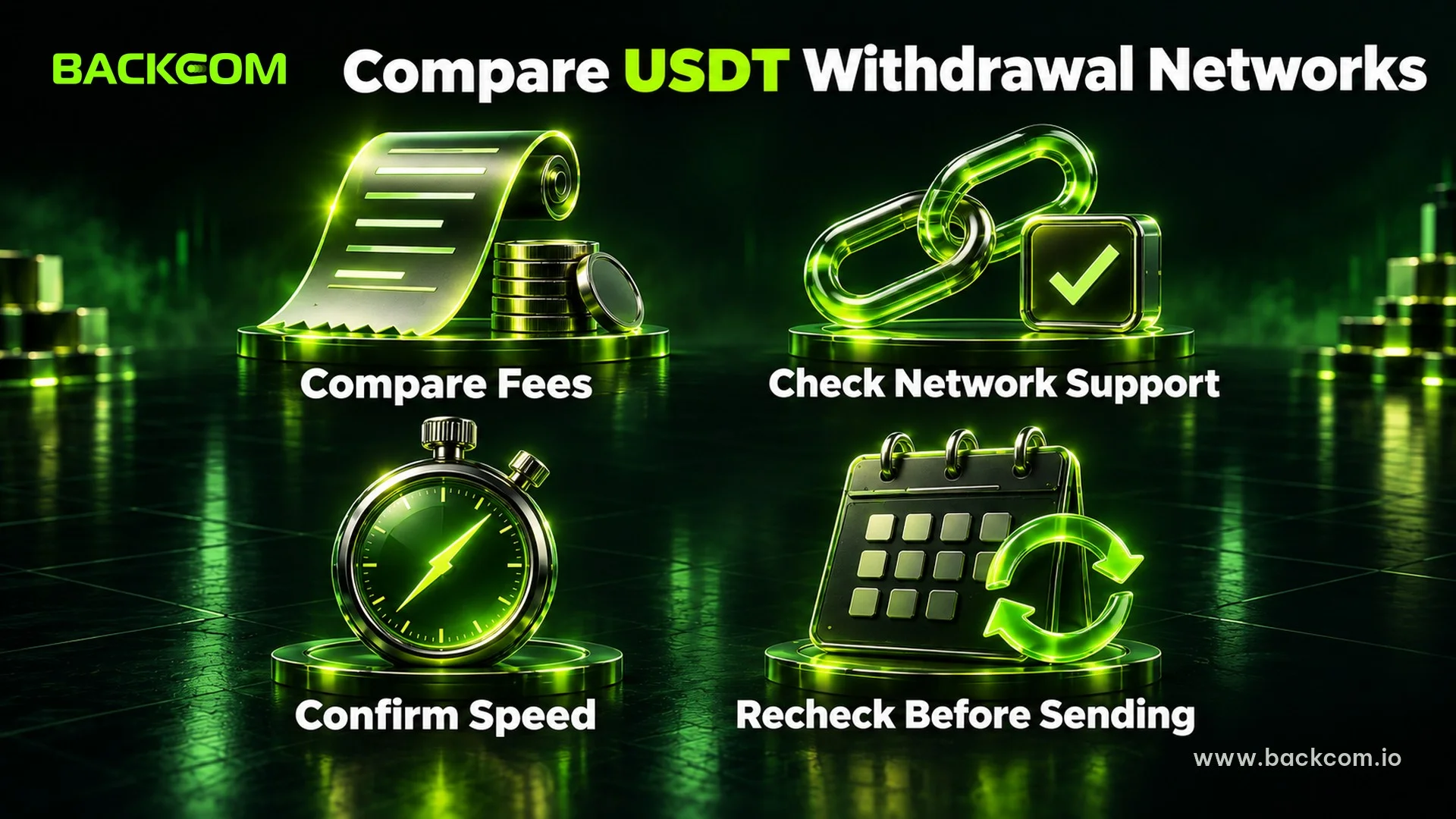
The cheapest network to withdraw USDT is the chain that gives the lowest total cost for your transfer and that the receiving side supports. USDT exists on several networks, and the fee shown for each can differ by a large multiple, so this is the single biggest saving most people can make. For background on how the token works, see our guide to what a stablecoin is.
Use this checklist instead of trusting a ranking from an old article:
- Open the withdrawal screen and select USDT. The exchange lists each supported network with its own fee and minimum.
- Compare the fee on at least two networks. Congested networks cost more at busy times, so the cheaper option can change day to day.
- Confirm the receiving platform accepts that exact network. A cheap route is useless if the destination does not support it.
- Confirm the speed you need. Some chains confirm faster than others, and a cheap but slow route may not suit a time-sensitive transfer.
A network that is cheapest this week can be more expensive next week. That is why a fixed "best network" claim cannot be trusted for long. If you move USDT to a forex broker, our checklist on depositing USDT to a forex broker lists the checks to run on the receiving side.
Wrong Network, Missing Memos And Other Costly Mistakes
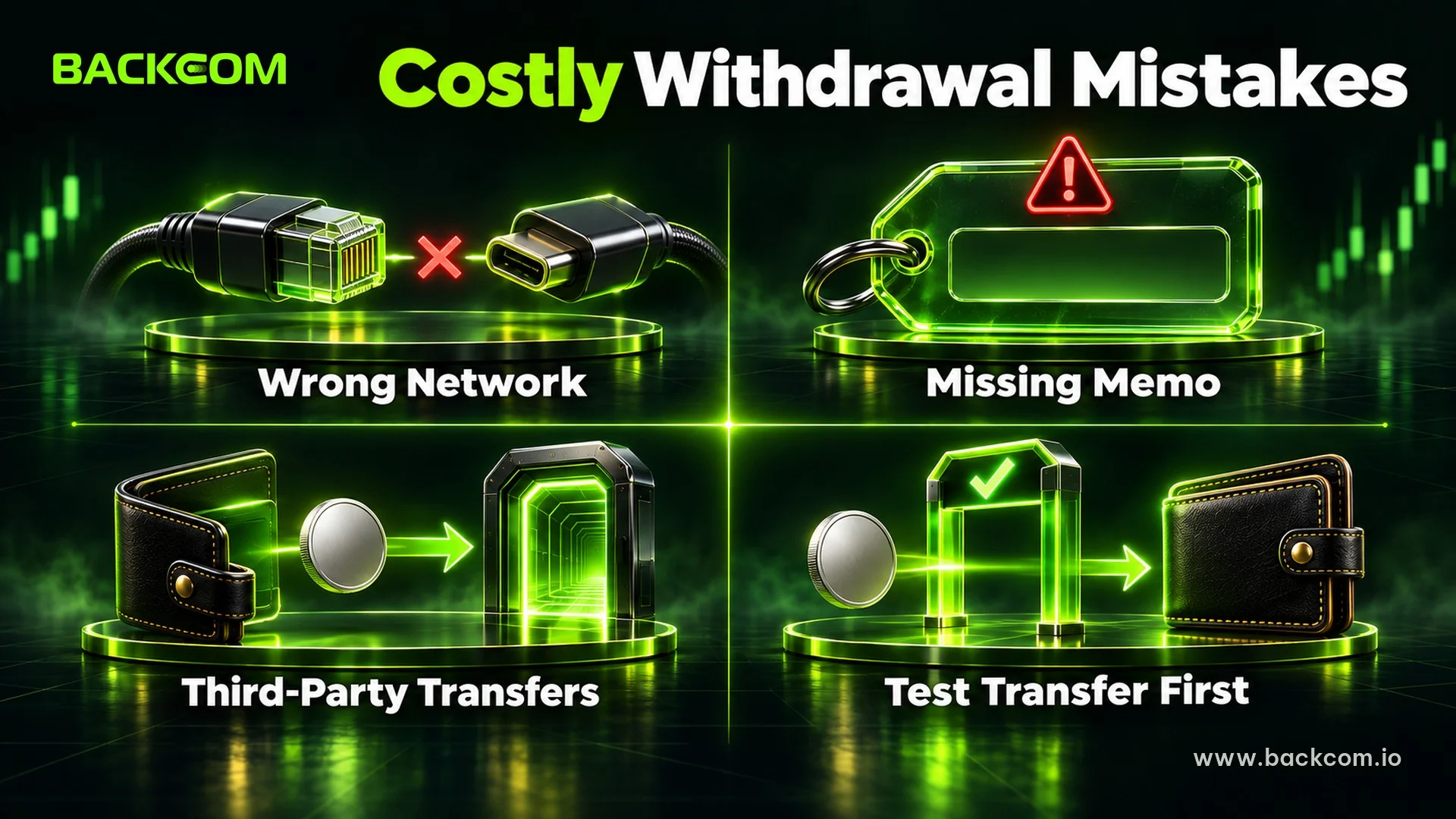
The most expensive withdrawal is the one sent to the wrong place. Binance warns that if you select the wrong network your funds might be lost and cannot be recovered.
Common mistakes and what they can cost:
- Choosing a network the destination does not support: the coins may never arrive, or arrive on a chain you cannot access.
- Leaving out a memo or tag: some assets need a memo to identify your account. Binance's tag and memo recovery page says retrieval fees equal the transaction fee of the crypto, and that if the memo you entered belongs to another user, the deposit may go to that account and Binance cannot help.
- Sending on after the funds left the exchange: once tokens move to a third-party platform, Binance says it can no longer help recover them.
Recovery is never guaranteed and often costs a fee. Prevention is cheaper, which is why a small test transfer is common practice for a large first withdrawal. If you cash out through P2P instead of an on-chain withdrawal, our guide to Binance deposit and withdrawal via P2P covers the safety rules. For account-level protection, our checklist on Binance account security covers settings such as withdrawal whitelists.
How To Lower Your Crypto Withdrawal Fees
You cannot negotiate the network's price, but you can control when, how much and where you withdraw. Use these steps:
- Withdraw less often, in larger amounts. A flat fee is a smaller share of a bigger transfer.
- Compare networks on the withdrawal screen. Pick the lowest fee among the chains your destination supports.
- Avoid peak congestion when you can. Fees on busy chains rise with demand, so a quiet period can cost less if the transfer is not urgent.
- Check the minimum before you convert. Do not end up with a balance below the minimum.
- Keep a small buffer of the network's native coin when you self-custody. Moving tokens later from your own wallet requires gas in that chain's coin, such as ETH or TRX.
- Send a test amount first. The fee on a small test is a cheap price for confirming address, network and memo.
- Keep funds on the destination you will use. If you plan to trade or hold on one platform, consider whether you need to move the money at all.
Not every step suits every situation. A time-sensitive transfer may justify a higher fee, and a first transfer to a new address should favour safety over price.
Frequently Asked Questions (FAQ) About Crypto Withdrawal Fees
Does The Exchange Keep The Withdrawal Fee?
Not for the network part. Binance's support pages state that the fee is paid to miners or validators and that none of the network fee goes to the exchange. Policies can differ between platforms, so read the fee breakdown shown before you confirm.
Why Did My Withdrawal Fee Change Since Yesterday?
Withdrawal fees follow network conditions. Binance says the amount is an estimate that can fluctuate without notice because of factors such as congestion. A busy chain produces a higher fee, and a quiet chain a lower one, so always read the figure on the day you send.
Do Exchanges Charge A Fee To Deposit Crypto?
Often not. Binance states on its fee page that it does not charge deposit fees. If you move funds in from another platform, you still pay that sending platform's withdrawal fee, so the cost of the whole transfer sits on the sending side.
Can I Get My Money Back If I Chose The Wrong Network?
Sometimes, but not reliably. Binance says that a wrong network can mean funds are lost and cannot be recovered, and its recovery tools apply only in specific cases and carry a fee. Prevention, such as a small test transfer, is the safer approach.
Conclusion: Check The Fee Before You Confirm, Not After
Crypto withdrawal fees are mostly the blockchain's price, passed on by the exchange as a flat amount, and they matter most when your transfers are small or frequent. The three habits that save the most are to compare networks on the withdrawal screen, to withdraw in larger and fewer transfers, and to confirm the network and memo before sending anything. Next, see how trading costs add up in our guide to calculating crypto futures trading fees.
Disclaimer: This content is compiled by Backcom.io for information only and is not investment advice. Fees, minimums and supported networks change often, so check the current figures on the platform before you transfer. Crypto assets are volatile and carry risk of loss.
Was this article helpful?
Join The Backcom.io Community
Get the latest on trading rebates, trading tips, and broker deals — and connect with thousands of traders worldwide.

Backcom App
Track Your Rebates Every Day
Every rebate is visible by broker and by day. Manage your wallet and withdrawals in one place.
Open Backcom App