Forex Robot Scam: 6 Checks To Run On A Trading Robot Before You Buy


A robot with an equity curve that climbs steadily for three years looks convincing, until a trader realizes the whole curve came from one run on past data. Most forex robot scam offers work this way: no hacking and no fake broker, just a backtest chart presented as if it were real trading.
The usual advice is either "never trust an EA" or "just buy it and see". Neither gives traders a process. What helps is knowing what the seller is promising and which tool can check it.
In this article, Backcom.io walks through 6 checks in the order traders should run them: backtest, demo, track record, licensing, license terms and the promises that should stop a purchase. It does not repeat what an EA is, since what a forex expert advisor is and how robots work already covers that. Every rule quoted comes from the official MetaTrader 5 and MQL5 Market documentation, checked on 25 November 2026.
1. Is A Strong EA Backtest The Same As Real Trading Results?
A backtest is a run of the robot on past price data inside the Strategy Tester, and its result depends on how that data was generated, not only on the strategy. A good-looking equity curve says little unless you know which mode produced it.
The official MetaTrader 5 documentation describes four tick generation modes in the Strategy Tester:
- Every tick: all ticks are simulated, the most accurate but the slowest mode.
- Every tick based on real ticks: uses real ticks accumulated by brokers, with no simulation.
- 1 minute OHLC: emulates only four prices (Open, High, Low, Close) for each one-minute bar.
- Open prices only: OHLC prices are also modeled, but only the open price is used for testing and optimization.
The same EA can therefore produce two very different curves depending on the mode chosen.
Read directly: MetaTrader 5 Strategy Testing documentation.
MT5 describes optimization as running one strategy many times with different parameter sets to pick the most suitable combination. The catch is the word "suitable": that set only fits the data used to choose it. This is why MT5 also offers forward testing, which reruns the EA on a different period to avoid fitting parameters to one area of historical data.
Traders should ask the seller four questions before looking at any curve:
- Which tick mode was used for the backtest.
- What period and which symbol were tested.
- Whether there is a forward period never used for optimization.
- How spread and trading costs were set in the test.
Rule IV.3 of the MQL5 Market rules forbids products from presenting backtest results as real trading results, whether expressly or implicitly. A seller who posts a backtest image and calls it "profit" breaks the rules of MQL5 Market, the official marketplace built into MetaTrader. This is the easiest point to check. For a hands-on walkthrough, see how to backtest an EA in MT5.
2. How Do You Test An EA On Demo Before Buying It?
Testing an EA on demo before buying is the cheapest way to filter out robots that are not worth the money, but it only works if you know what a demo version really allows. A demo on MQL5 Market is not a robot trading on an account.
According to MT5, every product on the Market has a free demo version that can be tested in the Strategy Tester. Rule V.6.1 goes further: a demo of an Expert Advisor cannot run on an online chart, and its trading part can only be tested in the Strategy Tester. A Market demo is therefore a backtest you run yourself, not proof that the robot works in live markets.
A sound testing routine has three layers:
- Download the demo and run it in Every tick based on real ticks mode, the data type sellers rarely mention.
- Run at least three different periods, including one that does not appear in the sales images.
- If the seller can supply a version for a demo account, place it on a forex VPS running MT5 24/7 and watch it long enough to meet both thin-liquidity sessions and heavy news days.
For every run, record three numbers: maximum drawdown, number of trades and the largest losing trade. What drawdown is and how to calculate it explains how to read the first one. Traders without a demo account can follow how to open an EC Markets demo account on MT5.
Red flags at this stage:
- The seller has no demo version or only sends a screen recording.
- The seller asks for payment before sending any test file.
3. How Do You Check An EA's Track Record From Its Trade History?
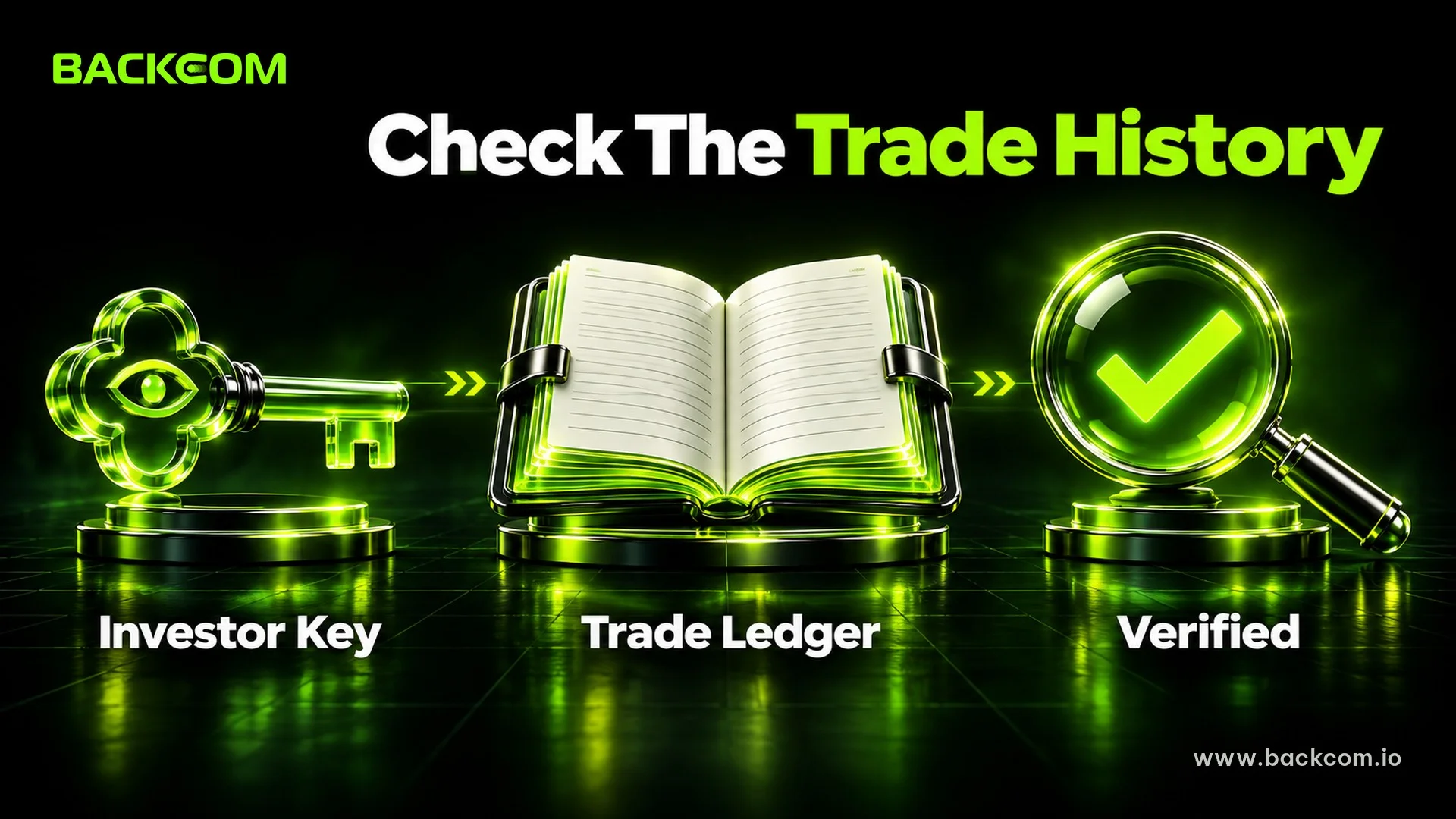
An EA track record is the series of real trades a robot has run on a funded account, and it is stronger evidence than any backtest. The question is how to see it without handing control to the seller.
MT5 answers with two passwords. Logging in with the investor password lets you see account status, analyze prices and work with your own Expert Advisors, but not trade. Logging in with the master password gives full rights over the account. The rule follows directly: a seller who wants to prove a track record shares the investor password, and a buyer never needs anyone's master password.
Read directly: MetaTrader 5 guide to connecting to an account.
Once you can view the account, read the trade history through four points:
- Real length: a history of a few weeks says nothing about news seasons or sideways markets.
- Largest losing trade: compare it with the average winner, and look for losses held unusually long.
- How losses are handled: whether there is a clear stop loss or the robot keeps adding trades in the same direction while losing.
- Deposits and withdrawals: a good curve can be lifted by deposits made along the way.
If you already gave a seller your master password, change it now. MT5 states that a forced master password change automatically invalidates the investor, money and trader passwords. A request such as "send me your master password so I can install the EA" is an immediate red flag, because installing a robot never requires anyone else to know your trading password.
4. What Do Broker And Seller Licenses Actually Tell You?
A license in the EA context has two separate layers: the license of the broker where the robot runs, and the legal identity of the person selling it. The two are often mixed up, and many sales pages exploit that.
A broker license can be checked with the regulator. Follow the five steps in how to check a forex broker license before depositing. It tells you whether the broker operates legitimately, not whether the robot running there makes money.
Backcom.io sees no basis for treating a broker license as proof of an EA's performance. The Market rules point the same way. Rule I.9 states that the Market administration does not guarantee the profitability of Expert Advisors. Rule V.8 says that passing the automatic test does not mean the results in the description will be achieved in future. Rule IV.3 bans images of awards, certificates or testimonials about trading achievements from brokers or other third parties.
A line like "endorsed by broker X" is therefore just borrowing one party's license to sell another party's promise.
For the seller's identity, check three things:
- A legal name and a fixed contact address, not only social media accounts.
- Written terms of use that set out the rights and duties of both sides.
- A support channel that is separate from the sales channel.
Buying on the Market has its own protection: rule VII.6 says that in cases of fraud or a misleading product description, the seller's account is blocked and the sales proceeds are returned to buyers. Outside the Market there is no such mechanism unless both sides wrote it into a contract. The risks that come from the broker side are covered in signs of a forex broker scam.
5. Is An Expensive EA License Worth Trusting?
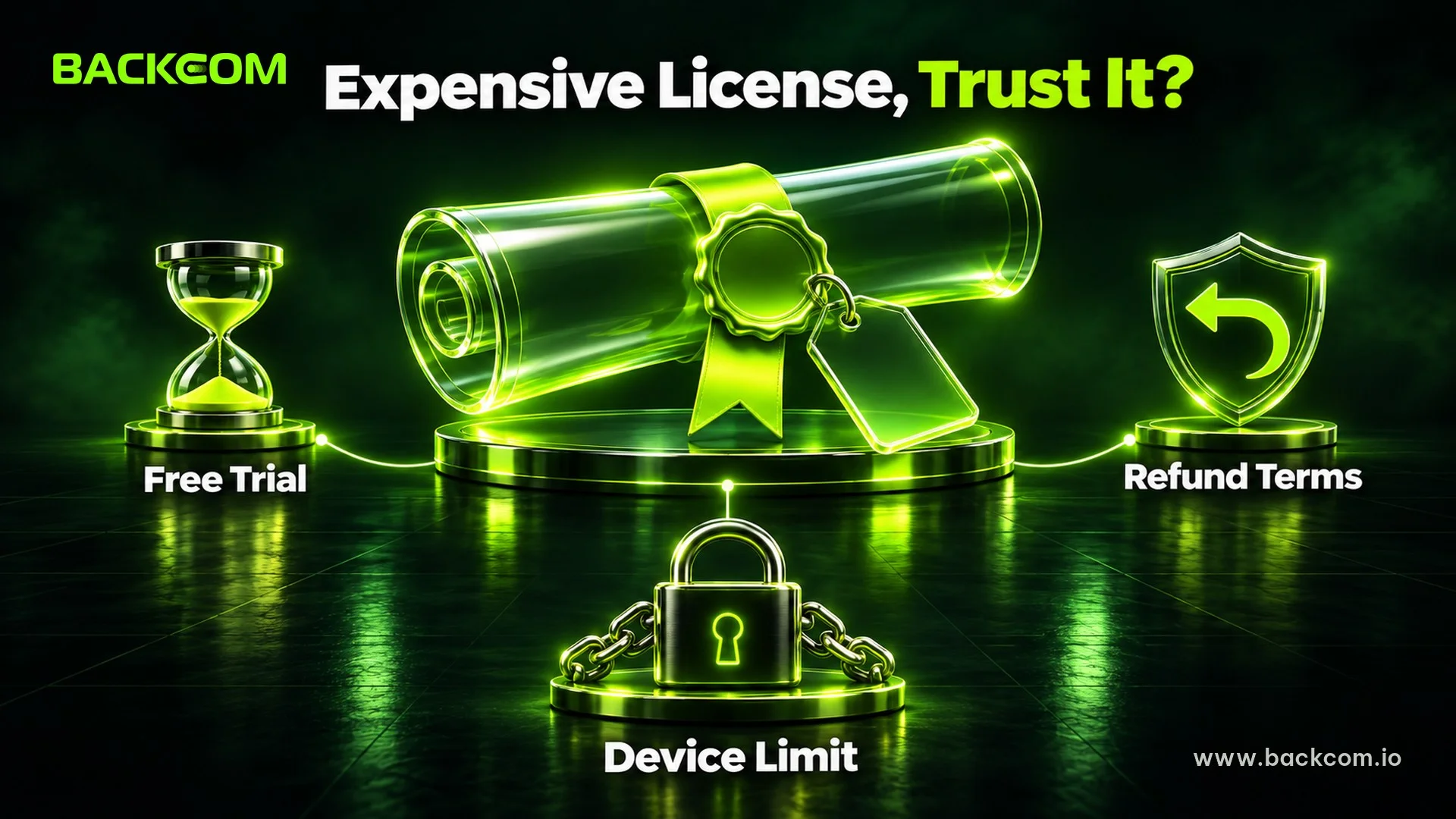
An EA license is the right to run a robot on a set number of accounts or machines for a period of time, and its price has never been evidence of quality. An expensive license only shows that the seller set a high price.
The MQL5 Market rules offer a useful frame. Rule IV.13 sets a minimum price of $30 for paid products. Rule IV.18 says the number of free activations on different machines is set by the seller, at least 5 (including the activation used at purchase) and at most 20 per buyer. Rule IV.14 says products bought on the Market cannot be returned.
| Check | MQL5 Market rule | What you need when buying outside the Market |
|---|---|---|
| Trial version | Every product has a demo, which runs only in the Strategy Tester (V.6.1) | A trial or tester access confirmed in writing |
| Activations | At least 5 including the purchase activation, at most 20, set by the seller (IV.18) | Number of accounts and machines in writing, and whether a VPS change counts |
| Refunds | No returns after purchase (IV.14), except fraud or a misleading description (VII.6) | Refund terms written before you pay |
| Price | Minimum $30 for paid products (IV.13) | The reason for the price, compared with similar products |
Reference: MQL5 Market rules as at 25 November 2026. Rules can change, so check again before buying.
Read directly: official MQL5 Market rules.
The right-hand column is the one many traders skip. Outside the Market, no activation or refund system sits in between, so everything depends on the written terms both sides agreed to.
Red flags on license and pricing:
- A "lifetime" or "today only" price with no written terms.
- Messages such as "only a few spots left" to force a same-day decision.
- Requests for a personal bank transfer, with no invoice and no confirmation email.
6. Which Promises Are Forex EA Scam Red Flags?
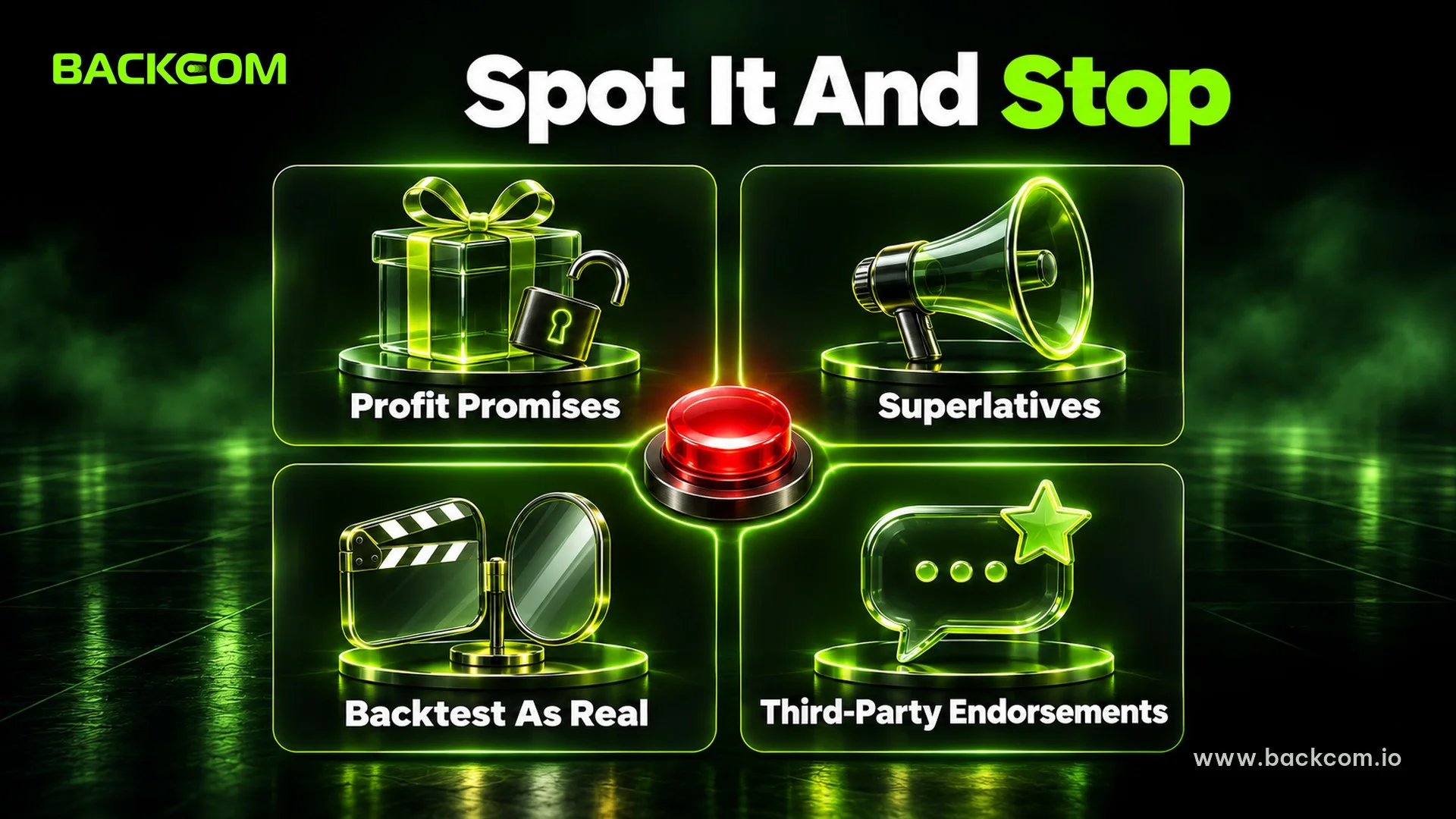
To check a seller's promises, which are the clearest of the forex EA scam red flags, copy the name, images and description of the EA word for word and compare them with each bullet of rule IV.3 of the MQL5 Market rules. MQL5 Market itself treats these claims as violations.
Four comparison steps based on rule IV.3:
- Does the name, logo, screenshot or description guarantee, promise or hint at profit.
- Does it use superlatives about features, such as "the best" or "never loses".
- Is a backtest image presented as a real trading result.
- Does it show awards, certificates or testimonials about trading achievements from a broker or other third party.
One violated bullet is enough to stop. One more situation the pillar article does not cover: the seller asks for your master password, or for money to be sent to an account they run. Refuse, and accept only the investor password. A list of common red flags is in what a forex expert advisor is.
All six checks fit into one quick scoring table to use before paying:
| Check | How to do it | Red flag |
|---|---|---|
| 1. Backtest | Ask for tick mode, period, forward test | One image, called profit |
| 2. Demo | Run the tester yourself with real ticks | No demo version |
| 3. Track record | View with the investor password | Asks for the master password |
| 4. Licensing | Check the broker, check the seller's identity | Broker license used to vouch for the EA |
| 5. License terms | Read the terms on machines and refunds | No document, pressure to buy now |
| 6. Promises | Compare with the rule IV.3 list | A claim that breaks one IV.3 bullet |
A robot that passes all six checks may still not be profitable. The list only helps traders filter out offers that are clearly wrong.
Frequently Asked Questions (FAQ) About Forex Robot Scams
Does A Great Backtest Mean An EA Is A Scam?
No. A strong backtest is not enough to call an EA a scam, and not enough to call it good either. What matters is how the seller presents it: stating the tick mode, the period and a forward test, and not calling it a real result, is a normal test. A single image with a profit promise is a reason to stop.
How To Spot A Fake Expert Advisor Before Paying?
Run the six checks in order and stop at the first failure. The fastest signals are a backtest sold as profit, no demo version, a request for the master password and a promise of guaranteed returns. Any one of them is enough to walk away.
Can You Get A Refund On An EA Bought From MQL5 Market?
Under rule IV.14, products bought on the Market cannot be returned. The exception is rule VII.6: for fraud or a misleading description, the seller's account is blocked and the sales proceeds are returned to buyers. Test the demo thoroughly before buying instead of counting on a refund.
Can A Market EA Demo Run On A Live Chart?
No. Rule V.6.1 states that a demo of an Expert Advisor cannot run on an online chart and can only be tested in the Strategy Tester. To watch a robot on a demo account, you need a separate trial from the seller.
Conclusion
A forex robot scam rarely looks like a scam at first glance, because a good equity curve and a convincing pitch are both easy to build. Traders need to look at three things together: how the robot is checked with official tools, the rules of the place it is sold, and how willing the seller is to be verified.
The six steps give a clear order: ask about the backtest, run the demo on real ticks, view the history with the investor password, check the licensing, read the license terms and stop at any profit promise. A robot that fails one of the six is not ready for your capital.
Once you have finished testing, go back to what a forex expert advisor is and how robots work to pick the right type of robot, then compare technical conditions in forex brokers for EA trading.
Disclaimer: This content is compiled by Backcom.io for information only and is not investment advice, a trading recommendation or legal advice. MetaTrader 5 and MQL5 Market rules can change over time. Trading forex and using trading robots carry a risk of losing capital, so check official sources and take responsibility for your own decisions.
Was this article helpful?
Join The Backcom.io Community
Get the latest on trading rebates, trading tips, and broker deals — and connect with thousands of traders worldwide.

Backcom App
Track Your Rebates Every Day
Every rebate is visible by broker and by day. Manage your wallet and withdrawals in one place.
Open Backcom App