Forex Account Unauthorized Login Or Suspected Hack: 7 Things To Do Now Through Official Channels

You open your email at midnight and find a forex account unauthorized login alert: a device and a country you have never used. Most traders freeze at that point. What helps is a clear order of actions, because every hour of delay gives a stranger another chance to withdraw funds or change your details.
Whether you suspect a forex account hacked or have only seen one odd signal, every step below can be done right away through your broker's official channels, with no unusual tools.
In this article, Backcom.io sets out the signs that should count as an alarm, 7 things to do in priority order, how to change your MT5 password after a breach, and how to contact broker support without falling for an impersonator.
1. What Are The Signs Of A Broker Account Suspicious Login Alert?
A forex account unauthorized login means someone other than you has accessed your broker's client area or your MT4/MT5 trading account without your knowledge. That person may only look at your balance, but could also change contact details, place trades or submit a withdrawal request.
According to the official MetaTrader 5 documentation, a trading account has several passwords with different rights: Master gives full access, Investor is read-only, Money covers cash operations only, and Trader covers trading operations only. Knowing which one may have leaked tells you what a stranger could do.
Common signs include:
- A suspicious login alert from the broker, sent to your registration email.
- Your usual password suddenly fails, or a password-reset email arrives that you never requested.
- Trades opened, closed or modified that you did not place, even small test trades.
- A new withdrawal request, withdrawal address or bank account in your history.
- Recovery email or phone number changed, or two-factor authentication switched off.
- A call or message from "support" asking for a verification code right after the alert.
Not every alert means a break-in, since a new phone or network can trigger one. If you are unsure, treat it as a breach: one unnecessary password change costs a few minutes.
2. What Should You Do First About Your Client Area Password And Active Sessions?
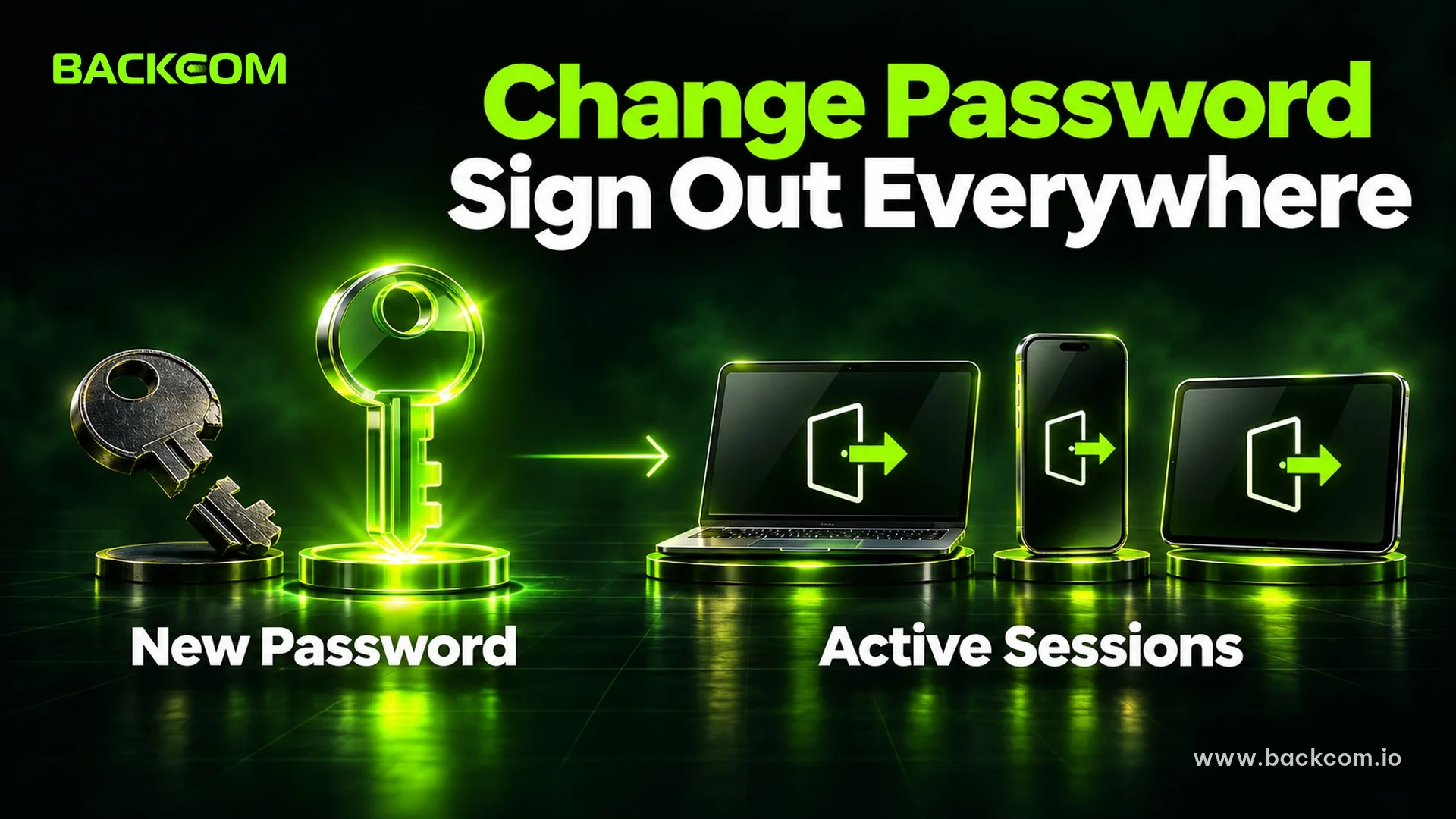
The first step is to change your client area password and sign out of every device. The FTC, the US consumer protection agency, lists these two steps in its guide to recovering a hacked account: change the password to one that is hard to guess, and sign out of all devices so anyone logged in elsewhere is kicked out. The FTC also says to run a scan before recovering the account, so if you suspect the device you use is infected, do section 8 first.
Work through it in this order:
- Open the broker's site or app yourself from a saved bookmark, never from a link in the alert email. Fake login alerts are a common trick.
- Set a completely new password. The FTC suggests at least 15 characters for passwords you create, and recommends a password manager.
- Find the device or session management section in the security settings and sign out of everything. The name of this section differs between brokers.
The UK's National Cyber Security Centre (NCSC) adds a point that is often missed: change the password on every account that shares it, because one leak exposes the whole chain.
If your password has already been changed, use the forgot-password function from the official site, then go to section 7. If no code arrives, see what to do when the verification code is not received.
3. Change MT5 Password After Breach: What Do You Need To Know?
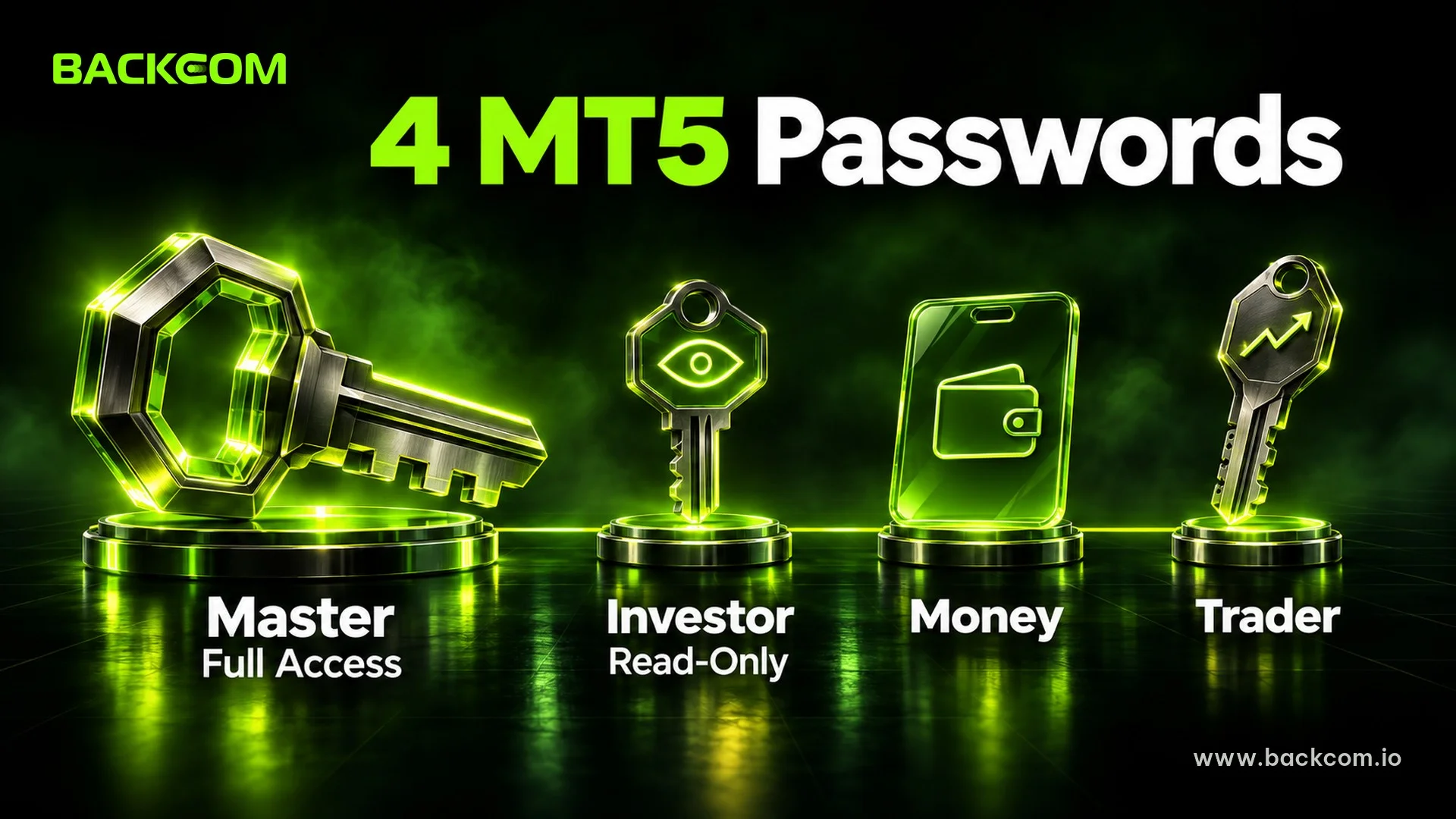
To change your MT5 password after a breach is a step many traders skip because they assume changing the client area password is enough. In fact the MT4/MT5 password is a separate layer. Someone who knows it can still open the account on the platform and place trades, even if the client area is locked.
MetaQuotes documentation points out the essentials:
- To change any password you must enter the current master password.
- The new password must differ from the current one and contain lowercase and uppercase letters, a number and a special character.
- When a master password change is forced, the old investor, money and trader passwords are invalidated.
The documentation only says the other passwords are invalidated when the broker forces a master change, not when you change it yourself. Someone who already holds the master password may have set a trader or money password of their own. So change the master password, then reset the investor, money and trader passwords in the same dialog. An investor password you gave to a signal group, copy service or statistics app is no longer safe either.
Many brokers let you change the trading password inside the client area, as in this guide to changing the Vantage trading password. Afterwards, log in to MT5 again and update any EA or VPS still using the old password.
Direct reference: MetaQuotes MT5 login and password help.
4. Do You Need To Check The Email You Registered With The Broker?
Yes, and right after changing the broker password. Your registration email is the key that resets every other password. If a stranger still has the mailbox, they can click forgot password and intercept the reset mail.
The FTC and NCSC both point to the same places to check when an email account has been taken over:
- Forwarding rules and filters: NCSC notes that setting up a forwarding rule is a common tactic of cyber criminals. Delete any rule you did not create.
- Recovery email addresses and phone numbers: the FTC advises making sure they are ones you entered and still have access to.
- Sent mail and logged-in sessions of the mailbox itself, then sign out everywhere.
Then change the email password and add two-factor authentication. If the mailbox was compromised, broker notices from that period may have been read or deleted, so "I saw no email" is not proof that the account is safe.
5. Which Two-Factor Authentication Method Should You Turn On?
Two-factor authentication (2FA) makes it harder for someone who only has your password. NCSC explains that with two-step verification, a criminal who knows your password still cannot get into your accounts. The FTC advises turning it on wherever it is offered, starting with the most sensitive accounts such as bank and email.
Methods differ in strength. Codes sent by SMS or email are, in the FTC's words, "better than nothing", an authenticator app is safer because the code is generated on your phone, and a hardware security key is the strongest because it does not use credentials hackers can steal.
Turn 2FA on for both your email and your broker account, since each protects the other, and store backup codes apart from the phone you use. Never read a 2FA code to anyone by phone or message, even someone claiming to be broker staff.
6. How Do You Review Trades, Withdrawals And Saved Withdrawal Addresses?
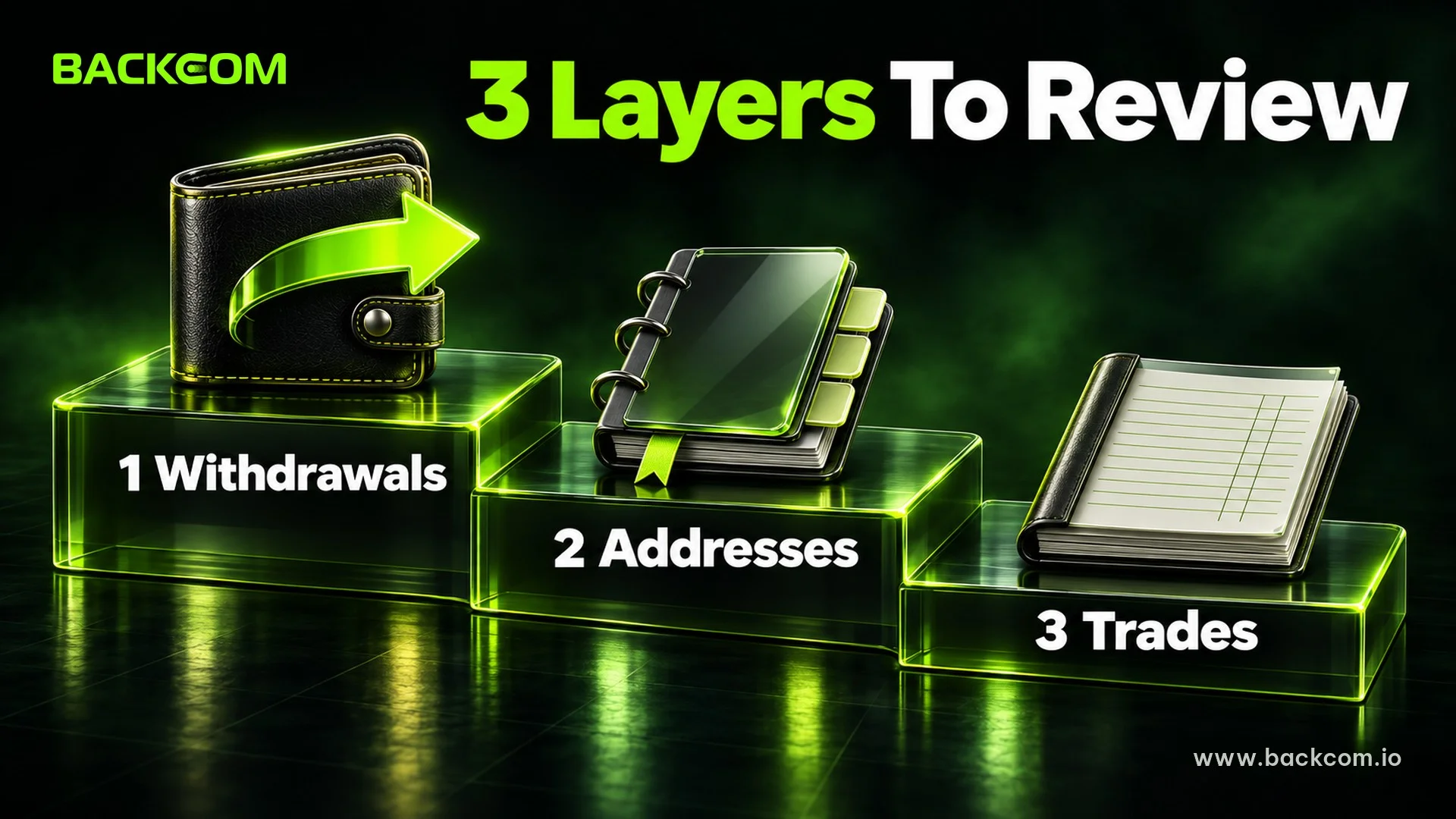
With the doors locked, you need to see what the stranger did. Read it in three layers, from largest damage to smallest:
- Withdrawals and internal transfers: check cash history in the client area for requests you did not make. A pending request should be reported to the broker at once so they can be asked to stop it.
- Saved withdrawal addresses, wallets and bank accounts: if a new entry was added, remove it and tell the broker.
- Trades: in MT5, executed orders and deals appear on the History tab of the Toolbox window. Filter by date range to see which trades were placed while you were away from the screen.
Also note the time, amount, order ID and transaction ID, and take screenshots before anything changes. Do not delete history or close positions in a hurry before you know who placed what.
If you run an EA or copy trading, check what that EA itself did before concluding an outsider traded. Our guide to what a forex expert advisor is covers the risks. Direct reference: MetaQuotes help on executing trades and the History tab.
7. Report Compromised Trading Account To Broker: Which Channel Is Safe?
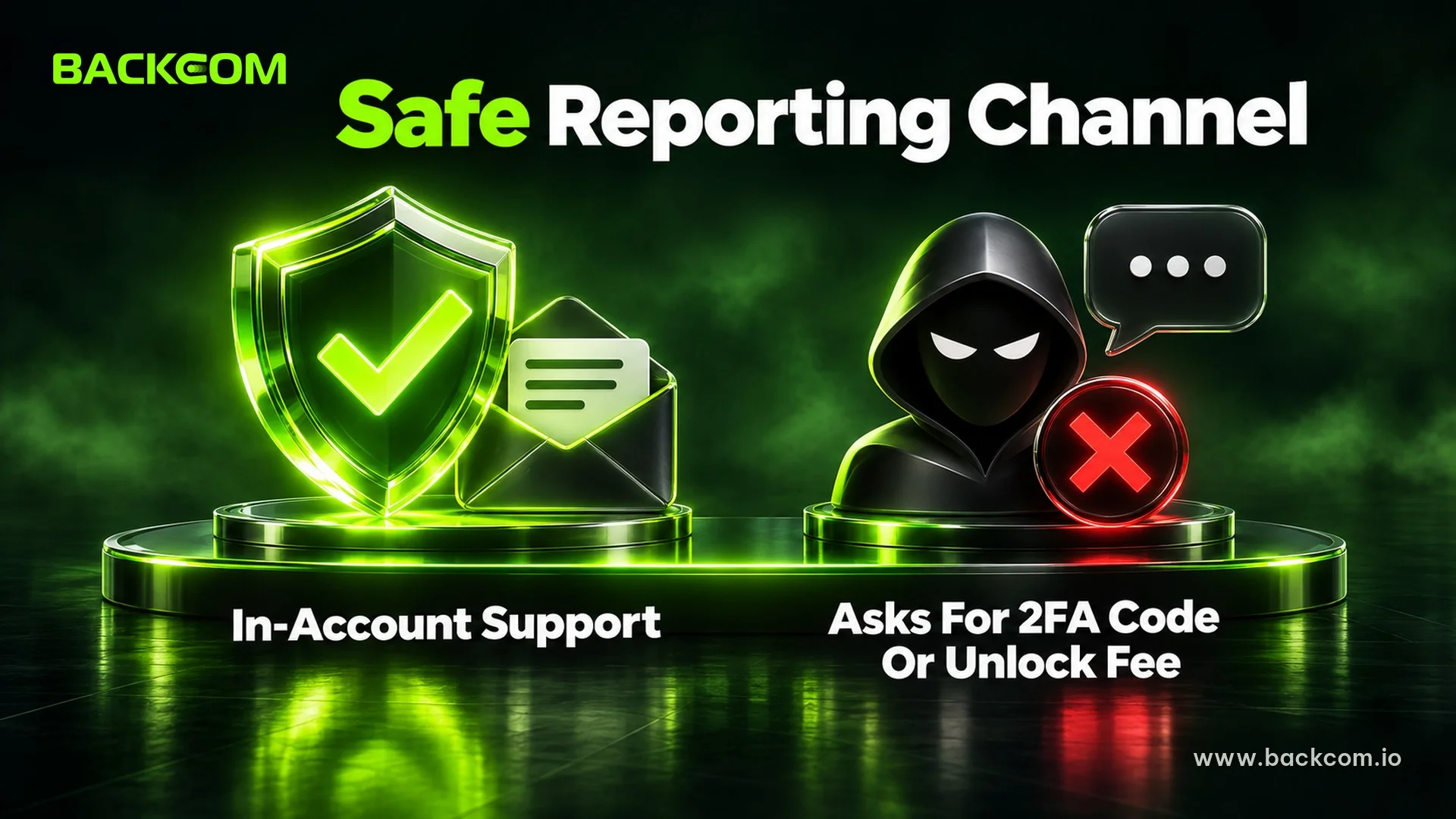
To report a compromised trading account to your broker, use the channel inside your logged-in account or the official site you saved earlier. You are anxious and looking for help, so Telegram groups, comment sections and private messages from "support admins" are where impersonators appear faster than real staff.
Have ready your account number and registration email, the time of the alert, the transactions or requests you suspect, and what you have already changed. Never send a password or verification code.
A few rules to avoid a second trap:
- A genuine broker does not need your password or 2FA code to handle an incident. Anyone asking for them is an impersonator.
- Do not pay "unlock", "verification" or "account insurance" fees to anyone claiming to be support.
- Do not click links sent by strangers in chat, even if the page looks like your broker. Our guide to signs of a forex broker scam lists general red flags.
- Keep the conversation in a channel that stores history, such as a support ticket or email from an address you have verified.
If you cannot log in, forex broker app login problems and MT5 fixes helps tell an access problem from a real intrusion. When a broker is blocked, fake links multiply, so see also how to access broker sites when they are blocked.
8. When Must You Scan Your Devices, EAs And VPS Before Changing Passwords?
Scan first if you suspect the machine you use is infected. Changing a password on an infected machine just hands the new password to the attacker. That is why the FTC advises you to update your security software and run a scan before recovering the account.
Check these in turn:
- The computer and phone you log in from: scan, update, and remove apps or browser extensions you do not remember installing.
- The VPS running your EA: change the VPS password and check open Remote Desktop sessions.
- EAs, indicators and copy tools from unknown sources: remove anything of unclear origin, since it may read account information.
If a device itself was infected, change the passwords again from a clean device once it is fixed.
9. Forex Account Hacked: In What Order Do The 7 Things Go, And Who Do You Tell If Money Is Lost?
In short, the 7 things by urgency are:
| Order | What To Do | Purpose |
|---|---|---|
| 1 | Change the client area password, sign out of all devices | Remove the stranger's session |
| 2 | Change the MT5 master password, reset investor, money and trader passwords | Stop trading from the platform |
| 3 | Check the registration email: forwarding, recovery, sessions | Protect the reset key |
| 4 | Turn on or tighten two-factor authentication | Cover you if a password leaks |
| 5 | Review withdrawals, addresses and trades | Measure damage, keep evidence |
| 6 | Report to broker support through an official channel | Ask to stop withdrawals |
| 7 | Scan devices, VPS, EAs and third-party services | Close the leak |
Guidance from the FTC, NCSC and MetaQuotes referenced as at 23 November 2026. If you suspect your device is infected, do step 7 first. Broker procedures and agency guidance can change, so check again before relying on them.
The order is not rigid: if a withdrawal is pending, contact the broker (6) at the same time as step 1. If money is already gone, NCSC advises telling your bank and reporting it as a fraud offence. Report to the authorities where you live, and keep screenshots, transaction IDs and your whole exchange with the broker as a record.
10. Forex Account Hacked What To Do Next Time To Reduce The Risk?
A few settings cut the risk noticeably: a unique password for each service, 2FA through an authenticator app, entering the broker through a saved bookmark, and never sharing the master password. If you are opening a new account, see the guide to logging in to Exness MT4/MT5 and the trading conditions and rebate currently shown on the Exness broker page. Backcom.io is an independent introducing broker (IB/affiliate) of Exness; rebates are paid from the commission the broker pays Backcom.io, see the risk disclaimer.
I Got A Suspicious Login Email But Lost No Money. Should I Still Change The Password?
Yes. No loss does not mean the stranger has not been in, since they may be browsing your information or preparing to withdraw. Change your client area and MT5 passwords, sign out of sessions and turn on 2FA now, instead of waiting for damage.
If My Investor Password Leaks, Can Someone Place Trades?
No. According to MetaQuotes, logging in with the investor password lets you view the account and analyse prices, but not trade. A stranger can still see your positions, balance and strategy, so if you ever shared it with a third party, change it.
Someone Claiming To Be Broker Support Messaged Me For A Verification Code. What Now?
Do not give the code and do not click their link. A genuine broker needs neither your 2FA code nor your password to handle an incident. Open the support channel inside your already logged-in account to ask, and keep the impersonator's messages as evidence.
Conclusion: Doing Things In The Right Order Matters More Than Doing One Thing Fast
After a forex account unauthorized login, three layers must be locked together: the client area, the MT5 platform and the email inbox. If you change only one, the attacker can return through the other two.
Traders should keep three questions in view: how the stranger got in, what they did, and whether your own device is still clean. If you are choosing a broker again after an incident, read the 7 criteria for a reputable forex broker.
Disclaimer: This content is compiled by Backcom.io for information and reference only. It is not investment advice, a trading recommendation, or legal or cyber-security advice. Forex and CFD trading carries a high level of risk and you can lose all your capital. Guidance from the FTC, NCSC and MetaQuotes is cited as at 23 November 2026 and may change; check the original sources and your broker's own procedures before acting.
Was this article helpful?
Join The Backcom.io Community
Get the latest on trading rebates, trading tips, and broker deals — and connect with thousands of traders worldwide.

Backcom App
Track Your Rebates Every Day
Every rebate is visible by broker and by day. Manage your wallet and withdrawals in one place.
Open Backcom App